Environment
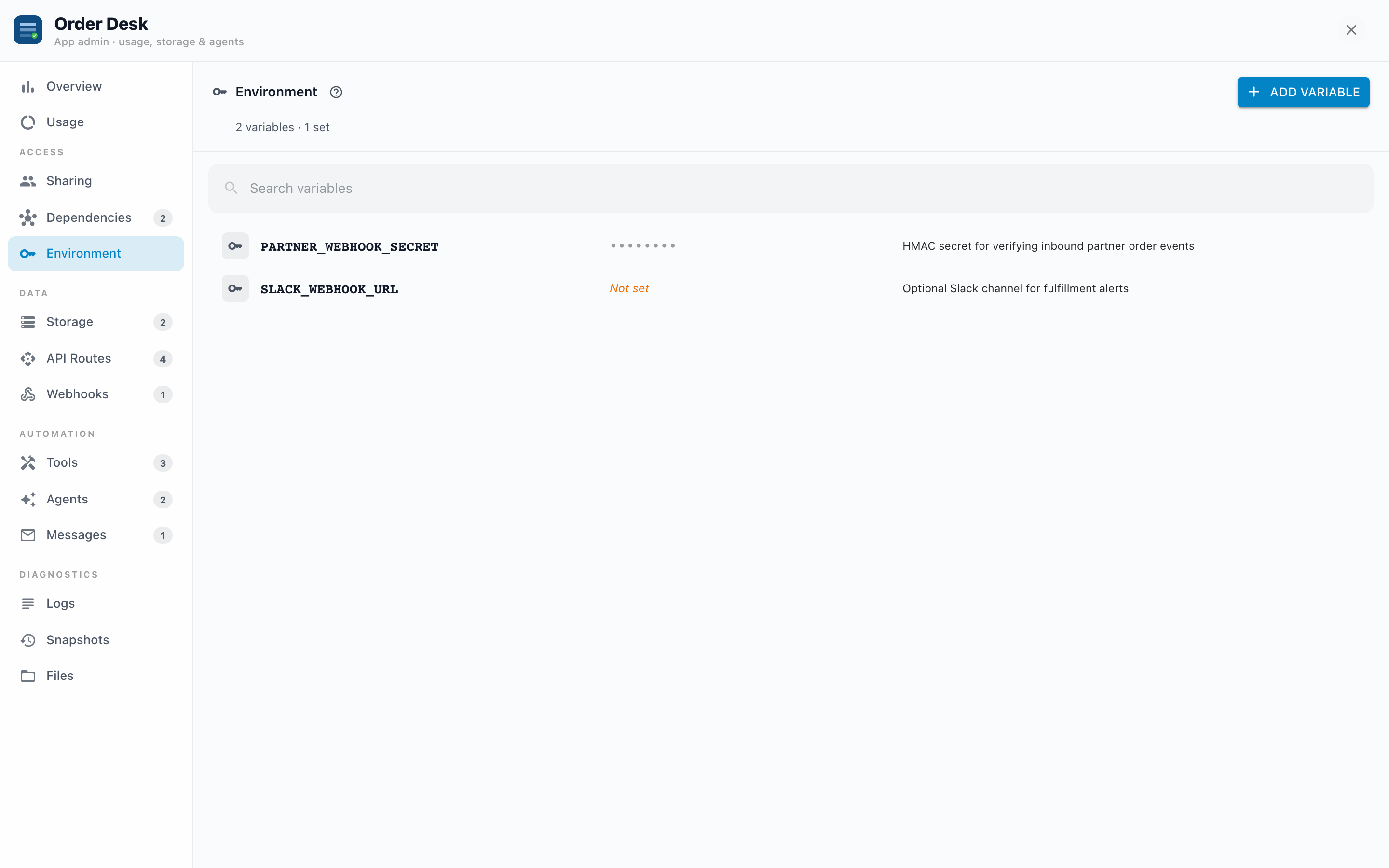
Environment variables are an App's named secrets and settings: API keys, tokens, base URLs, webhook signing secrets. The App's server routes, webhooks, and agent tools read them at runtime; you set their values here, per tenant.
Why it exists
Hard-coding an API key into an App's files would expose it to anyone who can view the App's code and would ship it to every server the App is installed on. Environment variables solve both: the value lives encrypted on this server, outside the App's files, and each tenant fills in their own. The same App can hit a sandbox API on staging and the real one in production, purely by what's set here.
How values are handled
This tab treats values like passwords, not settings:
- Write-only. After you save a value, it is never shown again, not in this panel and not through the API. The row shows masked dots and "Value is set".
- Encrypted at rest.
- To change one, enter a new value. To rotate a credential, just save the new one; there's no separate rotate step.
- Editing leaves the value blank by default: "Leave blank to keep current value."
Declared keys vs added keys
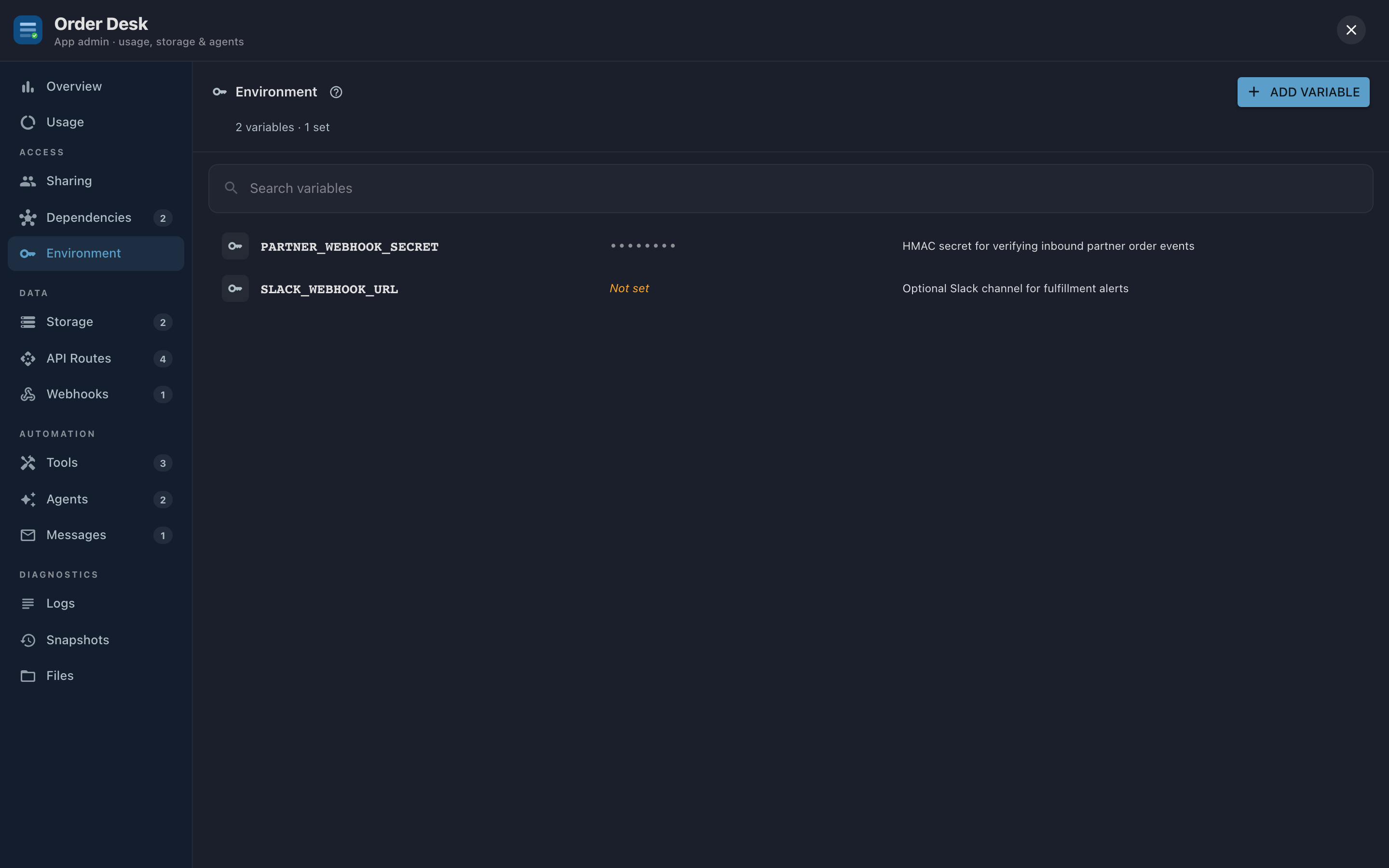
Apps can declare the keys they expect (names only, no values) as part of their design. On install, those keys appear here as Not set, in warning color, which doubles as your setup checklist: an App that needs STRIPE_KEY and SLACK_WEBHOOK_URL shows both waiting for values. You can also add keys ad hoc with Add variable, with an optional description so future-you knows what PARTNER_BASE_URL was for.
Example: an App that posts daily summaries to Slack declares SLACK_WEBHOOK_URL. The builder installs the App, opens Environment, sees the key "Not set", pastes the webhook URL, and the agent's next run delivers.
Deleting a key
Deleting asks for confirmation and means it: "Handlers that read env.KEY will no longer receive a value. This can't be undone." The App doesn't crash; the parts that needed the value start failing, which usually surfaces in Logs as errors from the route or tool that read it.
Troubleshooting
- A feature calling an outside service stopped working. Check this tab first: is the key it reads still set? Then check Logs for auth errors (a 401 from the outside service means the value is wrong or expired, not missing).
- "Not set" after installing an App. Expected. Declared keys arrive empty on purpose; the publisher's values never travel with the App.
- You need to verify what a value is. You can't; that's the point. If there's doubt, rotate: save a fresh value from the source system.