Agents & Tools
Apps can work while no one's looking: agents are AI workers that react to events or run on a schedule, and tools are the concrete actions they're allowed to take (query this, email that, update the other). These two tabs are how you supervise that automation.
Agents
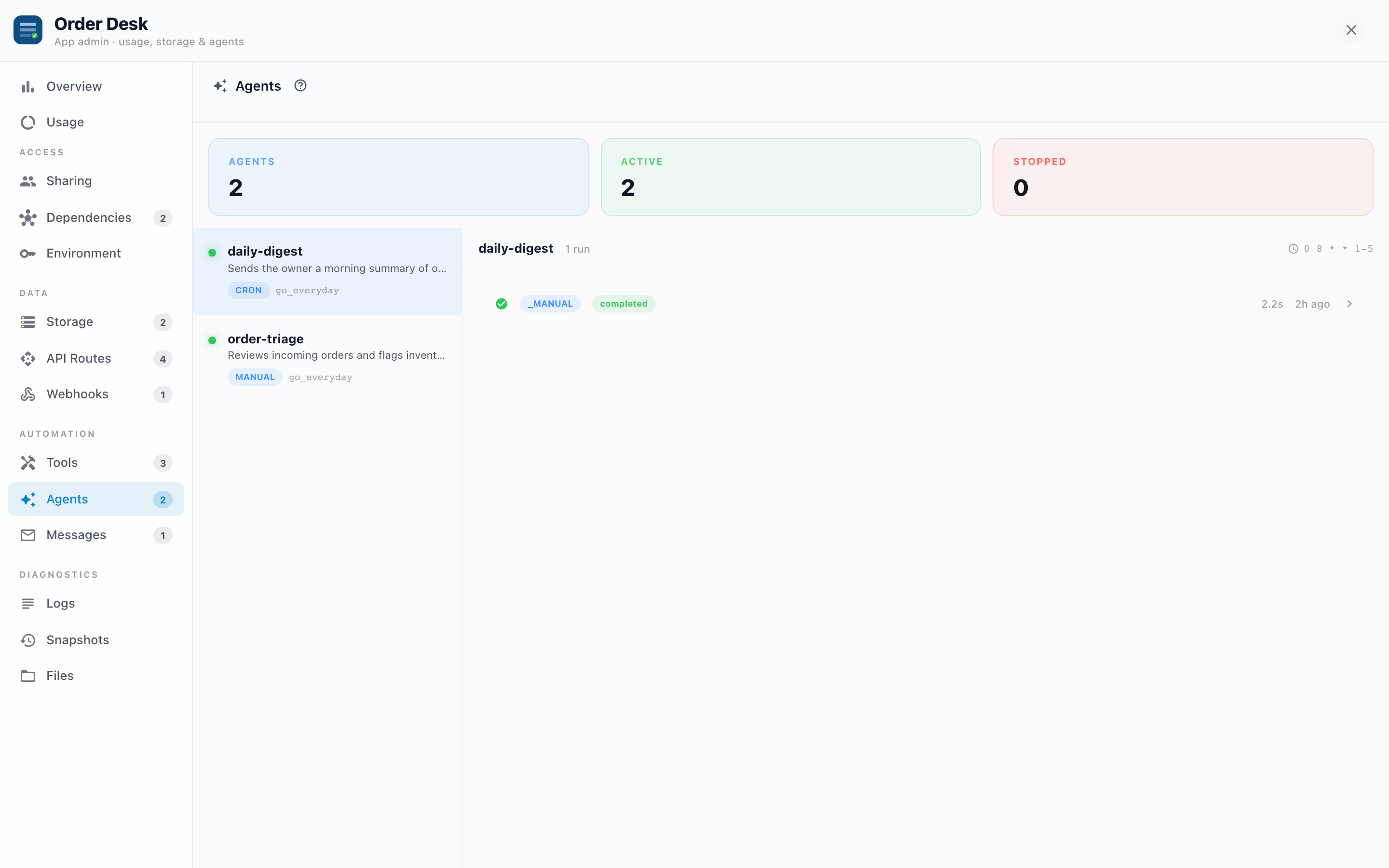
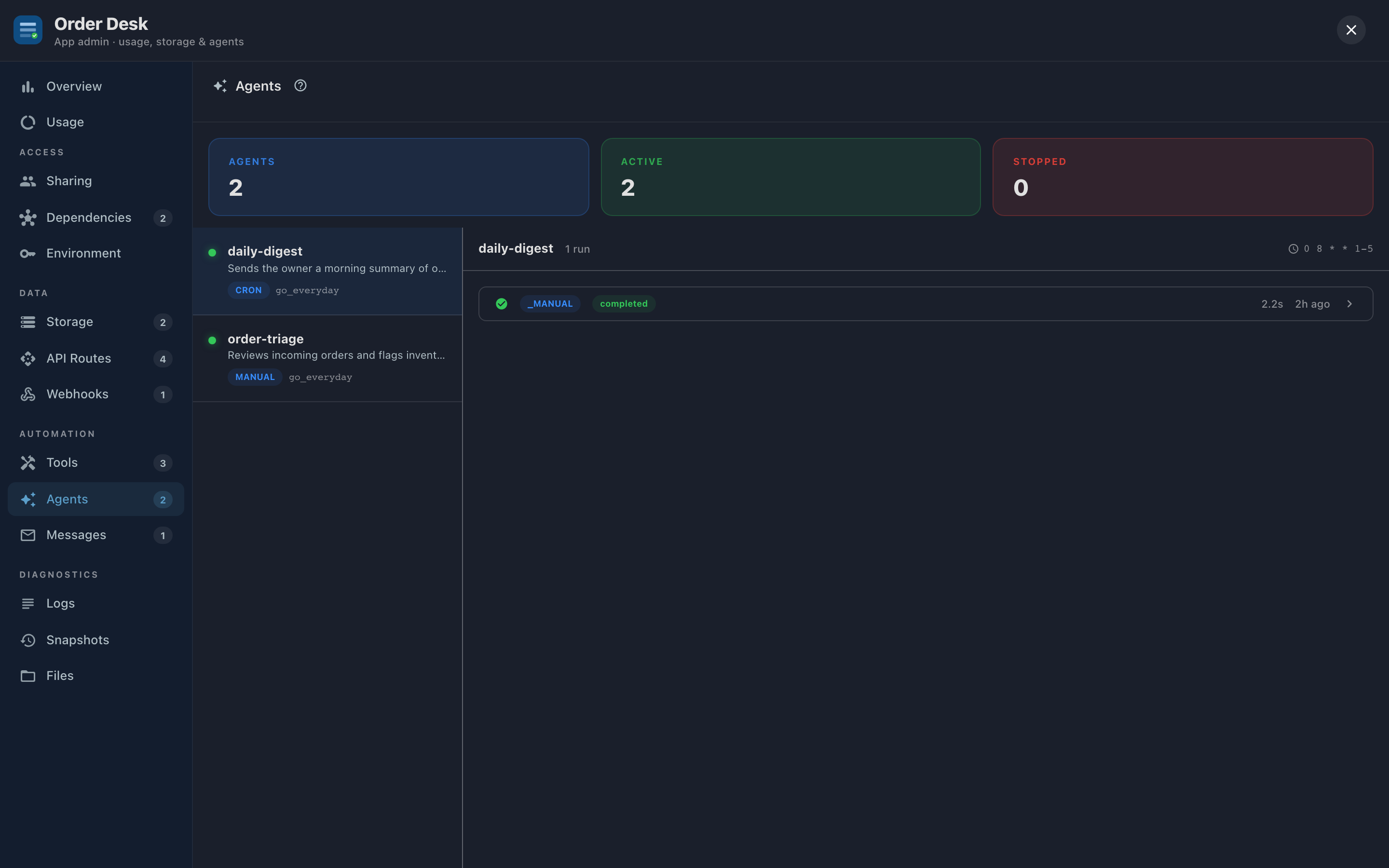
The tab opens with three counts: Agents, Active, and Stopped. Each agent lists its triggers:
- cron: runs on a schedule ("every weekday at 8am").
- webhook: runs when an outside service calls in.
- manual: runs when asked.
Select an agent to see its run history, and open any run for the run detail: every step the agent took, in order, with each tool call's status. This is the answer to "what did the automation actually do?", recorded, not inferred.
Why you'd use it:
- Verifying a new automation. After deploying a daily-digest agent, check its first few runs step by step. Did it query the right data? Send to the right person?
- Auditing. When someone asks "why did the system reorder 400 units?", the run detail shows the reasoning chain: which event triggered it, what the agent looked at, which tool call placed the order.
- Spotting silent death. An agent with a cron trigger and no runs since last Tuesday isn't "quiet", it's broken or stopped. The run list makes absence visible.
Tools
Tools are the agent's hands, and this tab is their flight recorder. Per tool: invocations (30d), average duration, and errors. Expand an invocation to see its exact input and output.
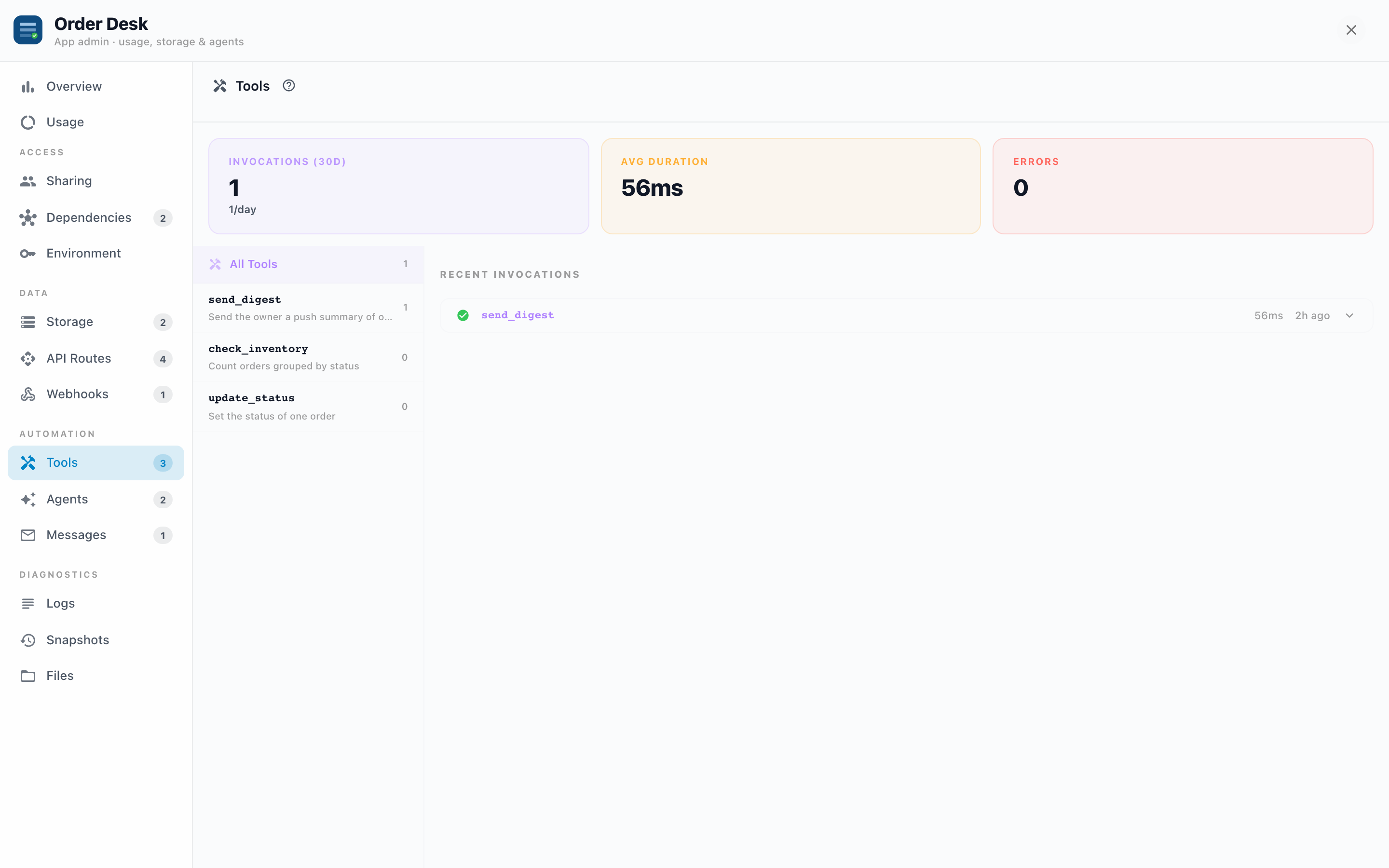
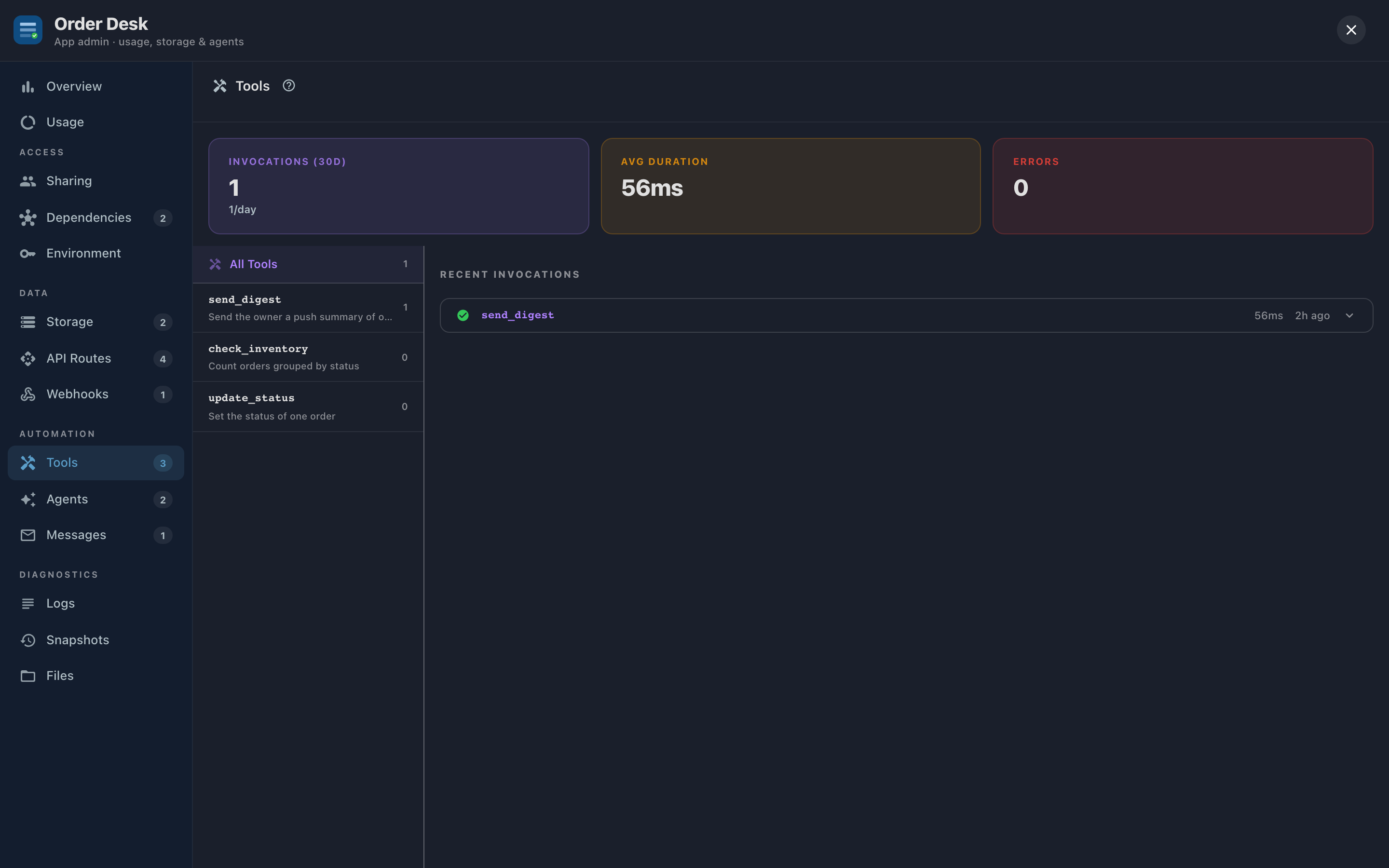
That input/output view is the debugging gold. When an agent misbehaves, the question is almost always "what did the tool receive, and what did it return?" A send_email invocation whose input shows an empty recipient explains the missing email better than any log line.
The empty state is a hint, not an error: "Add a tools/ directory to your app to define agent tools" appears for Apps that haven't defined any; that's developer territory, covered in the developer guides.
Troubleshooting
- An expected run never happened. Check the agent is Active, not Stopped, and check the trigger: cron agents need the schedule to have passed; webhook-triggered agents need the webhook to actually be receiving events.
- A run failed partway. The run detail shows the failing step; expand the corresponding tool invocation for its input/output. The error usually names its cause: a missing Environment value, an unbound dependency, or bad input from the triggering event.
- Tool errors are climbing on Overview. Sort this tab by errors; one tool usually owns the spike. Its recent invocations show whether the failures share an input pattern.
- An agent did something it shouldn't. The run detail is your evidence for the App's builder: which instruction, which step, which tool call. Stop the agent first if it's still running on a schedule.