Assistants
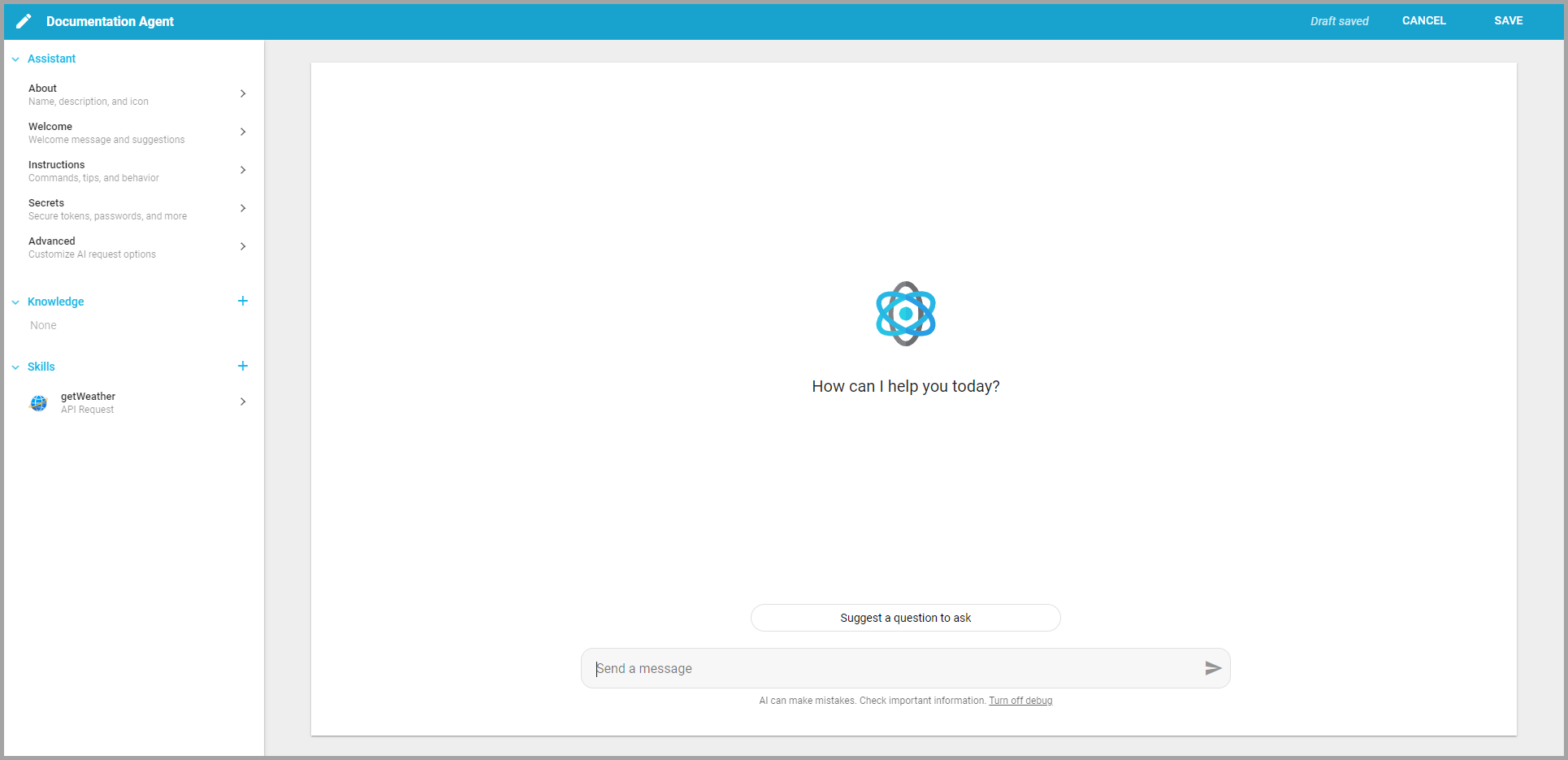
An AssistantA configured AI persona with its own instructions, knowledge, and tools. Chats can be powered by an Assistant tailored to a specific job, like answering HR questions or analyzing sales data. is a curated AI specialist with governed access to your organization's knowledge. Each one draws on the DatasetA saved, queryable collection of data pulled from one or more Datasources. Datasets are the foundation for reports, dashboards, and AI data analysis.s, LibrariesA managed collection of files (documents, spreadsheets, PDFs) that Informer indexes so Assistants and chats can use them as knowledge., and files you give it, follows the instructions you write, and can take actions through the Skills you attach.
Why Assistants matter
A general chatbot does not know your data or your rules. An Assistant does: you point it at the exact Datasets and documents it should use, tell it how to behave, and give it only the skills it needs. The result is a focused, repeatable expert, a "Student Assistant" that answers from a course catalog, a "Finance Manager" that reads the right Datasets, that anyone on the team can use without re-explaining the context each time. Because an Assistant inherits the same field- and row-level security as the person using it, it can never reveal data the user could not already see.
What makes up an Assistant
| Part | What it is |
|---|---|
| Instructions | Guidance on how the Assistant should behave: tone, what to say or avoid, and reusable commands. |
| Knowledge | The data it can draw on: Datasets, Libraries, and uploaded files. |
| Skills | Optional capabilities it can invoke, such as calling an API, building a chart, or running a Template. |
Assistants that work together
An Assistant can answer directly, or it can dispatch questions to other Assistants. With Assistant switching, you can also bring more than one Assistant into the same conversation, so a "PDF Printer" and a "Campus Rules Expert" can each contribute their specialty without you leaving the chat or losing context.
Assistants and Chat
This section covers building and configuring Assistants in the classic interface. For the conversational side, holding chats, choosing models, and managing chat history, see the Chat section, which documents the Informer GO experience.
In this section
| Chapter | In one line |
|---|---|
| Informer Assistants | What Assistants are, creating and editing, interacting, access, and tokens. |
| Customizing Assistants | The editor sections: About, Welcome, Instructions, Secrets, and Advanced. |
| Knowledge | Datasets, files, and connected Libraries as an Assistant's Knowledge. |
| Skills | API Request, Highcharts, Print Template, and Simple Function. |
| Help and Copilots | The in-app help AI and the context-specific Copilots. |
| Appendix | Data security, best practices, and the FAQ. |
Where do I look when...
| You want to... | Where |
|---|---|
| Build an Assistant | Creating and Editing Assistants |
| Shape its tone and behavior | Instructing Assistants |
| Give it access to your data | Knowledge |
| Let it call an external service or build a chart | Skills |
| Share it with others | Assistant Access |
| Route questions across several Assistants | a dispatch Assistant (see Creating and Editing) |
| Just chat with it | the Chat section |