Settings: AI & Billing
The Settings area is where an administrator manages your organization's AI and billing: how many credits you have and where they go, your subscription and license, which AI features and models are available, and who is allowed to use AI. It is one React surface with two front doors.
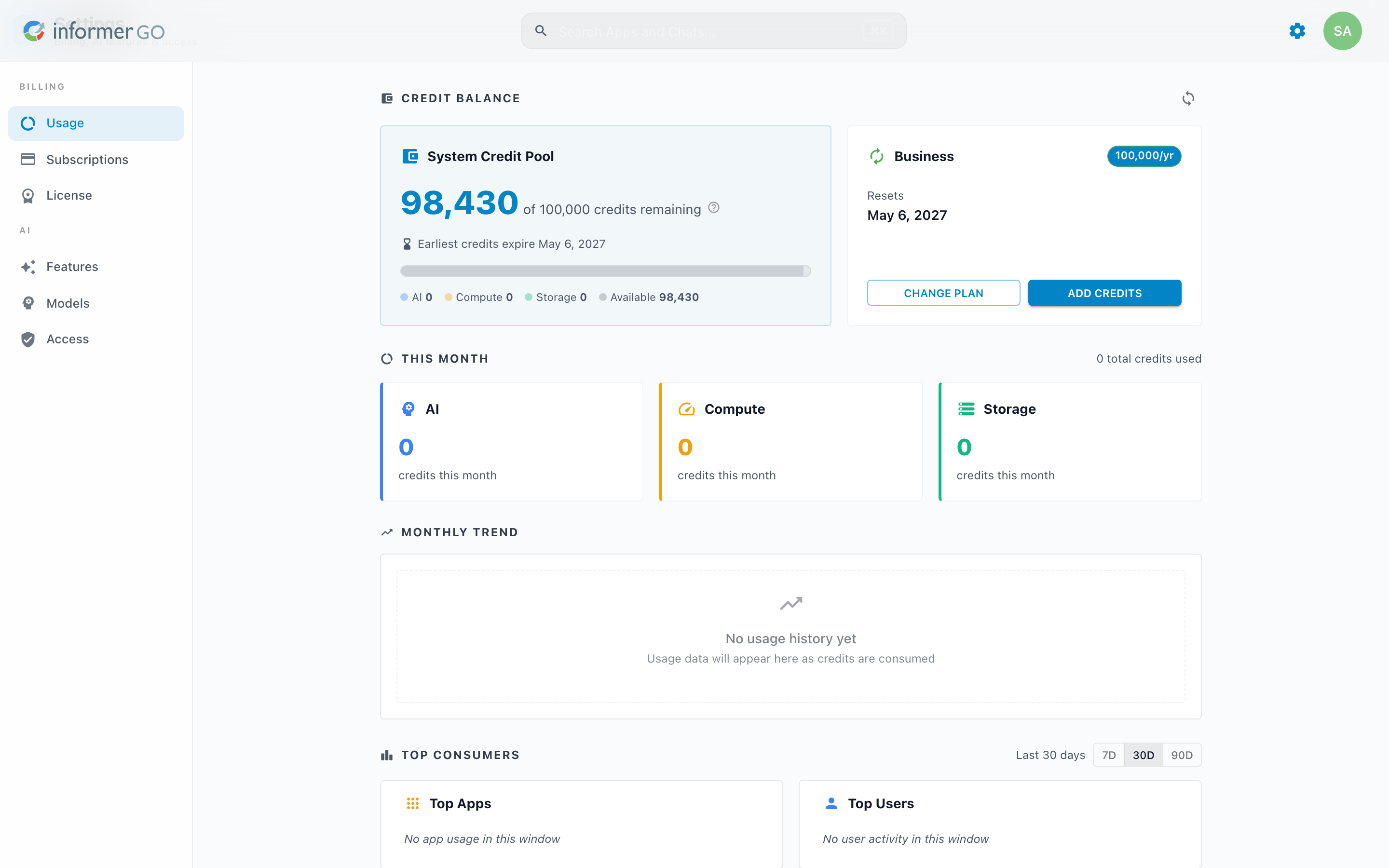
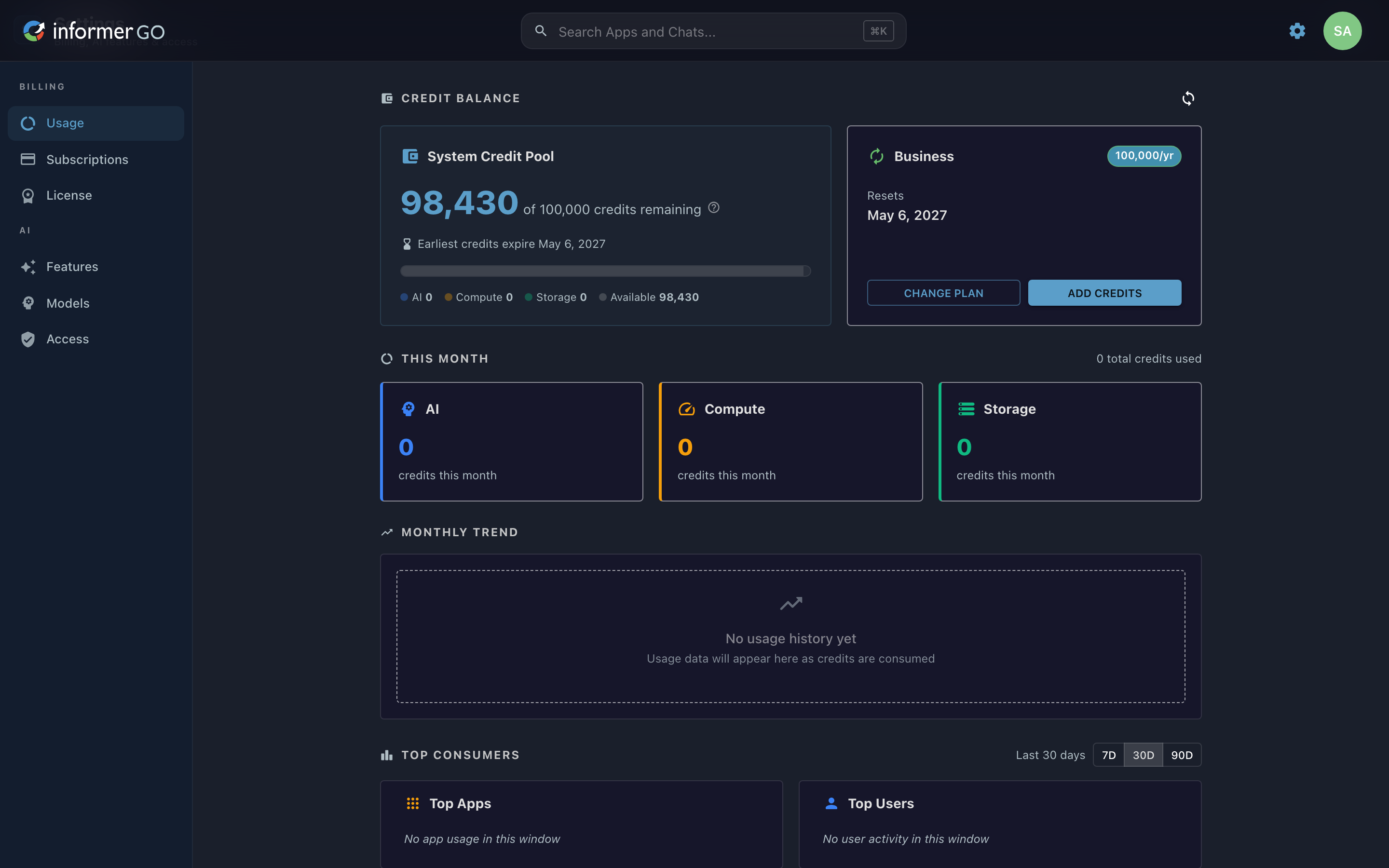
Getting here
The same screen is reached two ways, depending on which client you use:
- Informer GO (the new way): open Settings from the gear, the profile menu, or the side navigation.
- The classic web client: choose AI & Billing in the top navigation. That entry opens the very same Settings screen embedded in the classic app.
Either path lands on the same page, so the steps in this section apply to both.
In this section
| Article | What it covers |
|---|---|
| Usage | Your credit balance, what's been spent this month, and usage trends over time. |
| Subscriptions | Choosing and managing a credit subscription plan. |
| License | Viewing and updating your Informer license. |
| Features | Enabling AI and setting organization-wide AI instructions. |
| Models | The AI models available, and connecting your own provider keys. |
| Access | Granting or limiting AI access for Users and Teams. |
Where do I look when...
| You want to... | Where |
|---|---|
| See how many credits are left | Usage |
| Understand what used your credits | Usage |
| Buy or change a plan | Subscriptions |
| Update your Informer license | License |
| Turn AI on or off | Features |
| Use your own OpenAI/Anthropic key | Models |
| Stop a Team from using AI | Access |