Features
The Features page is the master switch for AI across your organization, and the place to write standing instructions that shape how each AI feature behaves.
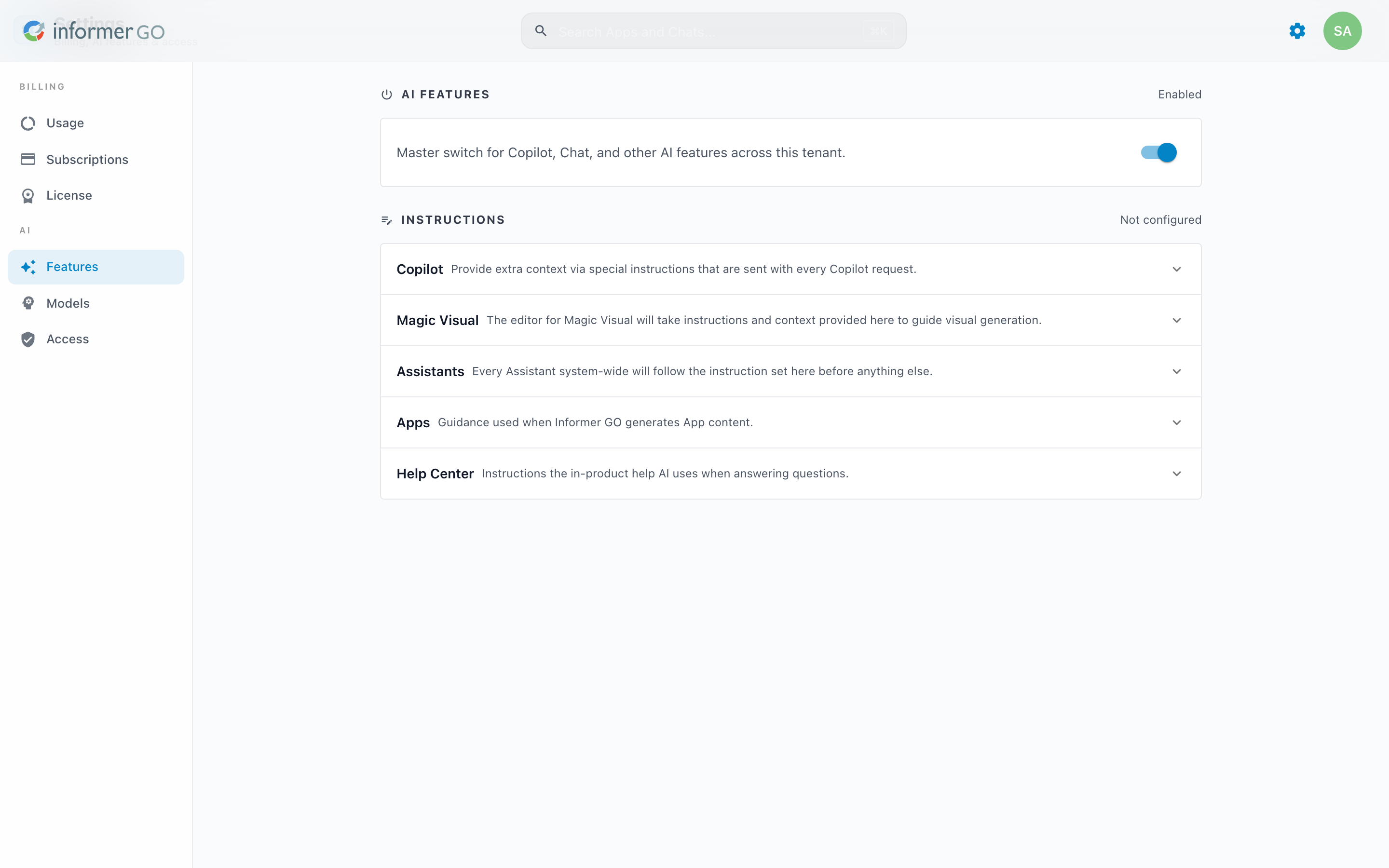
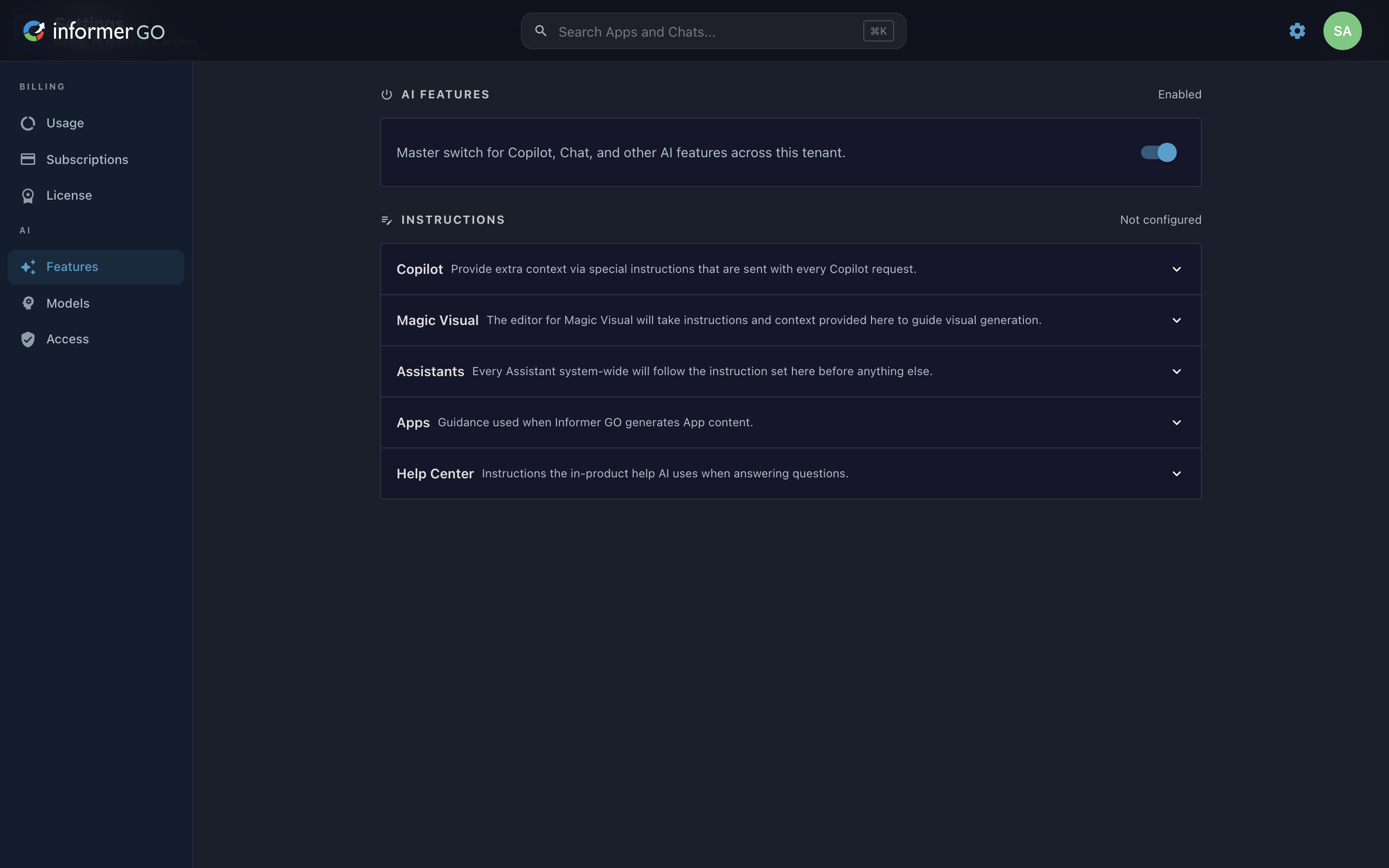
Reach this page from Settings in Informer GO, or from AI & Billing in the classic web client's top navigation.
Turning AI on or off
The AI Features toggle is the master switch for Copilot, Chat, and other AI features across this tenant. Turning it on the first time asks you to accept the AI terms; turning it off disables every AI feature at once. The toggle shows Enabled or Disabled so the current state is clear at a glance.
Instructions
When AI is on, the Instructions section lets you write standing guidance for each AI surface. Each instruction set is a collapsible row, and the section header tracks how many are configured (for example, "3 of 5 configured"). Open a row to write its instructions in the text box and Save.
| Instruction set | What it guides |
|---|---|
| Copilot | Extra context sent with every Copilot request. |
| Magic Visual | Instructions and context the Magic Visual editor uses to guide visual generation. |
| Assistants | Standing guidance every Assistant follows before anything else. |
| Apps | Guidance used when Informer GO generates App content. |
| Help Center | Instructions the in-product help AI uses when answering questions. |
The Assistants instructions here apply to every Assistant system-wide, before each Assistant's own instructions. For per-Assistant guidance, see the Assistant editor's Instructions section.
Before 2026.1, AI was enabled and managed under Administration in the classic web client, and per-feature instructions did not exist. The classic AI settings are described in the AI page.