Subscriptions
The Subscriptions page is where you choose and manage a credit plan, buy one-off credits, manage payment cards, and set up alerts and auto-replenishment. Credits power AI, app compute, scheduled jobs, and storage; subscribing annually earns the best per-credit rate.
Reach this page from Settings in Informer GO, or from AI & Billing in the classic web client's top navigation. See Usage for what those credits are spent on.
Your subscription
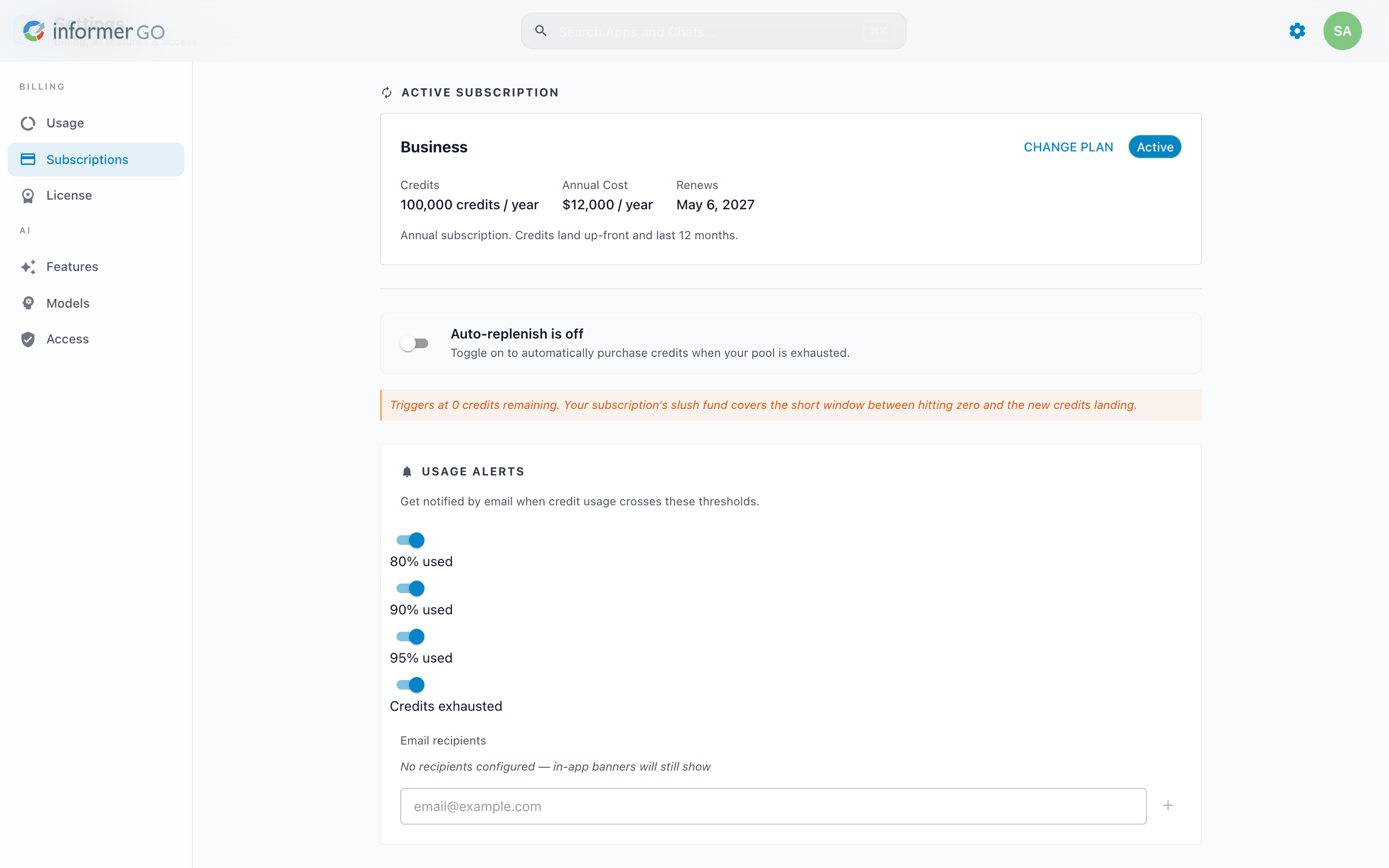
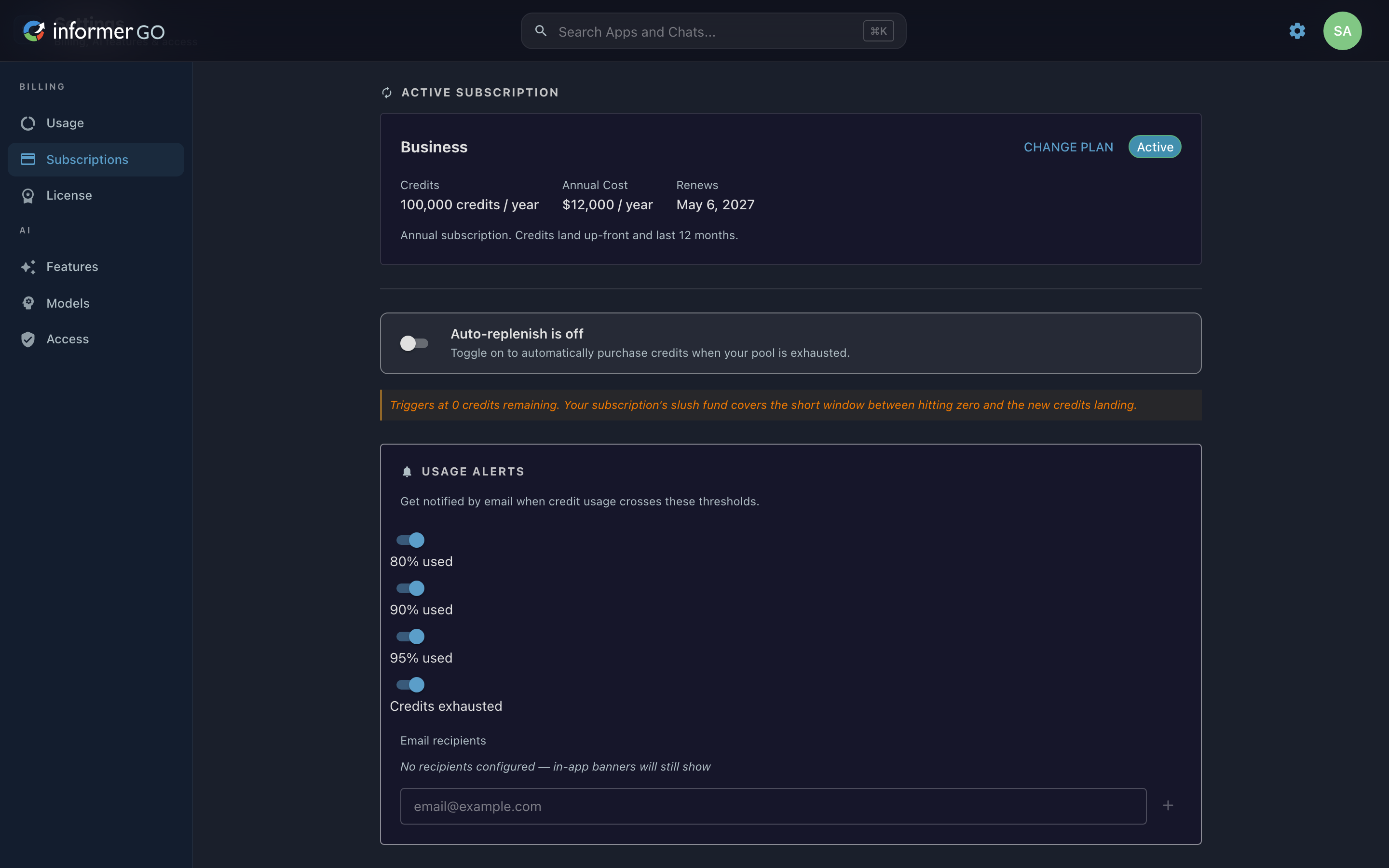
When you have an active plan, the Active Subscription card shows the plan name and status (Active, Past Due, or Cancelled), the annual credit grant (for example, "100,000 credits / year"), the annual cost, and the renewal date. Credits for an annual subscription land up front and last 12 months. Use Change Plan to move to a different plan, or Buy Credits to make a one-off purchase on top of your plan.
The card surfaces issues inline: a Payment failed notice when a renewal could not be charged, a Cancellation scheduled notice with an Undo cancellation button, and a pending plan change notice describing the new plan and when it takes effect.
When you have no plan, the section becomes a Get More From Informer call to action with a Get Started button. Credits power AI, app compute, scheduled jobs, and storage; subscribing annually gives the best per-credit rate.
Billing History
Billing History lists your past purchases with a description, date, and amount, and a download button for each receipt. The newest receipts show first, with Show more to expand the rest. Before your first purchase, or before your account is connected to the payment processor, the section explains that receipts will appear once billing is set up.
Payment methods
The Manage Payment Methods button (in the Billing History header) opens a dialog listing your saved cards by type and last four digits with their expiration, each with a Remove card option. Add Card opens a form for the card number, cardholder name, expiration, CVC, and billing address, verified with a captcha. Payment services are handled by the external payment processor; full card numbers never touch Informer.
Auto-Replenish
Turn on Auto-Replenish to automatically purchase a credit pack the moment your pool reaches zero. This is a just-in-time refill, not a low-balance alert: the purchase only fires when you actually run out. When enabled, you choose the Credit Pack to buy, the Payment Card to charge, and a monthly purchase limit that caps how many auto-replenishes can happen per billing cycle, with a tracker showing how much of that cap you've used.
Usage Alerts
Usage Alerts emails you when credit usage crosses a threshold you choose: 80% used, 90% used, 95% used, or Credits exhausted. Add one or more email recipients; even with none configured, in-app banners still show.
Before 2026.1, Informer AI was billed as a dollar balance topped up with credit-card payments, not as credit subscriptions. The older billing experience is described in Billing before 2026.1.