Billing
The Billing section lets you manage your billing preferences, add new payment methods, and view your billing history. The payment methods on file can be used to add credits, enabling Informer Users to access AI features like Magic Visual, Copilot, and AI Assistants.
As of 2026.1, AI and Billing move out of Administration to a top-level AI & Billing surface: the React Settings you reach from the gear in Informer GO, or the AI & Billing item in the classic top navigation (which shows the same screen). See Settings: AI & Billing. This page describes the classic Administration view.
Payment services are provided by Intuit Payments Inc. The Billing section is organized into three panels: Preferences, Payment Methods, and Billing History.
Preferences
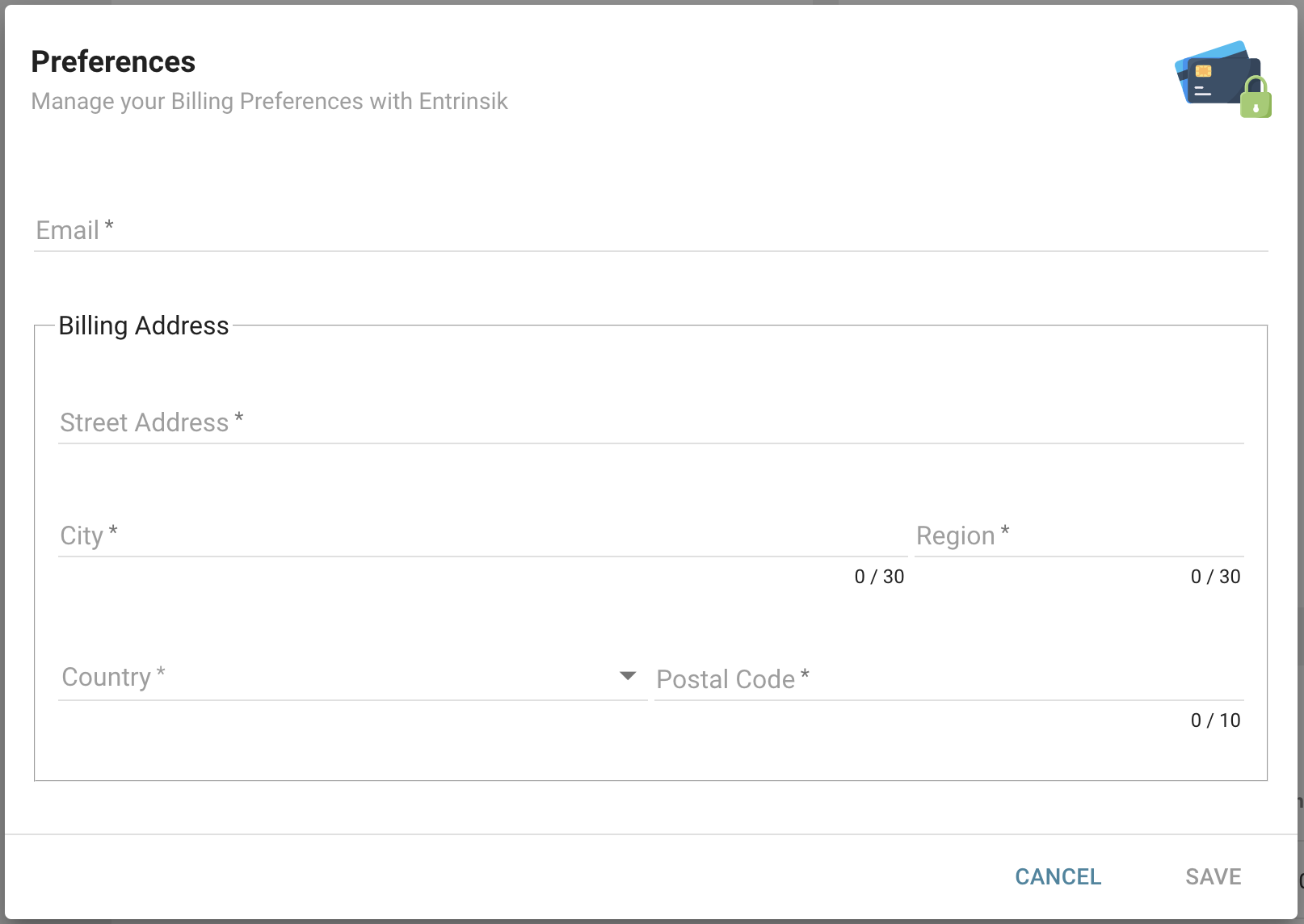
In the Preferences panel, you can view the Account Name, billing email, and primary billing address. Update the billing email and the primary billing address by clicking the Edit button.
Payment Methods
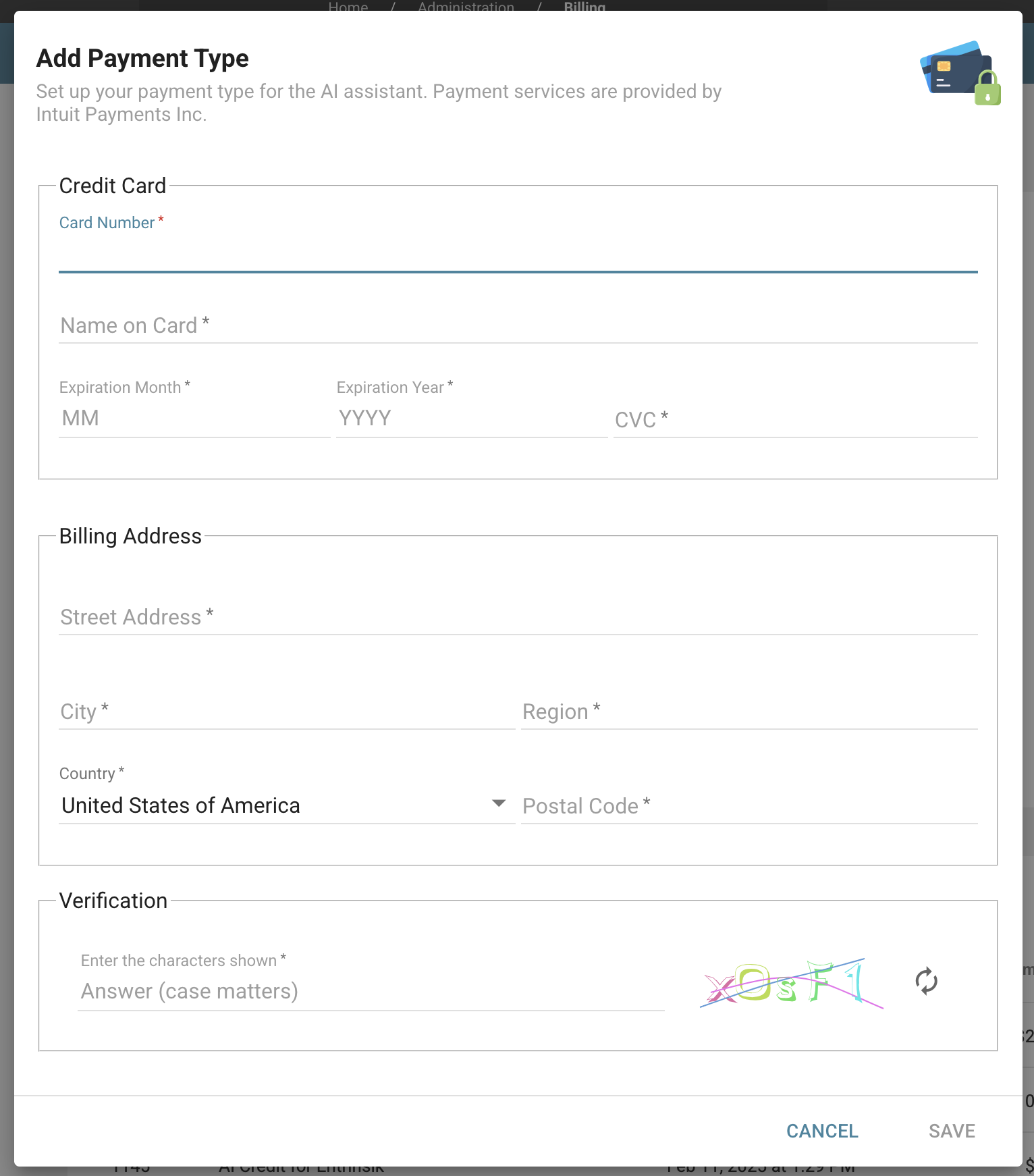
In the Payment Methods panel, you can view details about the credit cards on file, including the last four digits and the expiration date. To add a new payment method, click the Add button. To remove a payment method, click the three-dot icon next to the card you wish to remove and select Remove.
Billing History
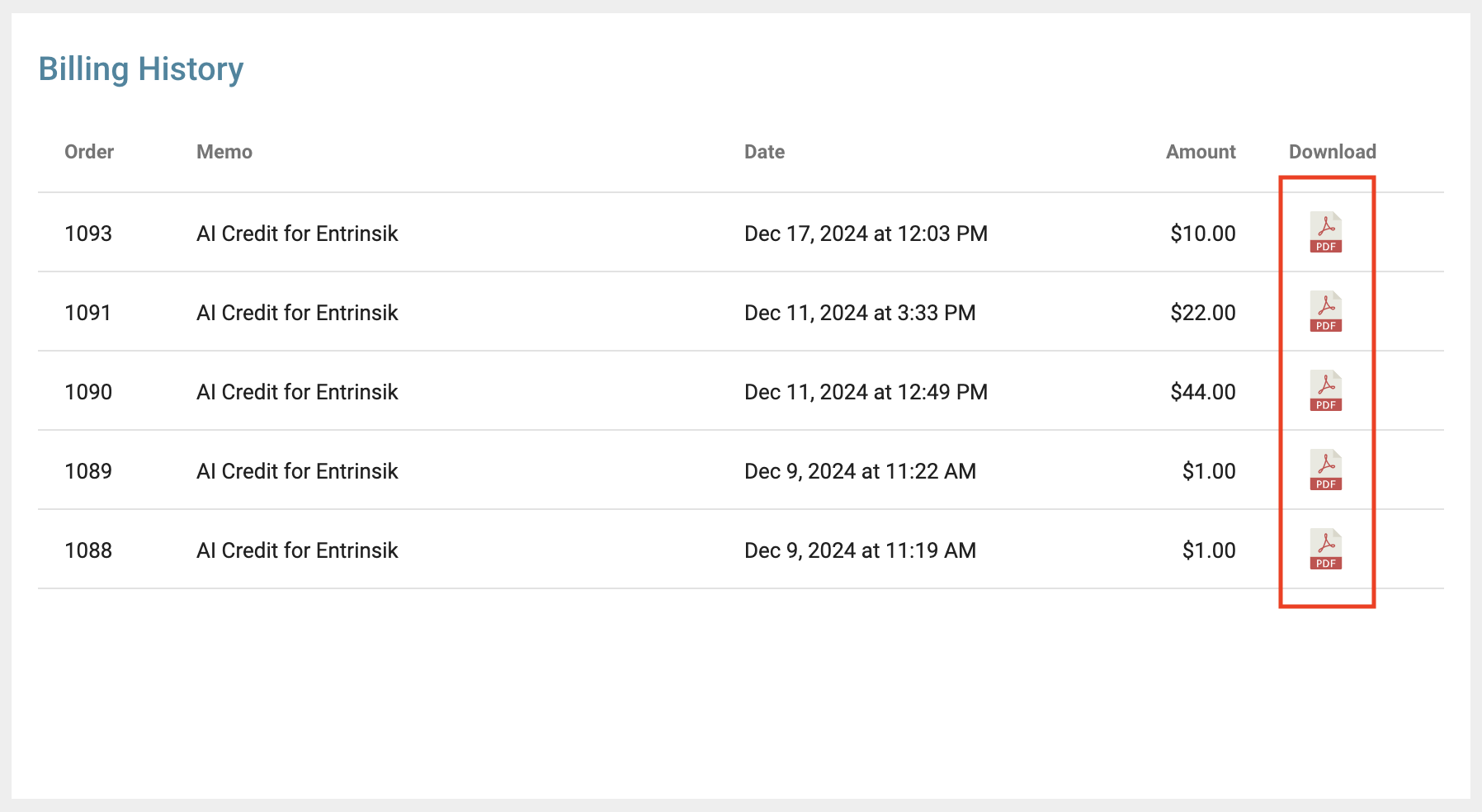
In the Billing History panel, you can view a record of all credit additions to your account. For each entry, details include the order number, a memo, the date of the transaction, and the amount credited. To download a receipt of an individual transaction, click the download icon.
Credit Terms
To read the Terms of Service for Credits, navigate to http://{your-url-to-informer}/credit-terms. There you will find an agreement between you and Entrinsik Inc. outlining the terms for purchasing, receiving, or using credits that can be redeemed for AI-related services.