Customization
The Customization section of Administration tailors Informer to your organization: validation Codes, optional Features, Global Colors for consistent Visuals, branded Letterheads for PDF exports, reusable Saved Functions, a custom Theme, and User Fields for row-level security. Each item is its own entry in the Administration left rail.
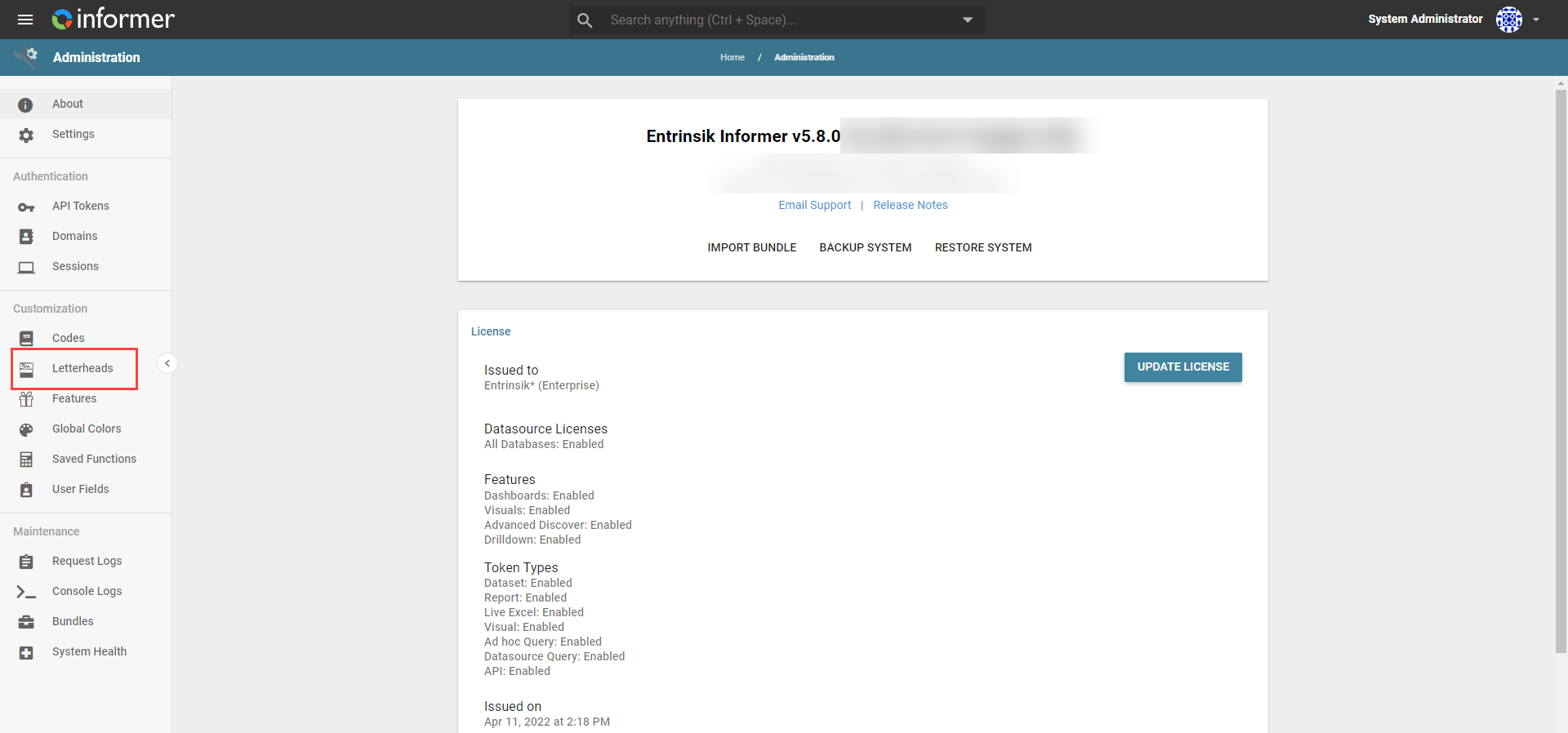
In this section
| Article | In one line |
|---|---|
| Codes | Code/description pairs (validation tables) that constrain and label Field values. |
| Features | Toggle optional system Features like Ellucian SSO, Geocoding, Google Maps, and the Northwind training database. |
| Global Colors | Assign a fixed color to a value so it looks the same across every Visual. |
| Letterheads | Branded headers, footers, and watermarks for PDF exports. |
| Saved Functions | Reusable JavaScript for Calculated Columns and Power Scripts. |
| Theme | Custom CSS, a masthead logo, and a favicon for your deployment. |
| Creating User Fields | Define the custom fields you attach to Users for row-level security. |
| Assigning User Fields | Set each User's value for a User Field. |
| Adding User Fields to Criteria and Filters | Use a User's Field values to limit the records they see. |