Features
The Features page provides toggles to enable various special features within the UI. To access this page, go to Administration and click Features in the menu.
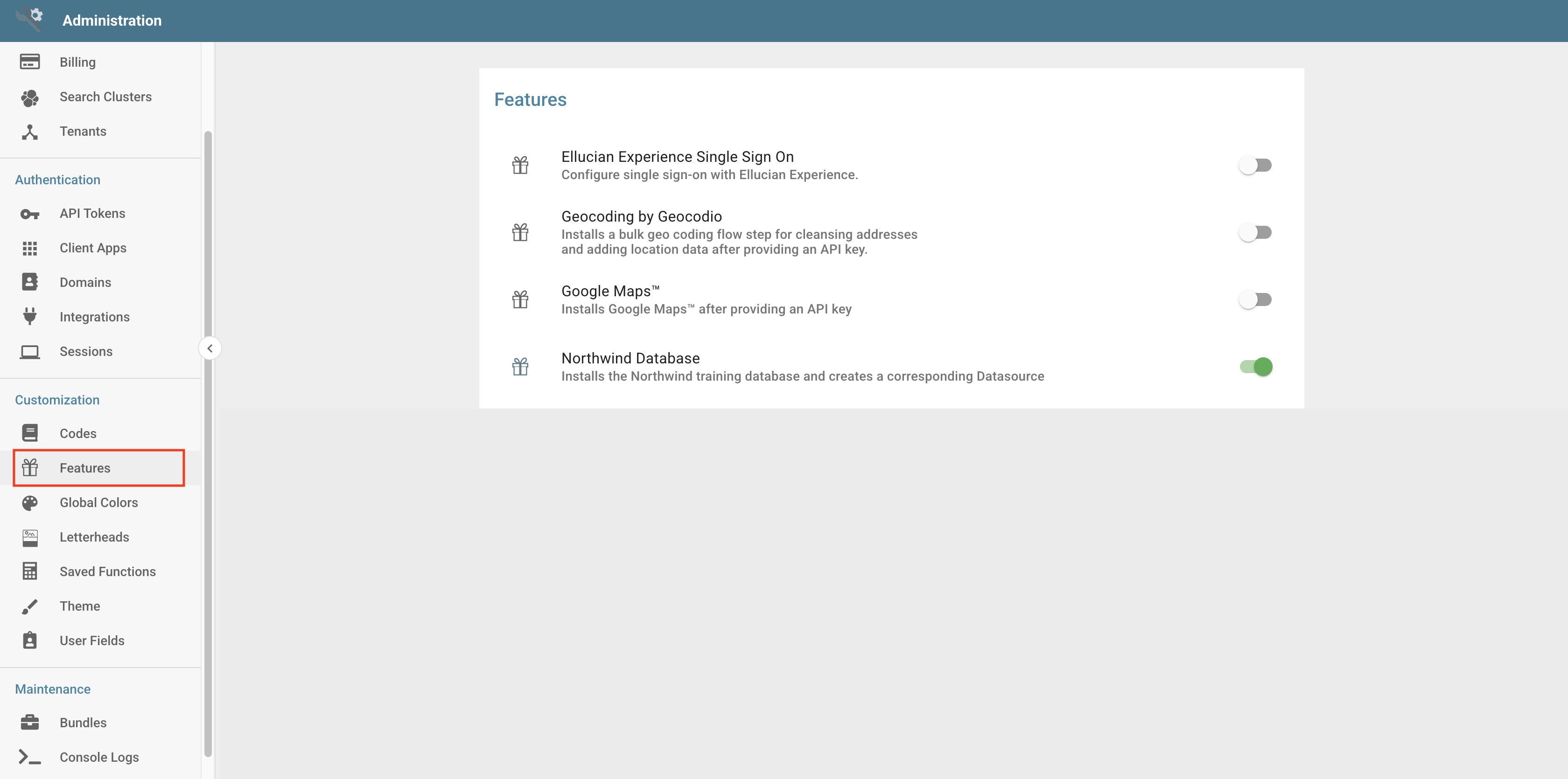
System Features are global settings. Once enabled, they become immediately available for use. They range from training aids to experimental options an administrator opts into, with the default being disabled.
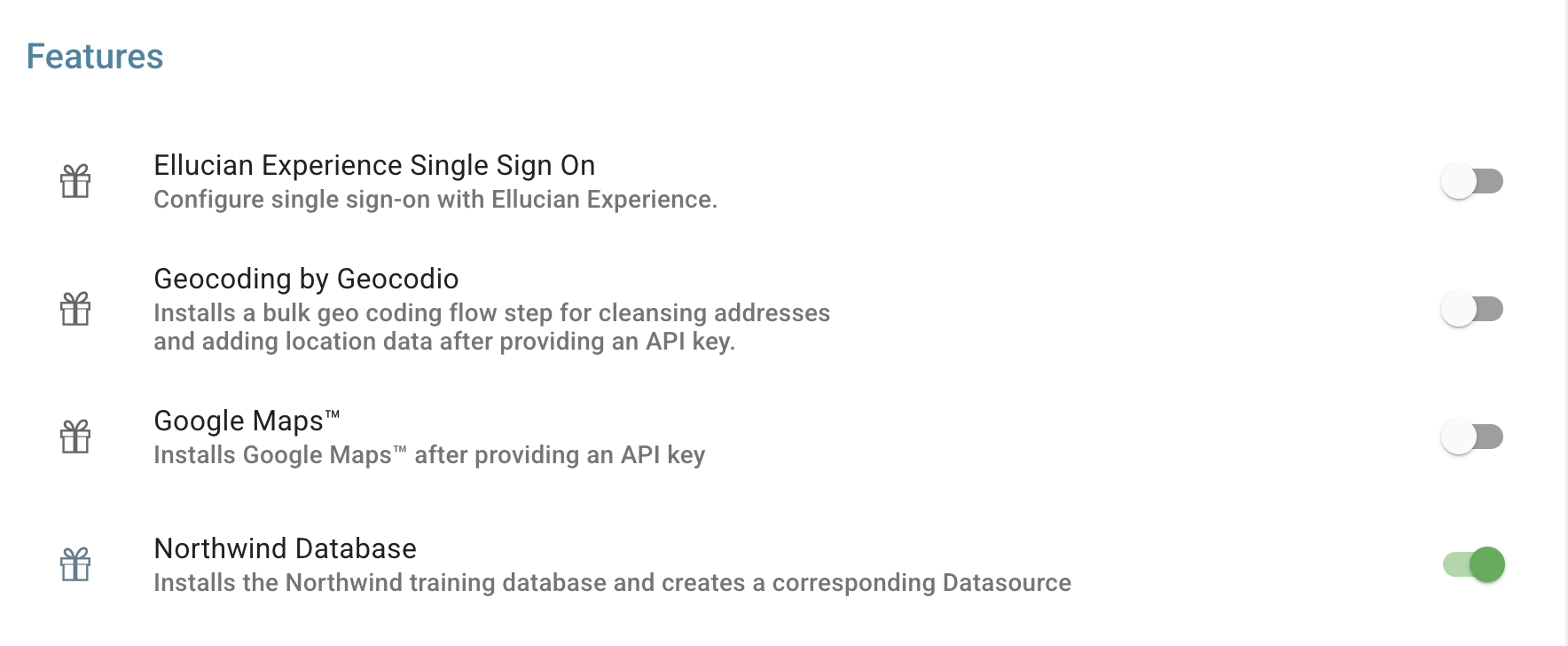
- Ellucian Experience Single Sign On: Configure single sign-on with Ellucian Experience to enable authentication and User provisioning between Ellucian Experience and Informer. You configure the following:
- Shared Secret: Must match the Shared Secret in your Ellucian Experience Extension settings.
- Experience URL: The Domain URL where Ellucian Experience is hosted.
- User Matching Behavior: By default, Users are updated or created based on the username format
exp_[erpId]. Optionally, check Match to existing Users with User Field: 'erpId' to match Users based on an existingerpIdtext User Field in Informer instead. - Teams: Optionally create a default Team for all Users to be added to. You can also create and assign Teams from Experience roles.
- Geocoding by Geocodio: Installs a bulk geocoding Flow Step that cleanses addresses and adds location data using the Geocodio service. This feature requires a valid Geocodio API Key.
- Google Maps: Enables the creation of Google Map Visuals. This feature requires a Google Maps API Key.
- Northwind Database: Installs a training database containing sales data to help you learn how to use Informer.