Adding User Fields to Criteria and Filters
Adding User Fields in Query Criteria
To limit the records returned by a Query, use the User Fields in a User's profile and the available User attributes as part of the Query criteria. The available User attributes are:
- username
- display name
- timezone
- superuser
- enabled
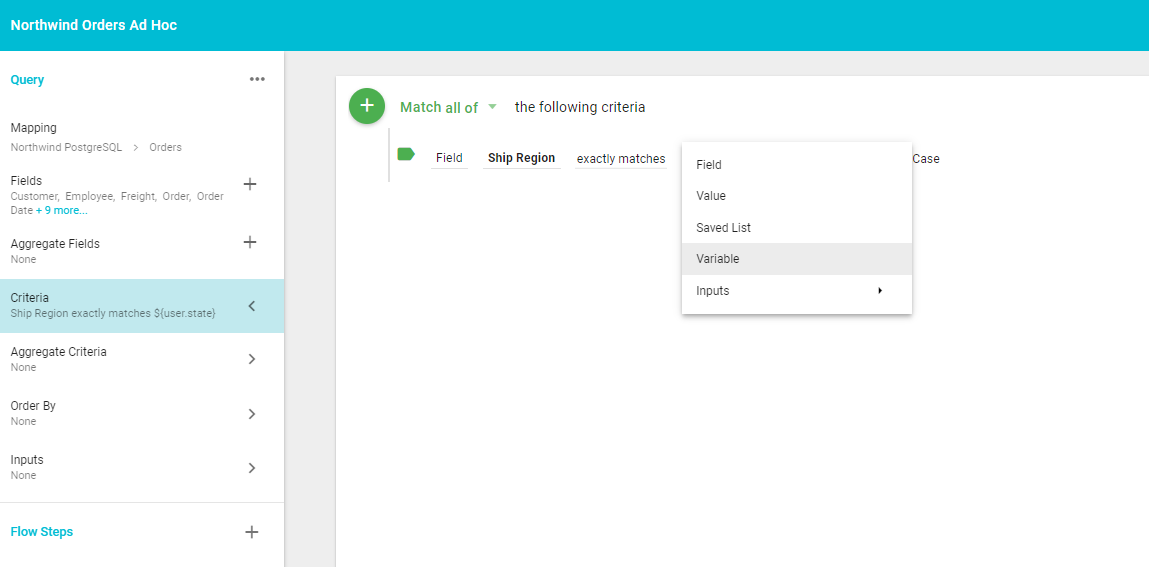
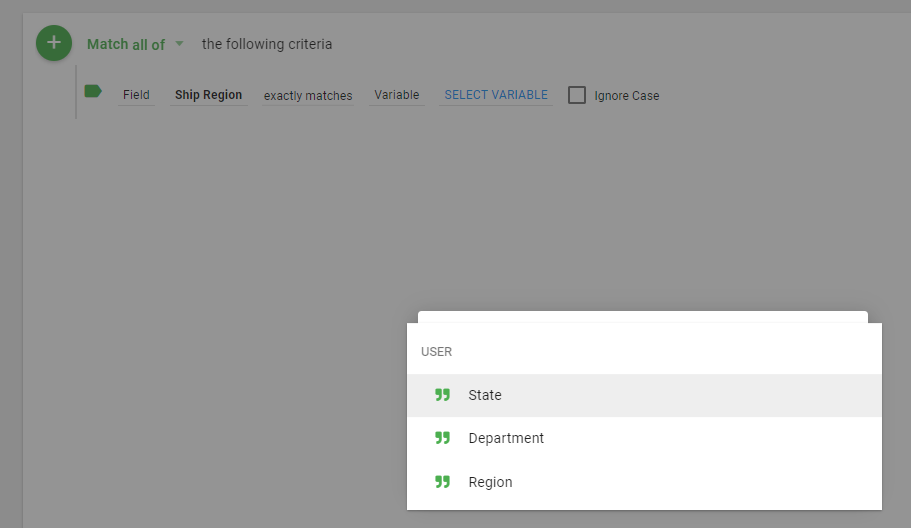
When adding criteria, select Variable, then click Select Variable to see the list of available User Fields and attributes.
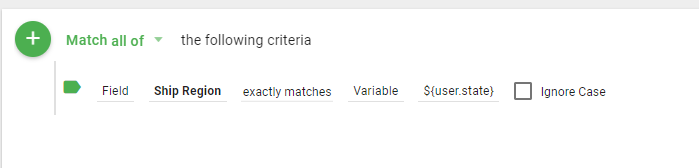
The selection criteria now include the User's value in the User Field.
Adding User Fields to saved Filters to limit Dataset results
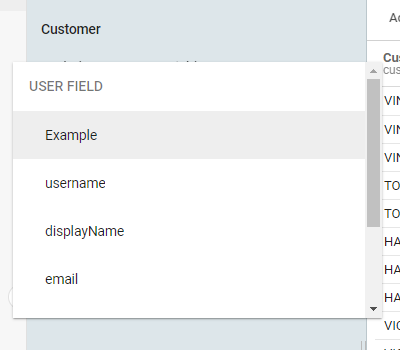
To limit the records that display for a specific User based on the values in their profile or available User attributes, apply User Fields to saved Filters when sharing Datasets. Create the filter by selecting the column and then choosing User Field.
A list of available User Fields displays. Select the User Field to limit the records returned.