Teams and Users
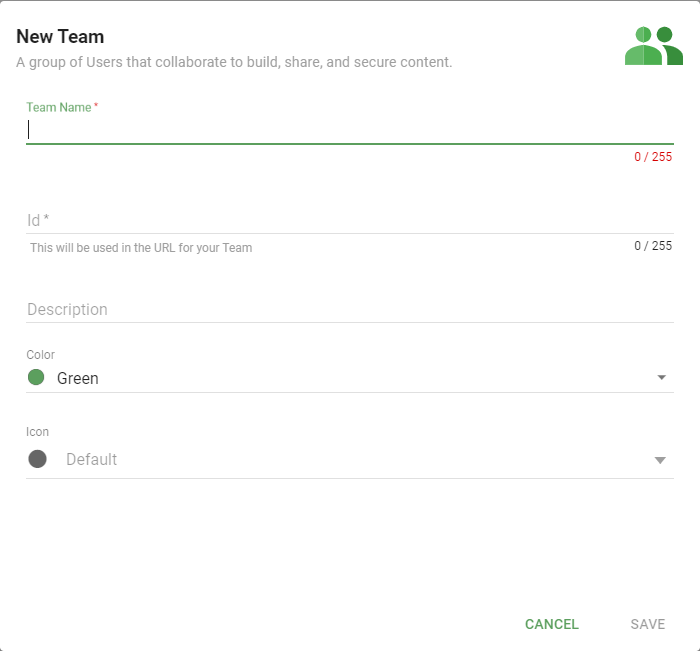
In Informer, a Team is a group of Users that collaborate to build, share, and secure content. Content is owned by Teams, not individuals, and each User's Role within a Team decides what they can do with that Team's content.
Why the Teams model matters
Informer secures data through Teams rather than per-user permission lists, which keeps access easy to reason about and audit. A Team maps to a real business unit (the Registrar's office, the Sales division), owns the Datasets, Reports, and Datasources that unit works with, and grants its members a Role that fits their job. Because access flows from "which Team owns this and what is my Role there," it is always clear why someone can see or change a piece of content.
Teams, Users, and Roles
- A User is a person who signs in to Informer. A User can belong to more than one Team.
- A Team owns content and groups the Users who work on it.
- A Role is the level of access a User has within a Team. The same person can be an Admin on one Team and a Member on another.
Roles are cumulative: each one includes everything the role below it can do. When a User belongs to several Teams that can all reach the same shared content, their highest Role wins for that content.
The Role ladder
| Role | What it adds |
|---|---|
| Member | View anything owned by the Team, and run the Team's Reports. |
| Member Plus | Create Reports from the Team's Datasets (Dashboards, Comparison Boards, Data Views); create and manage Tags. |
| Designer | Create Reports from the Team's Datasources (Ad hoc Queries and Templates); upload spreadsheets into new Datasets. |
| Data Wizard | Create and edit the Team's Datasets, create Workspaces, manage Filters, Visuals, and Snapshots, and create Assistants, Libraries, Integrations, and Toolkits. |
| Publisher | Share the Team's Datasets, Assistants, Libraries, and Reports to other Teams; generate external links; create access tokens. |
| Admin | Manage members, create and edit Apps, create any type of Datasource, and share the Team's Datasources and Assistants to other Teams. |
In this section
| Chapter | In one line |
|---|---|
| Teams | Team actions, creating Teams, adding Users, and assigning roles. |
| Users | User actions, adding Users, impersonation, passwords, MFA, and profiles. |
| Security | The Teams security model and how to set it up. |
Where do I look when...
| You want to... | Where |
|---|---|
| Understand who can do what | Assigning roles |
| Add a person to a Team | Adding Users to a Team |
| Create a new user account | Adding a local User |
| Reset a password or turn on MFA | Passwords and MFA |
| Troubleshoot what a user sees | Impersonate |
| Let someone build Datasets | give them the Data Wizard role or higher |
| Let someone share content across Teams | give them the Publisher role or higher |
| Let someone manage a Team | give them the Admin role |