Adding Users to a Team
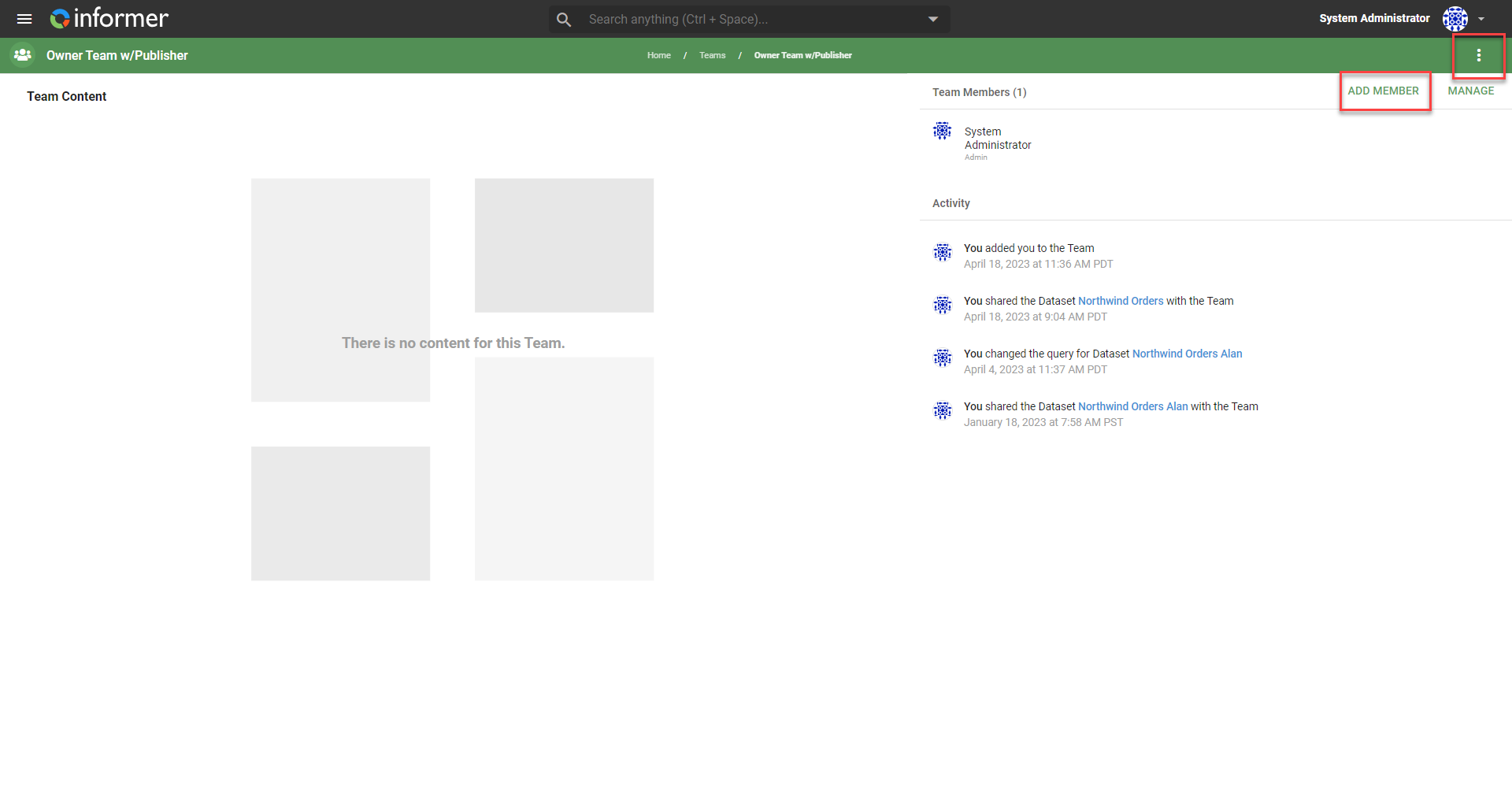
Open Teams and select the Team to edit. Click the three vertical dots in the top right, or the Add Member button on the right.
Enter an existing User in the search bar or create a new User, then choose the User's role (see Assigning roles to Users within Teams).
Also available through the REST API
Everything on this page is built on Informer's public REST API, the same one the product uses, so your scripts and integrations can do it too. Developer reference: Teams.