Adding Teams
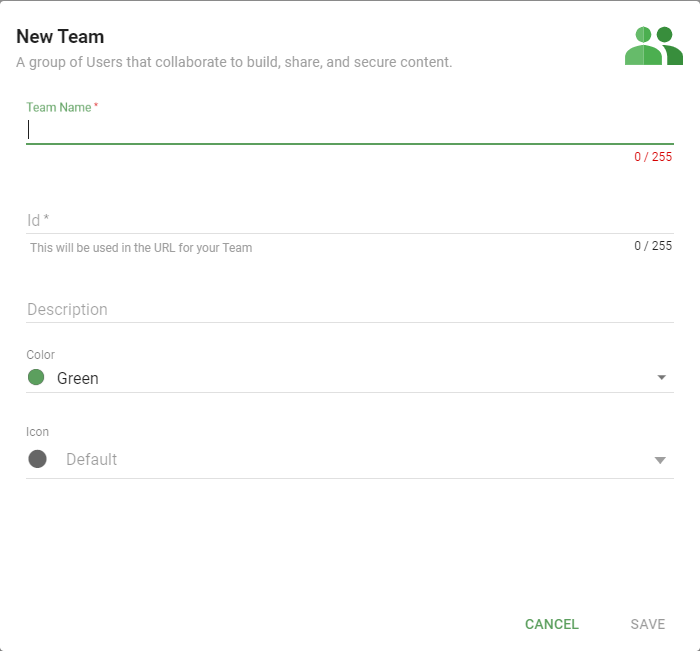
Click + New on the Informer home page and select Team to open the Add a Team pop-up. Enter a Team Name and an ID. The ID populates from the Team Name if you do not enter one.
Add a description, or change the color or icon, to differentiate between Teams if you like.
Also available through the REST API
Everything on this page is built on Informer's public REST API, the same one the product uses, so your scripts and integrations can do it too. Developer reference: Teams.