Assigning roles to Users within Teams
An important part of adding a Member to a Team is defining their role. Informer 5 provides predefined role types with sensible access rights that map easily to an organization's security permissions.
Because Teams model logical business units, a User can be a member of more than one Team, and their role in each is determined by their business role there. For example, the manager of a university's Graduate Students Division might be the Admin of the Graduate Student Team while being a Data Wizard on the larger Registrar's Team. When a User has different roles on Teams that share access to the same content, the highest role's permissions prevail.
The roles are cumulative; each includes the rights of the one below it:
| Role | Rights |
|---|---|
| Member | View anything owned by the Team; run Reports owned by the Team. |
| Member Plus | All Member rights, plus create Reports from Datasets (Dashboards, Comparison Boards, Data Views) and create and manage Tags. |
| Designer | All Member Plus rights, plus create Reports from Datasources available to the Team (Ad hoc Queries and Templates) and upload spreadsheets into new Datasets. |
| Data Wizard | All Designer rights, plus create Datasets from available Datasources, create Workspaces, create Assistants and Libraries, edit Team-owned Datasets, and manage Filters, Visuals, and Snapshots for Team-owned Datasets. |
| Publisher | All Data Wizard rights, plus share Team-owned Datasets, Assistants, Libraries, and Reports to other Teams, generate external links to Reports and Visuals, and create access tokens. |
| Admin | All Publisher rights, plus manage members, create any type of Datasource, and share a Team-owned Datasource to other Teams. |
As with Users, Super Users can source Teams from a third-party repository through Informer's plugin architecture. For example, you can retrieve Teams by referencing divisions in a company's organizational chart and apply those Users and Teams to Informer with the appropriate roles. As a User is introduced into the system, they are assigned to a default Team determined by the administrators, for example connecting Informer via LDAP and assigning everyone to an umbrella Team named "All Employees."
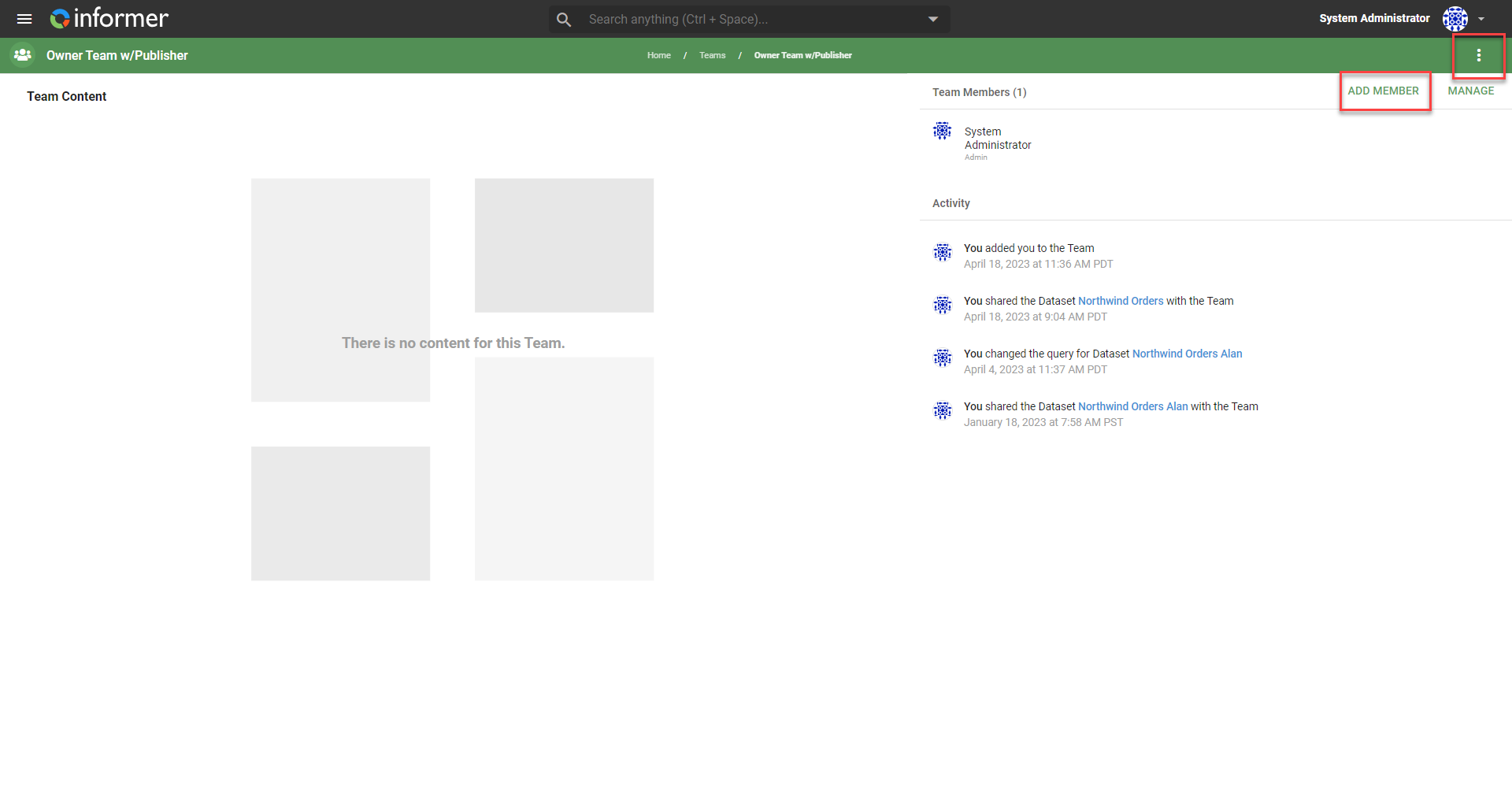
To add a Member and assign a role, click the Team, click Add Member, choose to create a new User or find an existing one, then assign their role.