Usage
The Usage page shows where your organization's credits stand: how many remain, what was spent this month, which apps and people are spending them, and how usage trends over time. Informer meters every billable action, AI calls, app and job compute, and storage, against a shared credit pool, and this page is the window into that pool.
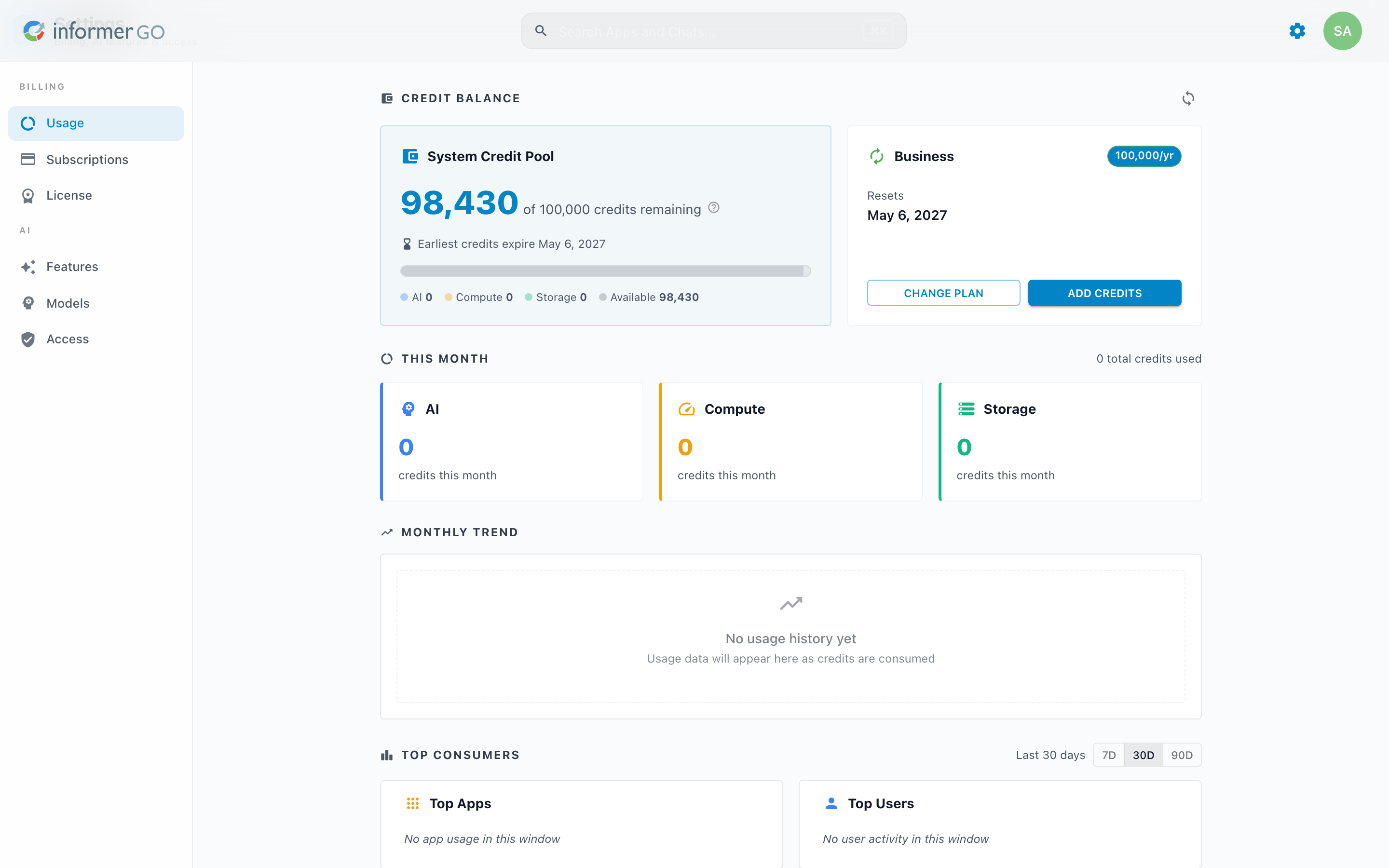
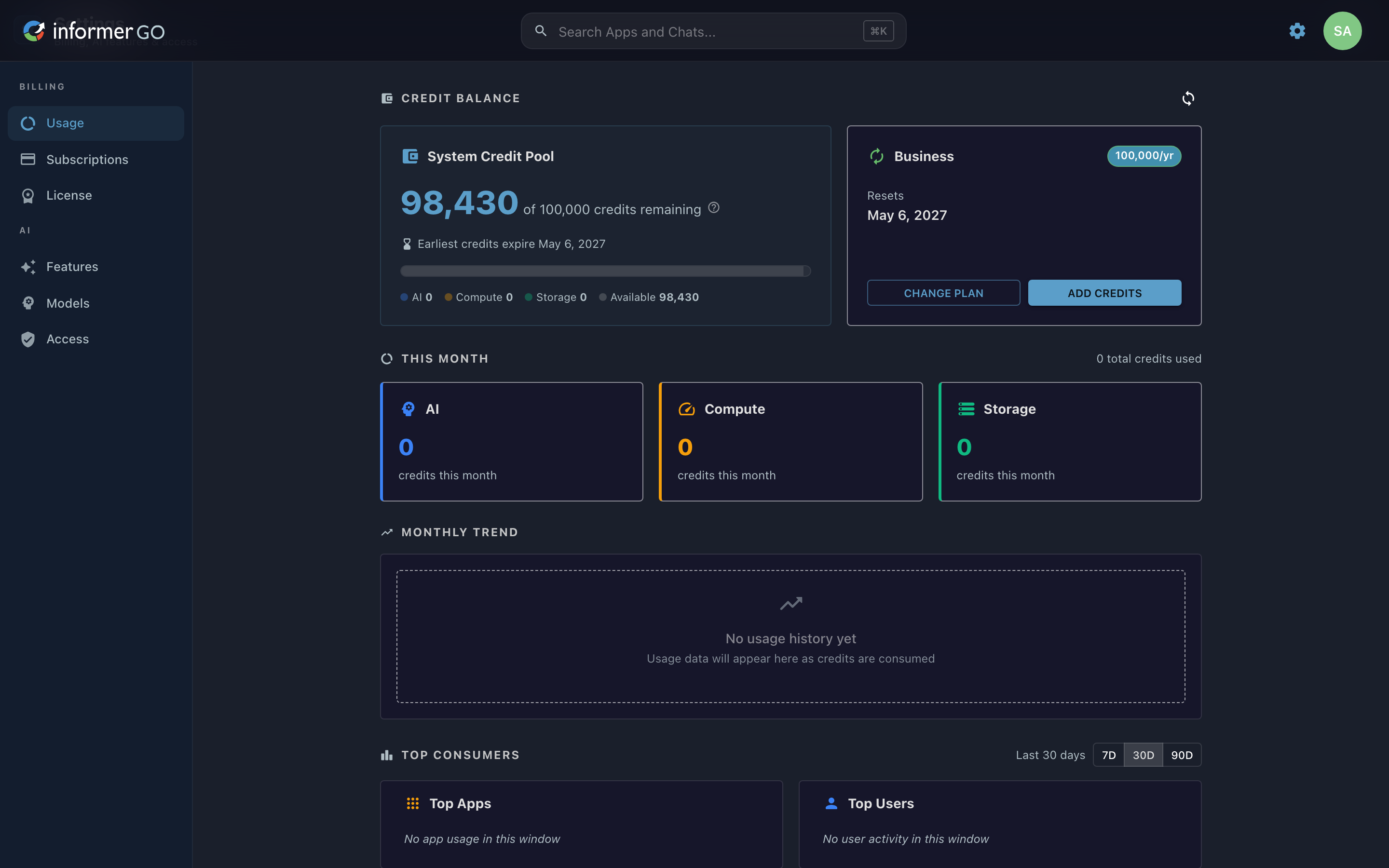
Reach this page from Settings in Informer GO, or from AI & Billing in the classic web client's top navigation; both open the same screen. Open the page and Informer re-syncs your balance with the license manager automatically, so the numbers reflect right now.
Credit Balance
The System Credit Pool card shows the credits remaining out of the total included, with a segmented bar breaking the pool down by category: AI, Compute, Storage, and Available. Spending always burns the oldest-expiring grant first, and the card notes when the earliest credits expire, so a glance tells you what you have and how long you have to use it. The Subscription card beside it shows your active plan, or No active subscription with a Get Started button when you have none. See Subscriptions.
If your organization runs in enterprise mode with your own API keys, there is no credit pool to show; instead the page notes that usage is tracked but not billed against credits.
This Month
The This Month section totals the credits used so far this period and breaks them into per-category cards (AI, Compute, Storage), each showing its credits this month. When AI is billed directly to your own provider keys, the AI card carries a BYOK chip ("Bring Your Own Key") to explain why it reads zero against the pool while Compute and Storage still draw from credits. See Models for connecting your own keys.
Monthly Trend
The Monthly Trend chart stacks each month's usage by category, so you can see whether AI, Compute, or Storage is driving your consumption and how it is changing month over month.
Top Consumers
Top Consumers ranks the Top Apps and Top Users by credit consumption over a window you choose (7, 30, or 90 days), so you can quickly see what is spending the most. An App or User with no activity in the window is noted as such rather than shown as zero.
Resource Breakdown and Monthly History
Resource Breakdown lists the current month's spend by resource type, and Monthly History is a table of credits used per month by category, for a precise record over time.
Before 2026.1, AI, usage, and billing lived under Administration as an AI page in the classic web client, where you added money to your account and AI usage drew that balance down. After upgrading, any leftover balance can be converted to credits with one click from a banner on this page. The classic Administration view is described in the AI page.