Access
The Access page controls who can use AI and how much they can spend. You define access profiles, each with a monthly credit cap and a set of allowed model tiers, then assign them to Teams, with a system-wide default for everyone else.
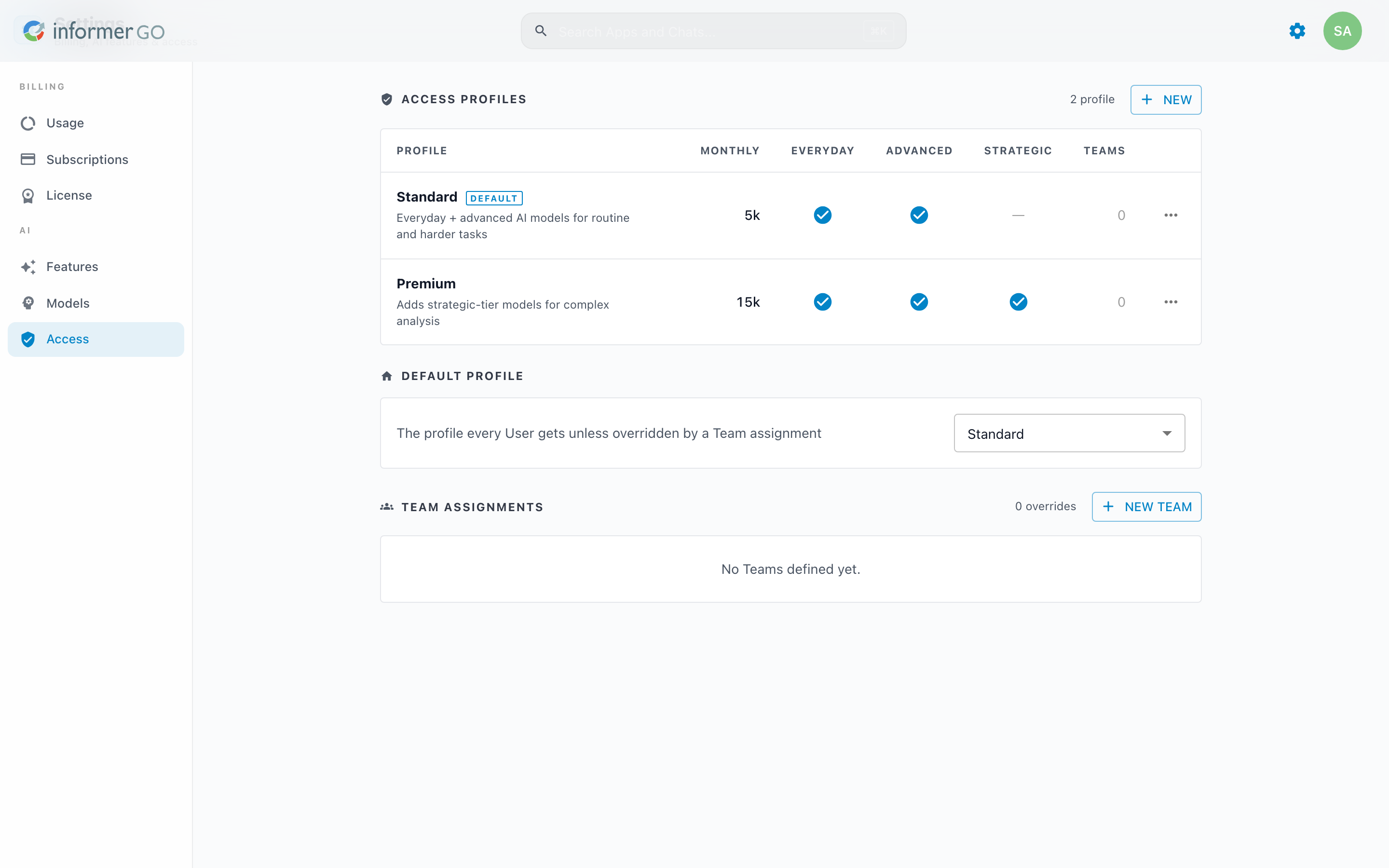
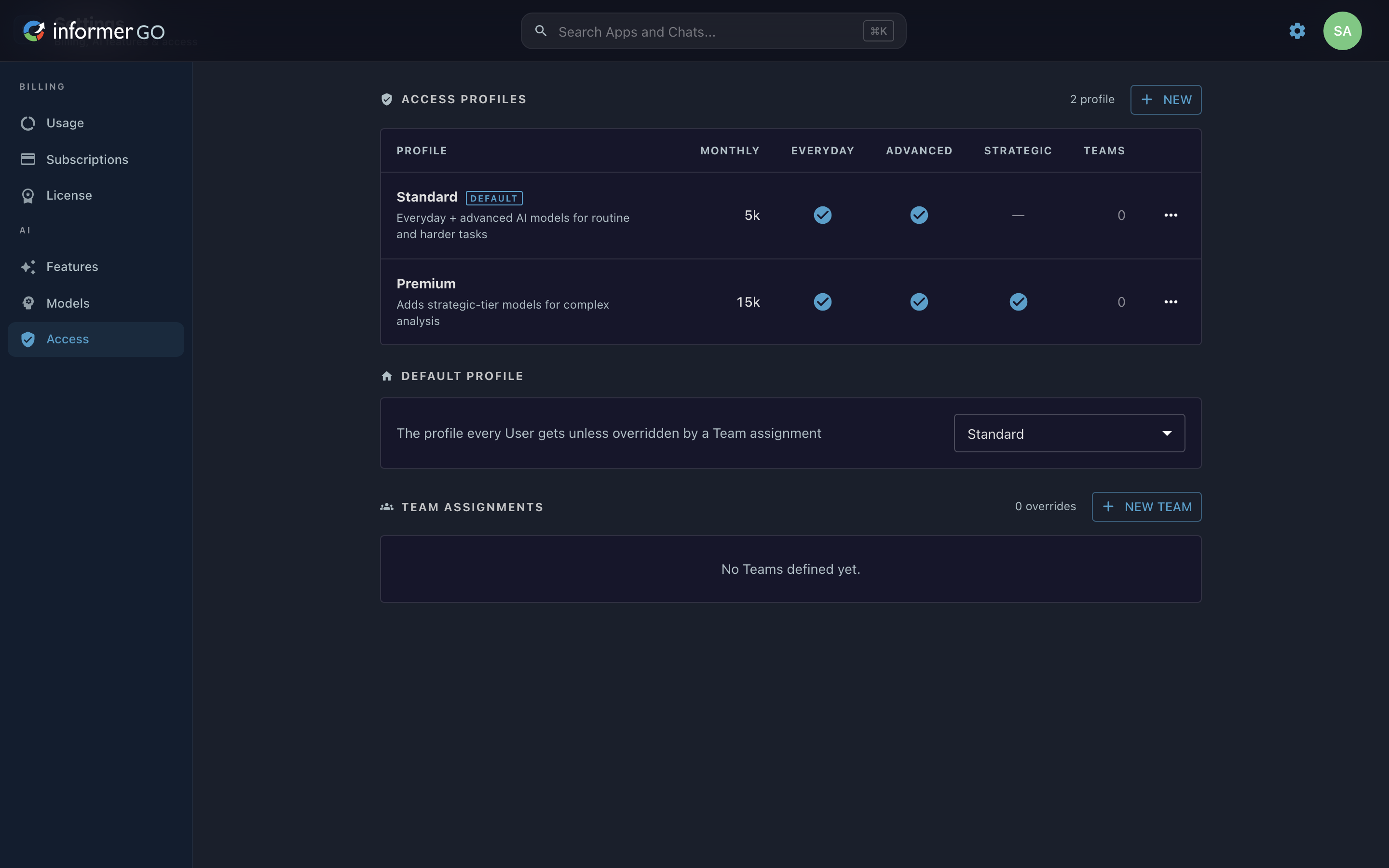
Reach this page from Settings in Informer GO, or from AI & Billing in the classic web client's top navigation.
Access profiles
An access profile bundles a monthly credit cap with the model tiers it allows (Everyday, Advanced, Strategic). The Access Profiles table lists each profile with its monthly cap (shown as the infinity symbol when unlimited), a check or dash per tier, and how many Teams use it. Create a profile with New, then set its name, description, and Monthly credit cap (set to 0 for a hard stop, or leave it for unlimited). A profile cannot be deleted while it is the default or assigned to any Team.
The default profile
The Default Profile is the profile every User gets unless their Team overrides it. Choose a profile, or choose No default (deny access) so that Users without a Team assignment get no AI access at all.
Team assignments
The Team Assignments section lists your Teams and the profile each one uses. By default a Team inherits the system default; pick a profile from its dropdown to override that, or use Add override to assign one explicitly. New team creates a Team from here, and each row links to manage that Team's members. Changes take effect immediately.
Before 2026.1, AI access and per-User or per-Team spending limits were set in the classic AI section of Administration. That experience is described in AI before 2026.1.