License
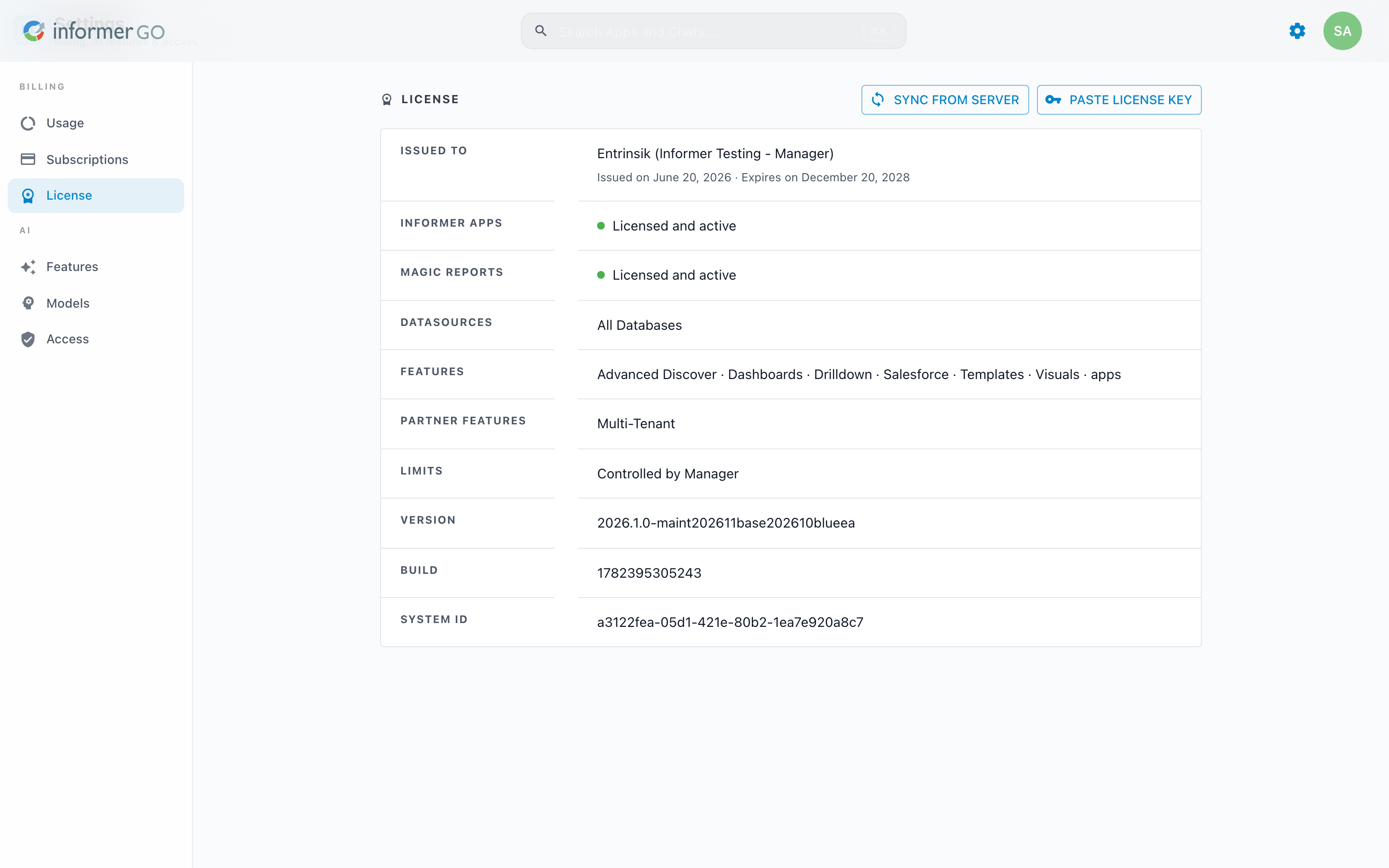
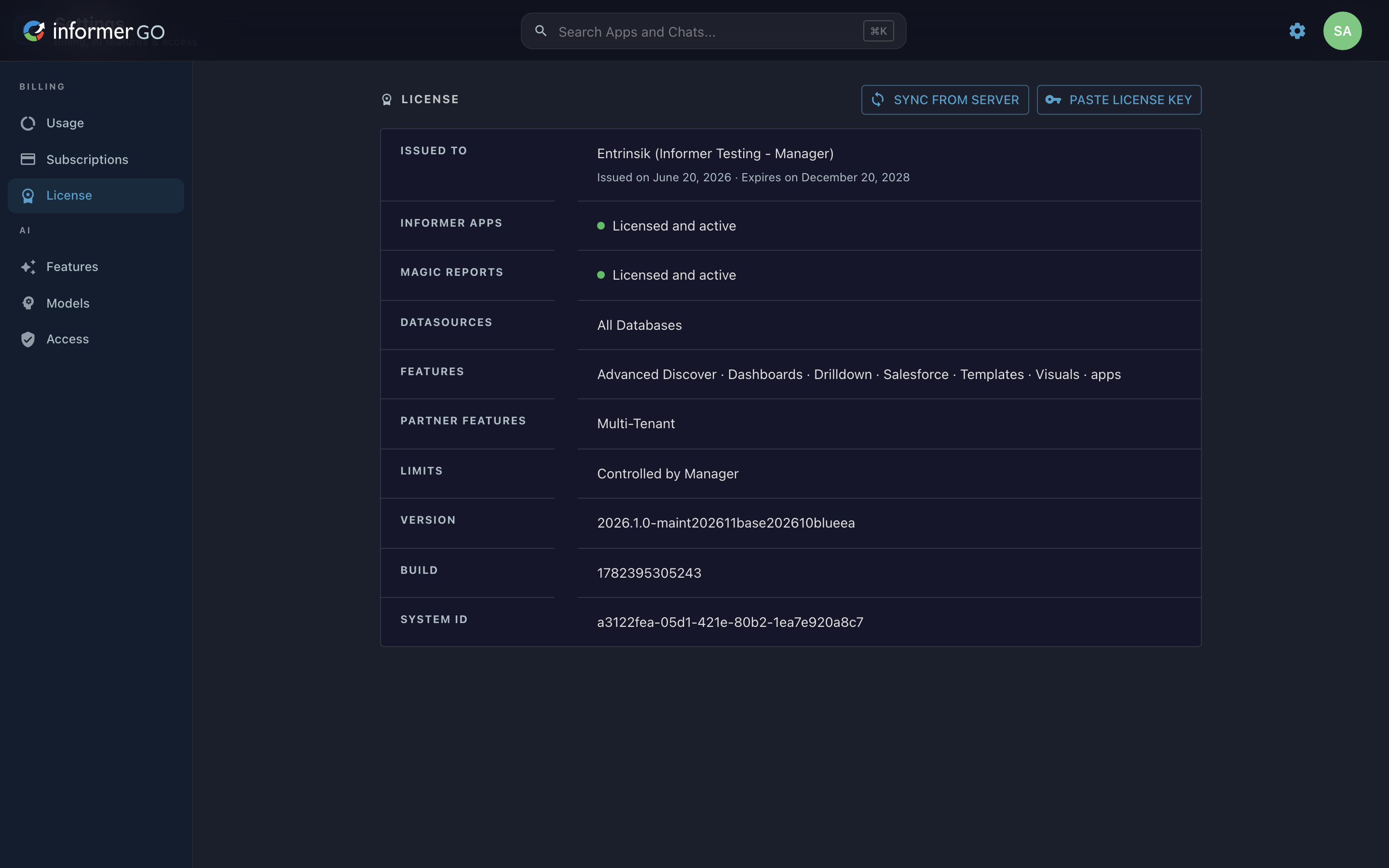
The License page shows what your Informer installation is entitled to, who it is issued to, and when it expires, and lets a Super User refresh or replace the license.
Reach this page from Settings in Informer GO, or from AI & Billing in the classic web client's top navigation.
License details
The details card lists, where present:
- Issued to: the license holder, with the issue and expiration dates.
- Informer Apps and Magic Reports: whether each is licensed and active, with a Contact sales link when it is not.
- Named Users: the licensed user count, if your license is user-based.
- Datasources: the Datasource families your license allows, or All Databases. U2 entries also show the serial number, user count, and pooling.
- Features: the licensed features (for example AI Assistant, Dashboards, Live Excel, Templates, Visuals), or All features.
- Token Types, Partner Features (such as Multi-Tenant), and Limits (such as Max Concurrent Jobs, or Controlled by Manager on a Tenant).
- Version, Build, and the installation's System ID.
Updating the license
Super Users see two actions at the top of the page:
- Sync from server: re-downloads the latest license from the Entrinsik license server and refreshes entitlements. A short confirmation appears on success; an error explains if the server could not be reached.
- Paste license key: opens Update Informer license, where you paste a replacement license token and click Update license. After a successful update, Informer reloads entitlements automatically.
If the license manager does not recognize the installation's license, a notice replaces the page (AI billing, models, and related features cannot load until the license is updated); Super Users get a button to update it, and everyone gets a Retry.
The license also appears in the classic web client under Administration, alongside the system backup and restore actions. See About, Backup, and License.