Comments
A Comments page exists for top-level objects in Informer (Assistants, Reports, Datasets, Datasources, and Jobs). It gives Users a space to add context, clarifications, or instructions about an object, which is useful for complex objects where people need to know specific information or perform certain tasks.
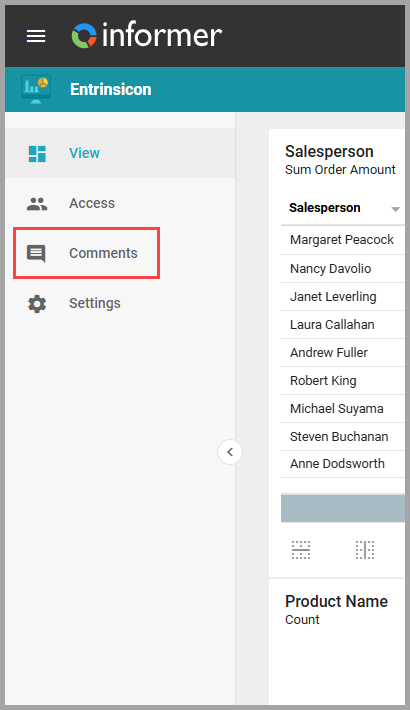
Open it by clicking Comments in the left-hand menu while viewing an object.
Enter a comment in the text box and press Enter or click Post. Anyone with access to view the object can see and add comments.
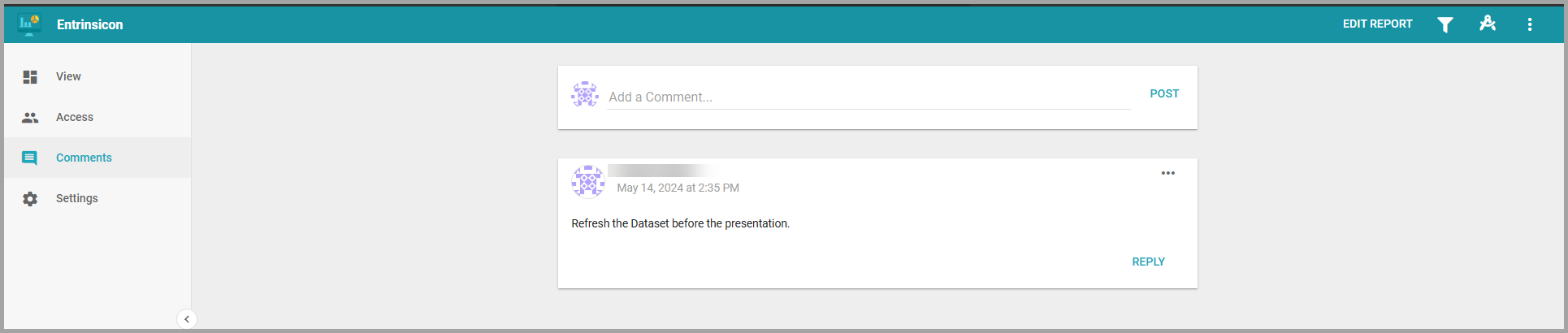
Each comment is stamped with who posted it and when. The author can use the comment's ... action menu to edit or delete it, and other Users can Reply directly to a comment, which notifies the original author.