News and Visuals
The News and Visuals panel sits on the right side of the Home page and has two tabs: News, a feed of activity related to your Teams and your data, and Visuals, a display of the Visuals you have pinned.
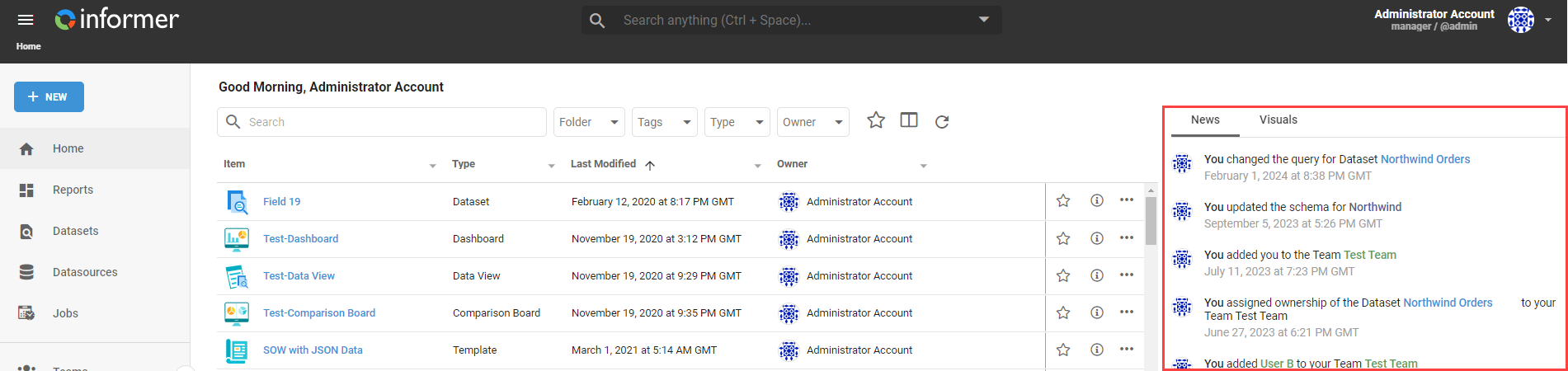
Resizing and hiding
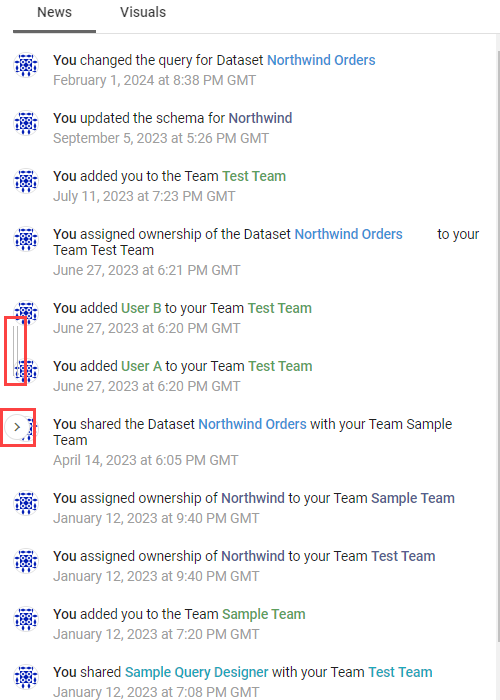
Resize the panel by dragging the two vertical bars between it and the Home listing, or click the > button to hide it. When hidden, click the < button to bring it back.
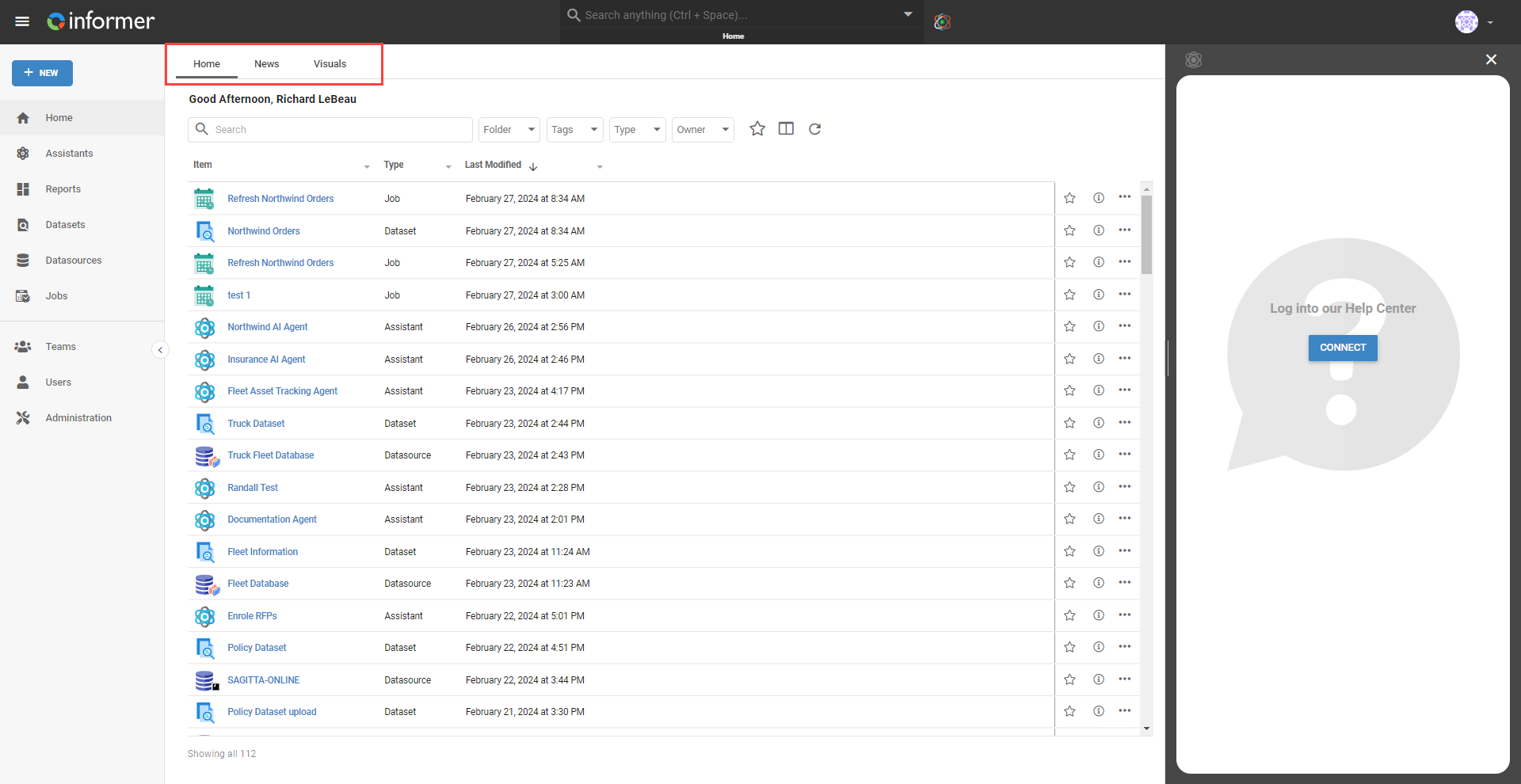
On a narrower browser window, the panel moves to tabs at the top of the listing instead of sitting alongside it.
News
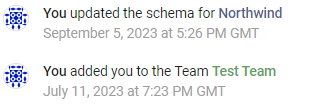
The News feed is a collection of activity related to your Teams and your data, each entry stamped with when the change happened. Click an item's name in an entry to open it.
Visuals
Pin your favorite Visuals to the Home page from the Visuals tab, where you can see and add Visuals to your own Home page.
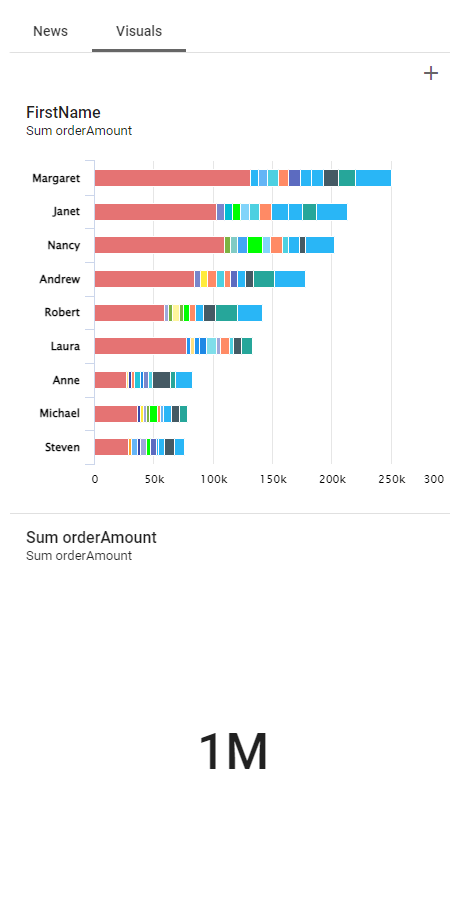
Once pinned, click the Full Screen button at the top-right of a Visual to enlarge it, or interact with it like any other Visual. To remove a pinned Visual, open its ... Action menu and select Delete.