Dependencies
An App rarely owns the data it shows. Instead it declares dependencies: named slots for the DatasetsA saved, queryable collection of data pulled from one or more Datasources. Datasets are the foundation for reports, dashboards, and AI data analysis., Ad Hoc Queries, DatasourcesA connection from Informer to a database or other system of record, such as PostgreSQL, SQL Server, or UniVerse., and IntegrationsA connection from Informer to an external service such as Google Drive, Gmail, or Salesforce, used by Apps, chats, and jobs to act on your behalf. it needs. The App's code talks to the slot ("orders", "crm"); you decide which real resource fills it. The Dependencies tab is where those decisions live.
Why slots instead of direct references?
Because the binding is yours to change. The App's author picked a sensible default, but you can point "orders" at a different Dataset any time, without touching the App itself. That's what makes Apps portable: the same App can run against test data on one server and production data on another, and survive a Dataset being rebuilt under a new name.
Reading the tab
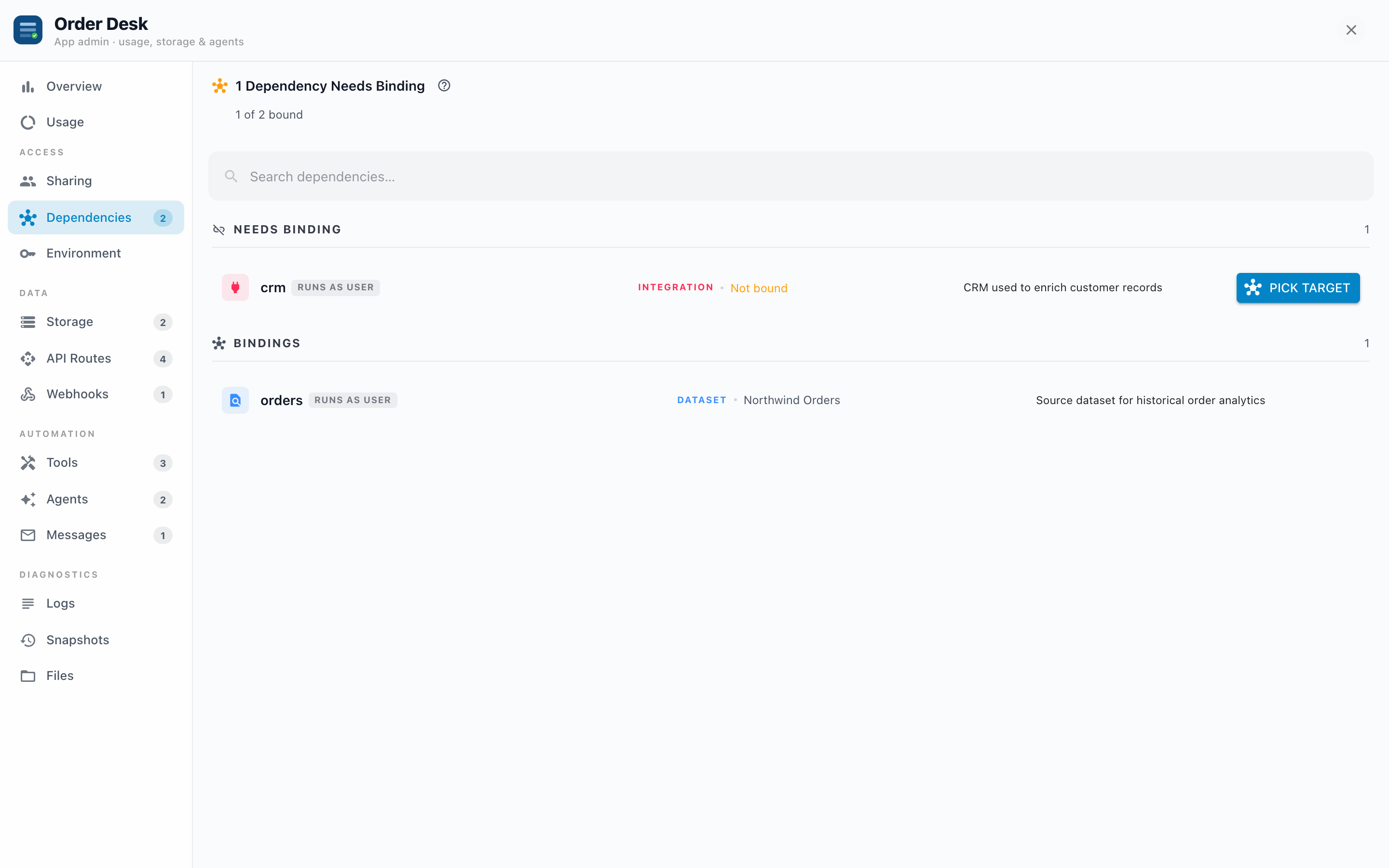
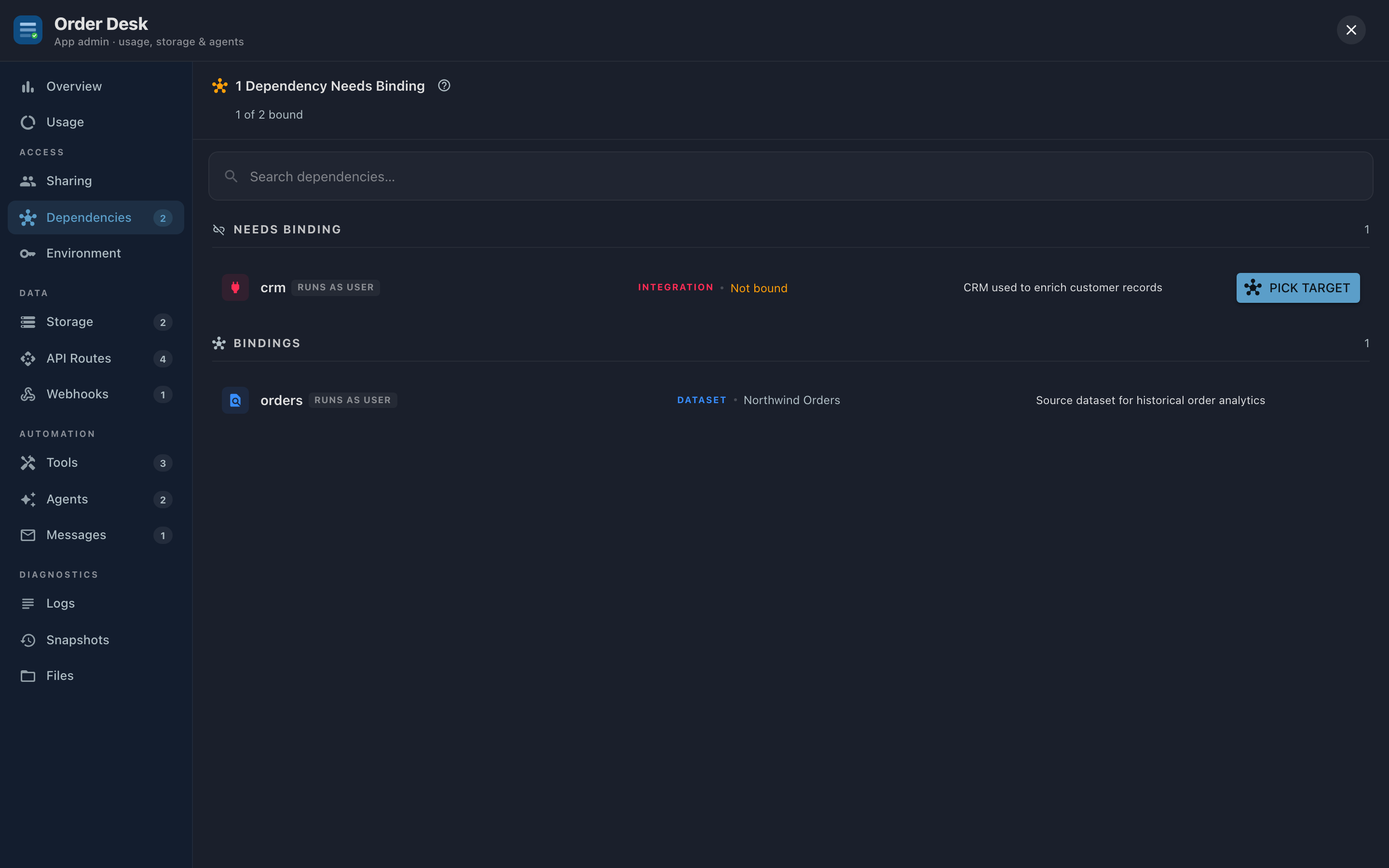
The heading tells you the state at a glance: "All Dependencies Bound", or "2 Dependencies Need Binding" with the unbound ones listed first. Each row shows:
- The slot name the App's code uses.
- A runs-as chip: USER or OWNER (more below).
- The type and bound resource: "DATASET · Northwind Orders". An unbound slot shows Not bound instead.
- Pick target on unbound rows; an edit button (hover) on bound ones.
Rebinding takes effect on the App's next request. No restart, no save step.
Some Apps also list Granted Access and Raw API Access sections: fixed grants written into the App itself (specific resources or API endpoints it may call). Those are informational; they're part of the App's design and can't be rebound here.
USER vs OWNER
Each binding runs its requests as one of two identities:
- USER (default): requests run as whoever is viewing the App, with their permissions. Two viewers can see different data through the same App, exactly as row-level security intends.
- OWNER: requests run as the App's owner, bypassing the viewer's permissions. This is deliberate data sharing: "everyone who can open this App sees this data, whether or not they could query it directly."
Why OWNER exists: a KPI dashboard for the whole company, built on a Dataset only analysts can read. Bound as OWNER, every viewer sees the numbers; bound as USER, most viewers would see an empty chart.
OWNER bindings show data to anyone the App is shared with. Before sharing widely, glance down this tab: every orange OWNER chip is data the audience will see with the owner's eyes.
Troubleshooting
- Viewers see "This app needs setup" or a 503-style message. A slot is unbound. Open this tab; unbound slots are sorted to the top with a Pick target button.
- The App worked yesterday, now it errors. A bound resource was probably deleted; the App reports the dependency as broken. Rebind the slot to a replacement.
- A chart is mysteriously empty for some users. The slot is bound as USER and those users can't read the underlying resource. Either grant them access to the resource, or bind as OWNER if everyone is meant to see it.
- An orange warning banner about the manifest. The App's declaration file failed to parse; bindings can't be managed until the App's author (or the builder) fixes it.