Apps & Magic Reports
Informer can build two kinds of interactive pages by conversation, and choosing between them comes down to two questions: what should it be able to do, and who should be able to edit it.
Magic Reports: your data, beautifully presented
A Magic ReportA simpler kind of App built on Datasets and Ad Hoc Queries. Magic Reports are available to every Informer tenant; full Apps (with server routes, databases, and messaging) require the Apps license. is built entirely on your DatasetsA saved, queryable collection of data pulled from one or more Datasources. Datasets are the foundation for reports, dashboards, and AI data analysis. and Ad Hoc Queries: data in, an interactive page out. Dashboards, infographics, ranked tables, presentations: if the page's job is to show your data well, a Magic Report does it.
- Available to every Informer tenant, no extra license.
- Designers can edit them. Anyone on the team with the Designer role can open a Magic Report in the builder and refine it, not just Admins.
- Bounded on purpose. A Magic Report can't run its own server code or store its own data, which is exactly why it's safe to hand to a wider group of editors.
Apps: full software, built by describing it
A full AppAn interactive page you open from Informer GO, such as a dashboard, a report view, or a custom-built App. Apps can be favorited, tagged, and shared. starts where Magic Reports stop. Beyond Datasets and Ad Hoc Queries, an App can have:
- Server routes: its own API endpoints, running on your Informer server.
- A workspace database: real storage for whatever the App manages (requests, approvals, inventory).
- Messaging and agents: notifications, emails, scheduled and event-driven automation.
- IntegrationA connection from Informer to an external service such as Google Drive, Gmail, or Salesforce, used by Apps, chats, and jobs to act on your behalf. access: act on connected services like Google Drive or Salesforce.
That power comes with tighter rules: building full Apps requires the Admin role, Strategic-tier AI access, and the Apps license. Without the license, Magic Reports stay fully available; App-only features show a lock that points to sales@entrinsik.com.
Switch whenever you change your mind
You don't have to decide perfectly up front. The two create dialogs link to each other:
- In Create an App, the Create a Magic Report instead option drops you to the simpler form ("Limited to your Datasets & Queries, but Designers on the team can edit them, not just Admins").
- In Create a Magic Report, the equivalent option switches you up to the full App dialog.
Your name and description come along, so switching costs nothing.
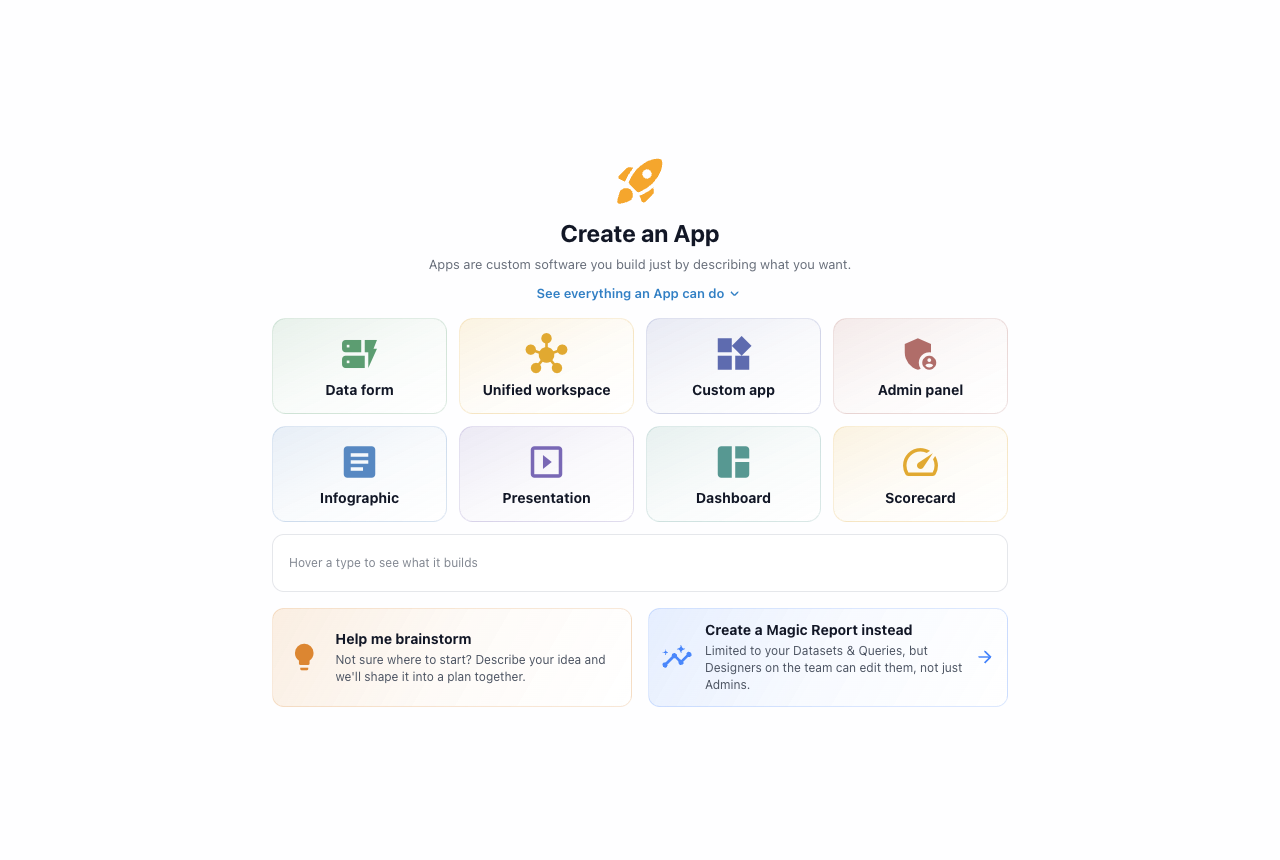
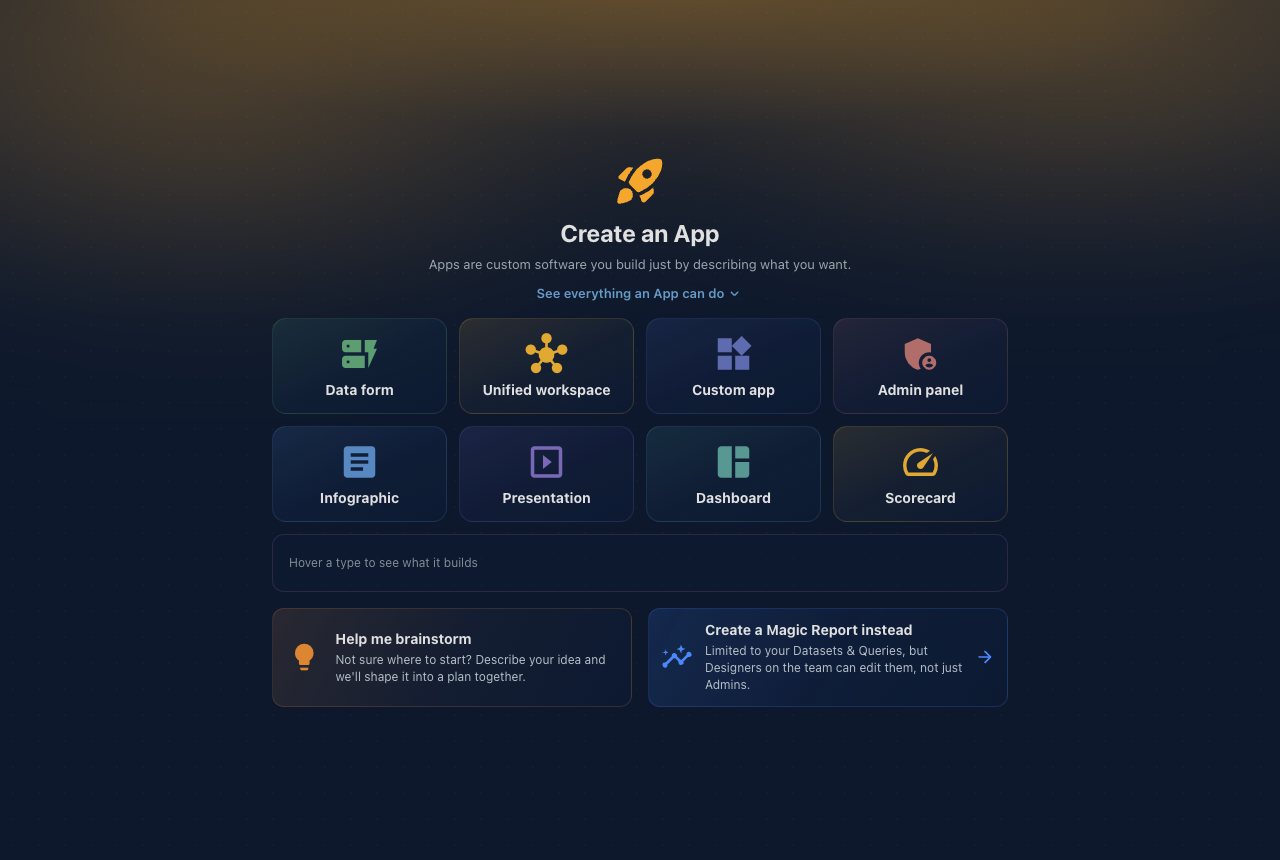
Which one should I pick?
| You want… | Build a… |
|---|---|
| A dashboard, infographic, or presentation over your Datasets | Magic Report |
| Something Designers on your team can keep editing | Magic Report |
| Forms that save data, workflows, approvals | App |
| Your own API endpoints or automation (agents, messaging) | App |
| To act on connected services (Drive, Salesforce, …) | App |
In the gallery, the type filter (All, Apps, Magic Reports) keeps the two kinds easy to browse separately. Everything else, opening, sharing, printing, favorites, works the same for both.