Managing an App
Every App has an admin panel: one place to see how it's doing and manage everything it owns. Click the App settings icon (the gear) in an open App's title bar and the panel slides up over the App.
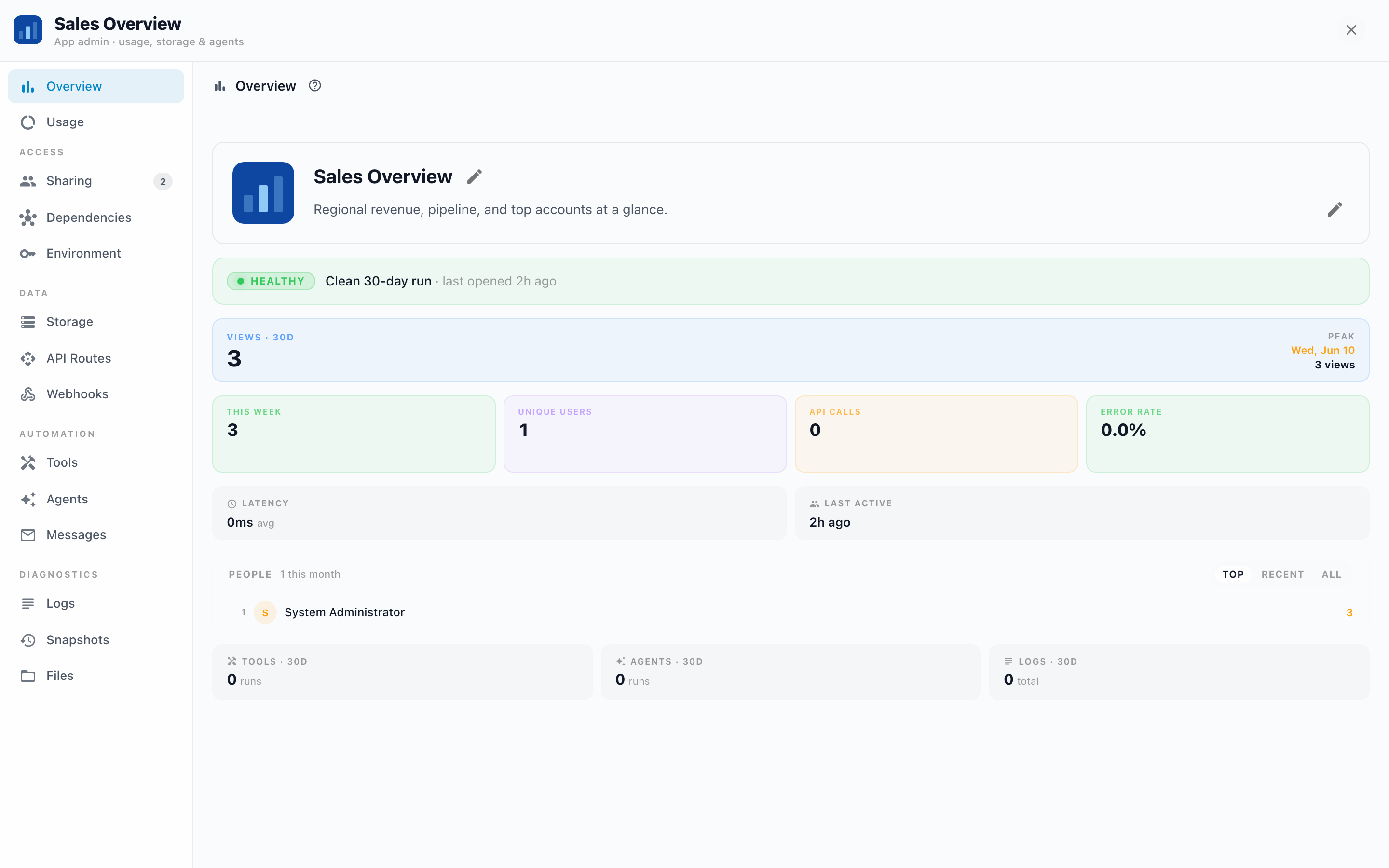
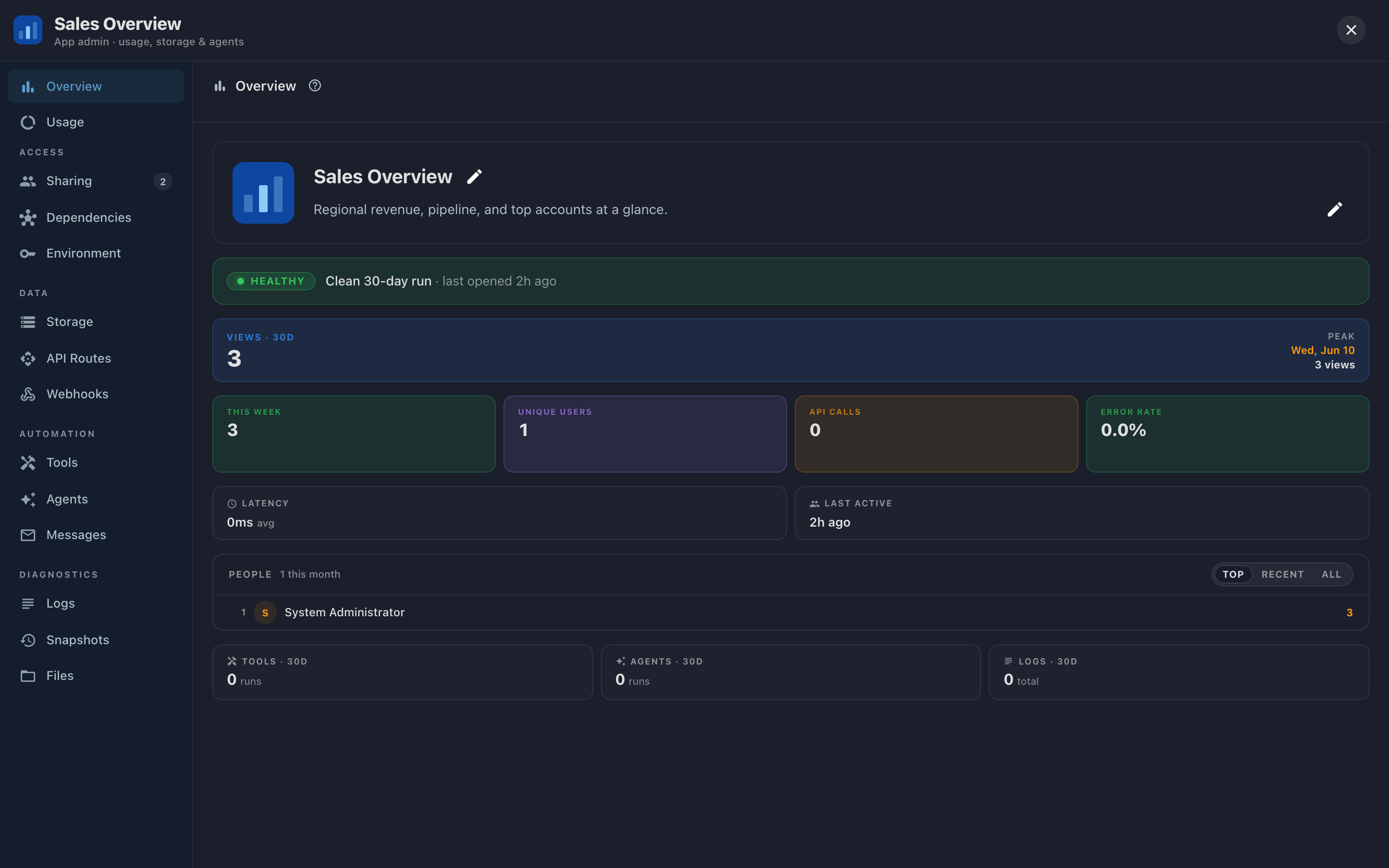
The panel is also the best map of what an App can do. Even if you never touch most tabs, a walk through the sidebar tells you what's possible: shared databases, your own API, webhooks, AI agents, notifications. Each tab gets its own page in this section, with what it's for, how it works, and what to do when something's off.
The sidebar
Overview and Usage sit at the top; the rest group by what they manage:
| Group | Tabs | In one line |
|---|---|---|
| Overview | Is the App healthy, who uses it, what changed this week. | |
| Usage | What the App spends in AI credits, and on what. | |
| Access | Sharing, Dependencies, Environment | Who can open the App, what data it's wired to, and the secrets it runs with. |
| Data | Storage, API Routes, Webhooks | The App's own database, its server endpoints, and the doors it opens to outside services. |
| Automation | Tools, Agents, Messages | What the App does on its own, and every notification or email it has sent. |
| Diagnostics | Logs, Snapshots, Files | For when something needs a closer look, or undoing. |
Overview, Sharing, and Usage stay available for every App. The other tabs belong to the Apps module and appear locked, with a note pointing to sales@entrinsik.com.
Where do I look when…
| Symptom | Start here |
|---|---|
| "Someone says they can't open the App" | Sharing: is the switch on, are they (or their team) listed, do they have the right role? |
| "The App shows an error about needing setup" | Dependencies: a slot is unbound or its resource was deleted. |
| "A feature that calls an outside service stopped working" | Environment: is the key it reads still set? Then Logs. |
| "Overview says Needs attention" | The facts under the verdict name the culprit (log errors, tool errors, error rate); each maps to a tab. |
| "I need to see or fix the App's data" | Storage: browse tables or run SQL right in the panel. |
| "A webhook stopped receiving events" | Webhooks: was its token revoked or the secret rotated? |
| "An automated job didn't run / sent nothing" | Agents for the run history, then Messages for delivery. |
| "Someone broke the App, undo it" | Snapshots: restore a known-good state. |
The Overview tab's health verdict is computed from the other tabs' data. When it says Needs attention, the facts under it ("2 tool errors", "5 log errors") tell you which tab to open next.