How to create a "Hello World" Template
A Template is a customizable format for viewing and exporting data. The Designer (WYSIWYG) editor lets Users create Templates without knowing HTML; you design visually and the editor handles the HTML. The code view lets Users proficient in HTML craft Templates with more precision. Informer uses Nunjucks to inject data into the completed HTML.
The most basic Template, and the one Informer creates by default, is "Hello World": a simple HTML page that displays "Hello, world!" and can be used as a base for other Templates. To create it:
- Click + New in the upper-left corner and select Templates under Reports.
- Enter a name and optional description, then click Save.
- The Template editor opens, displaying the default Hello World Template with its Components:
- template.njk: a required file for Nunjucks output.
- helpers.js: used to create custom Nunjucks filters.
- style.css: handles the styling of HTML elements.
- Context Viewer: displays connected data and Inputs.
- PDF: previews and formats the Template's PDF layout.
template.njk and helpers.js are protected and cannot be deleted, as they are essential for Template functionality. style.css can be recreated if needed.
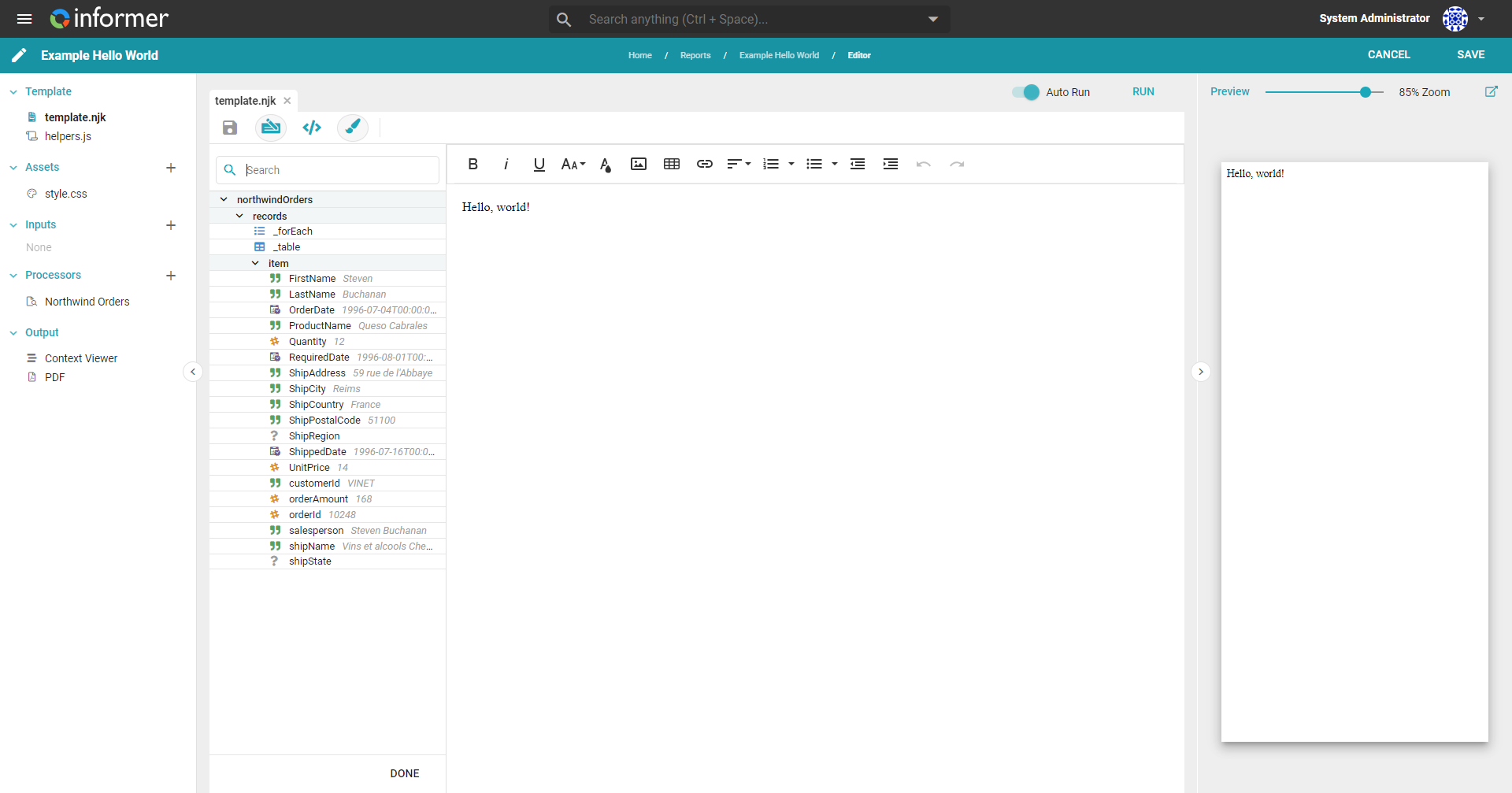
The Designer editor incorporates familiar features such as text formatting, color, and font-size adjustment, as well as inserting tables, lists, and images. It also offers additional options.

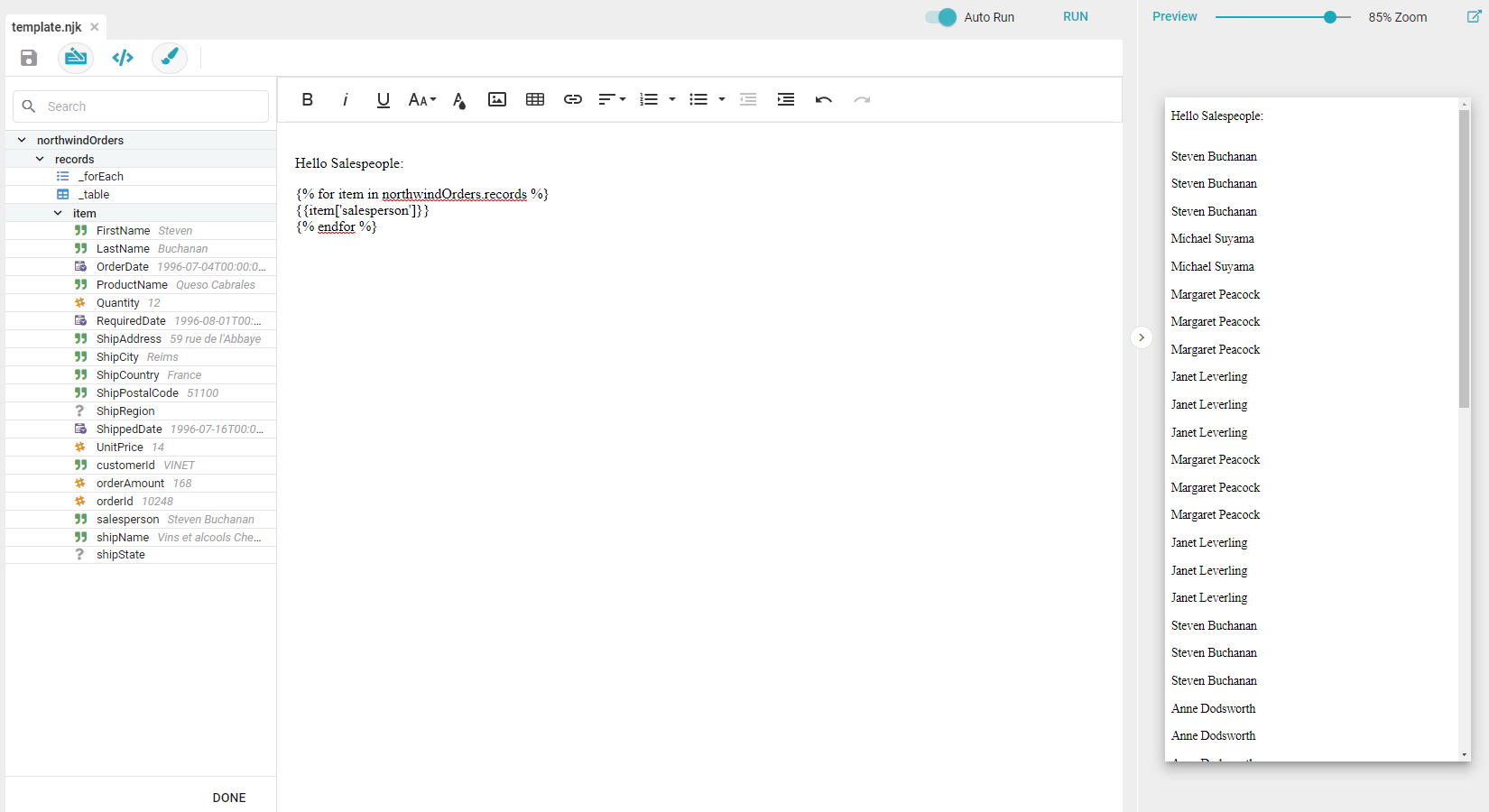
- Insert Keyword: inserts connected data into Templates without requiring HTML knowledge. Click Insert Keyword and choose the desired data, such as a loop through all Salespeople in the Dataset.
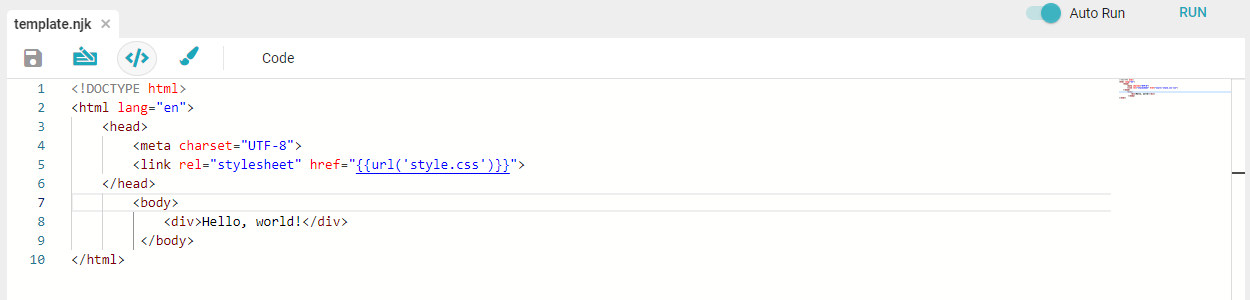
- Code View: opens a code editor, letting you write Templates using HTML directly. See Writing and editing Templates.
- Visual Editor: opens the Designer editor, letting you build Templates without writing all the HTML manually.
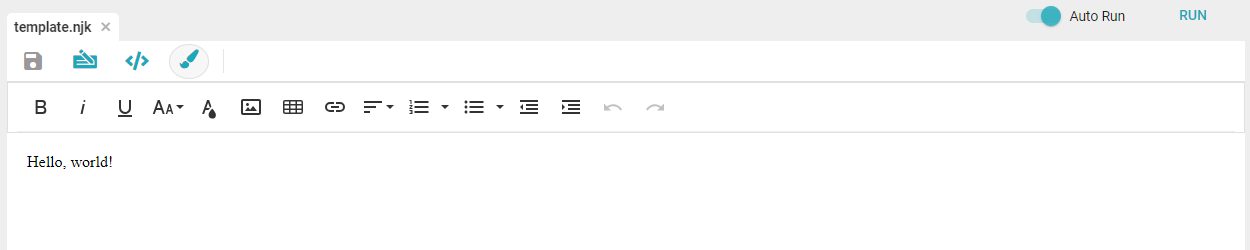
- Auto Run: toggles automatic refresh of the preview when saving the Template.
- Run: manually refreshes the preview. Click this if Auto Run is disabled.