Creating an Informer Datasource
The Informer Datasource lets Informer report on itself: who is using data, how it is connected, and what is happening in the system. It is most useful with the Query and Request Audit features, so Superusers can build Datasets and Reports of what users are doing in Informer.
Create the Datasource
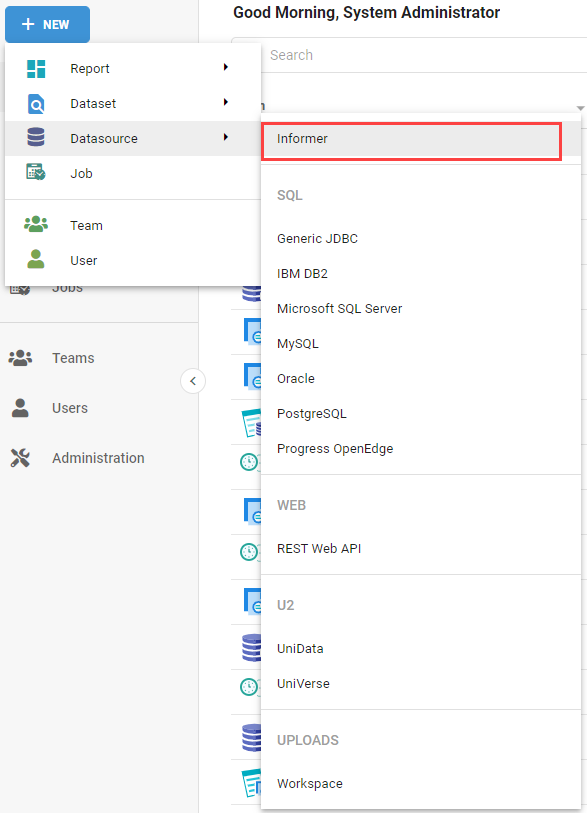
- Click New and select Datasource.
- Select Informer.
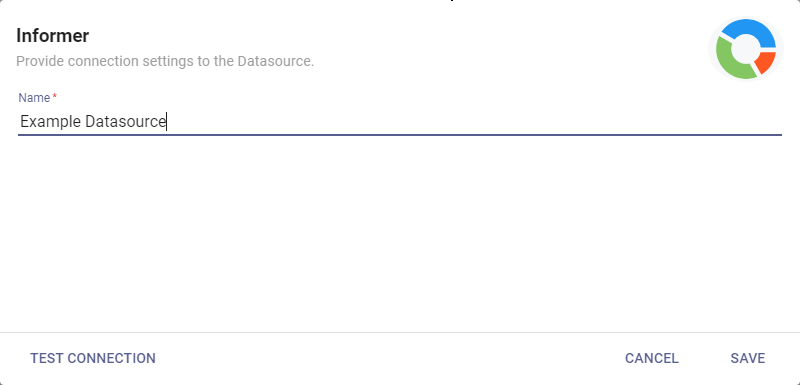
- Enter a name for the Datasource.
- Click Test Connection to confirm Informer is connecting to itself.
- If it succeeds, click Save.
The Informer Datasource is tenant-specific and does not expose data from other tenants.
Scan the Datasource
After saving, Informer opens the Datasource's Mappings page. Click Scan Datasource and run a Full Scan to bring in all the Mappings and their Fields.
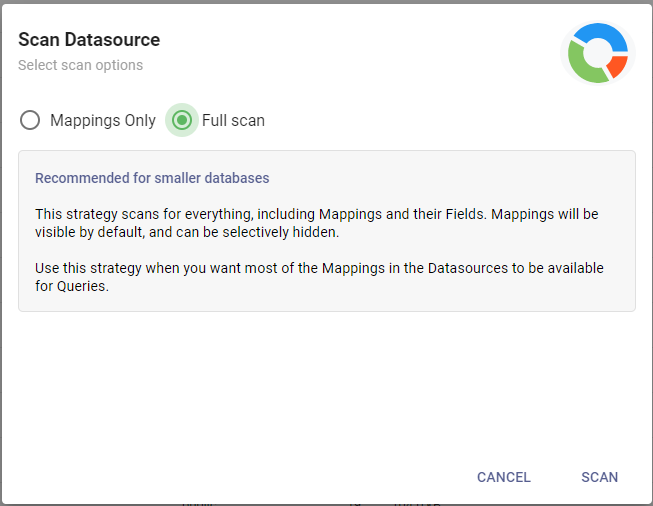
A Full Scan may take a few minutes. Click Run in Background to keep using Informer while it runs.
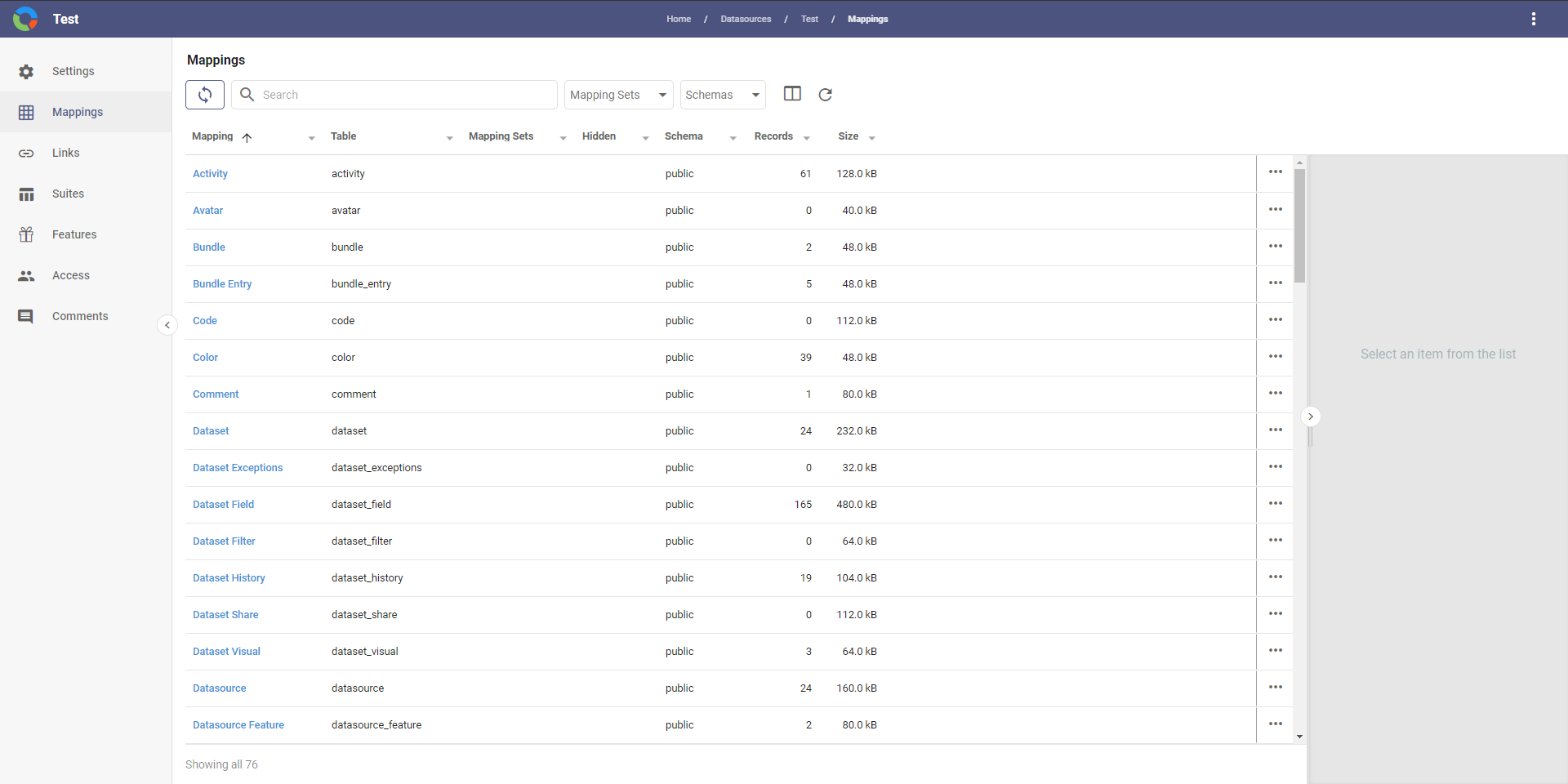
The Informer Datasource is then populated with the deployment's Links, Mappings, and schema, and can be used like any other Datasource. It is required to build Datasets and Reports from Audit Logs.
Only the Dataset Designer can create a Dataset from an Informer Datasource.