SQL Criteria options
The Aggregate Criteria feature can select against aggregate Field values. This is only available for SQL Queries. Used with Aggregate Fields, it is one way to get a summarized view of a result set.
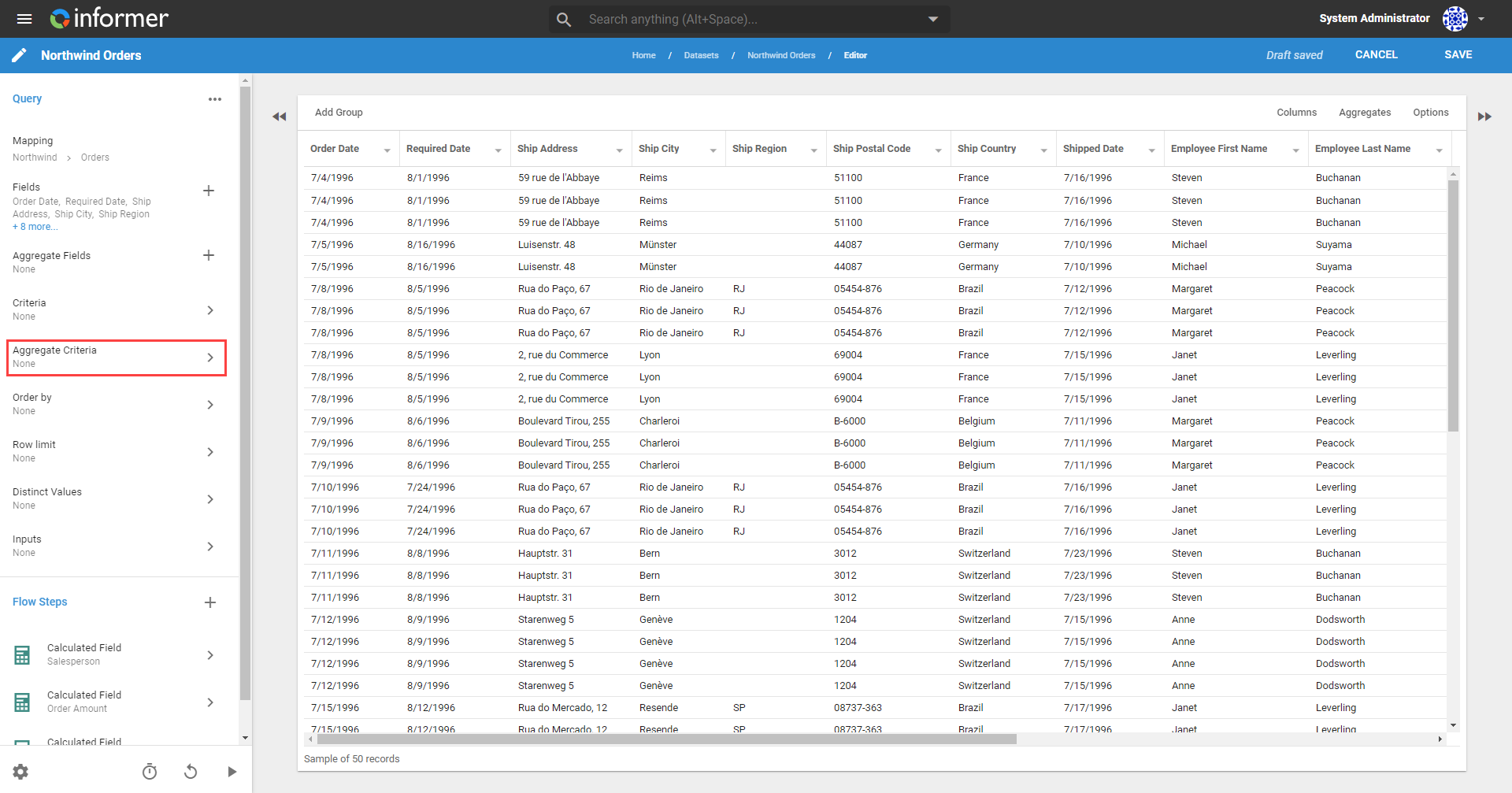
Add an Aggregate Criterion from the Query's Edit page by clicking Aggregate Criteria.
Click the + button on the Criteria edit page to add a Criterion. Add an Aggregate Criterion by clicking Select Field, then Select Aggregate to add an aggregate for the selected Field.
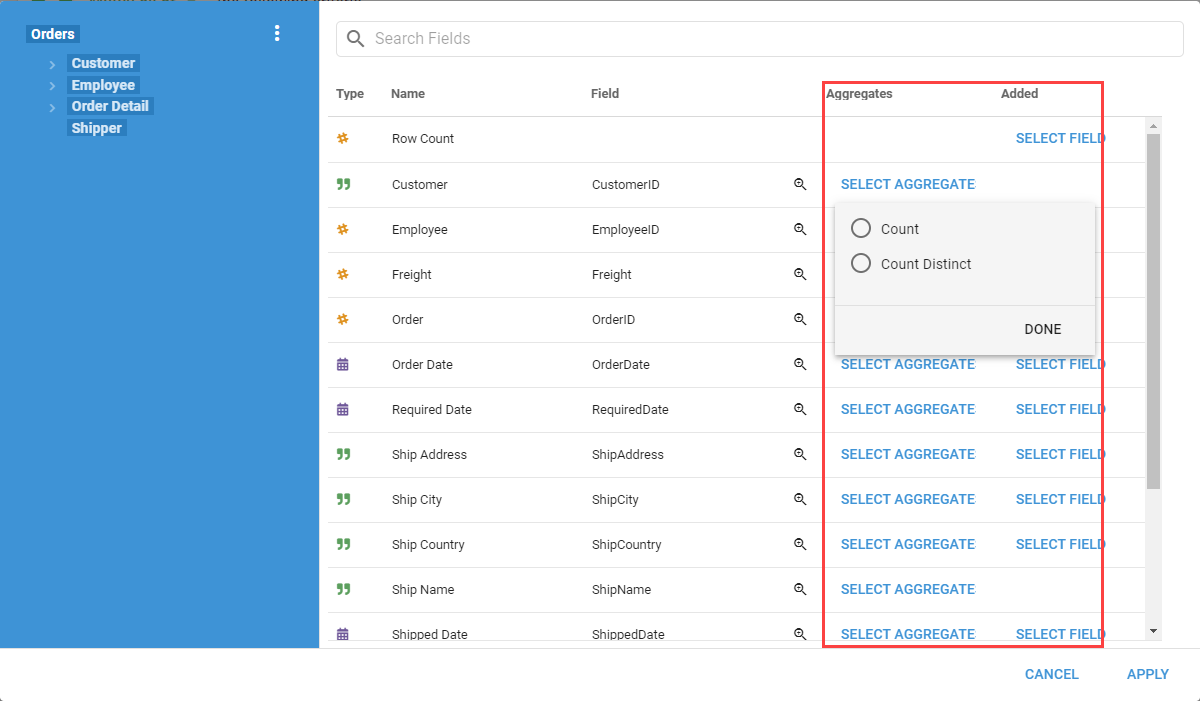
Click the radio button next to the type of aggregate to add, then click Done. Click Apply to add the Aggregate Field to the Criterion.
Also available through the REST API
Everything on this page is built on Informer's public REST API, the same one the product uses, so your scripts and integrations can do it too. Developer reference: Queries.