What are Criteria?
Criteria define which records a Query retrieves from a Datasource. For example, if an Orders table holds historical details of orders over several years and you only want 2019's orders, you would add that restriction to the Query's Criteria.

Types of Criteria
Because Criteria are part of the Query definition, they are the more concrete way to filter a result set. If Users with different data needs share the same Query, a post-query Filter may be preferable. In the earlier example, if more than one User pulls data from the Orders table, it may make more sense to select all the records and let each User set up filters for different date ranges.
There are five types of Criteria: Field, Value, Saved List, Variable, and Input.

Field
Field Criteria compare one Field's value to another Field's value. For example, selecting all of a student's enrolled courses that match their declared major.
Value
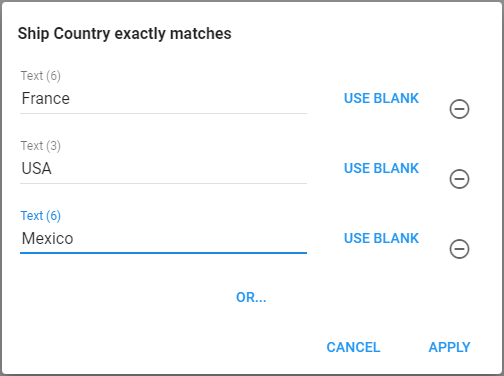
Value Criteria are the most common type and compare a Field's value to a predefined value. For example, selecting orders where the ship country is France, USA, or Mexico.
Saved List
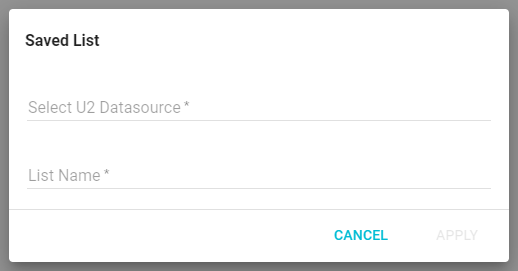
Saved List Criteria select records that match the values in a Saved List on a U2 Datasource.
Variable
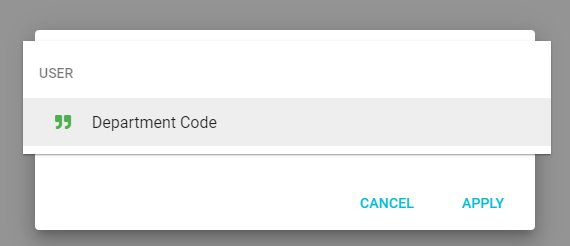
Variable Criteria compare one Field's value to an existing User Field's value.
Input
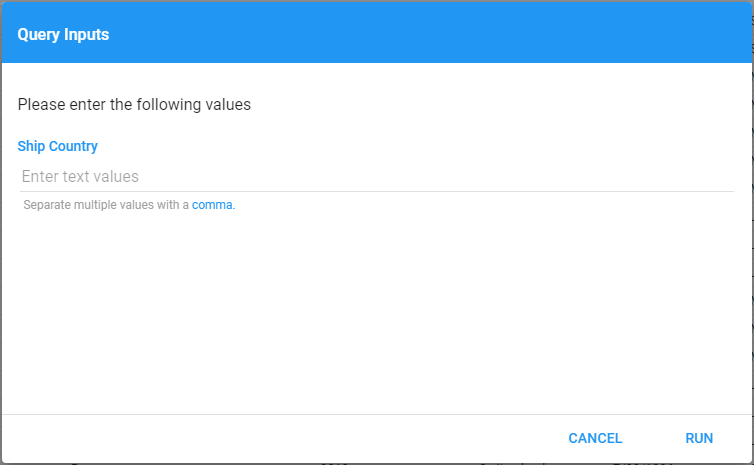
Input Criteria compare one Field's value to a user-defined Input value. See Inputs for more on Inputs.