Grouping Criteria
Grouping Criteria together lets you configure Boolean conditions across multiple sets of Criteria at the same time.
Groups
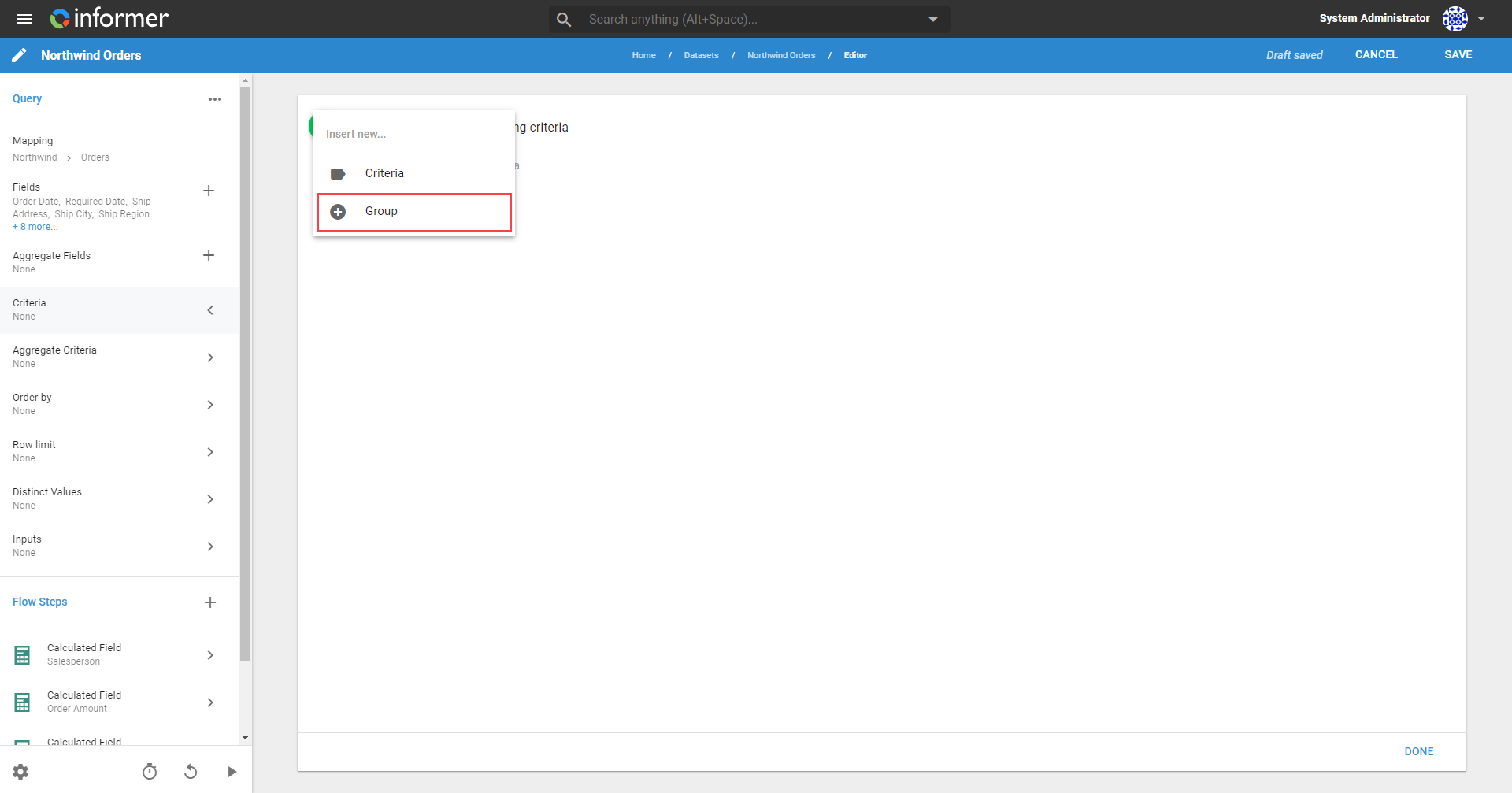
Adding a Criteria Group is similar to adding a single Criteria. Click Criteria in the left panel on the Query's Edit page, click the + icon, and select Group.
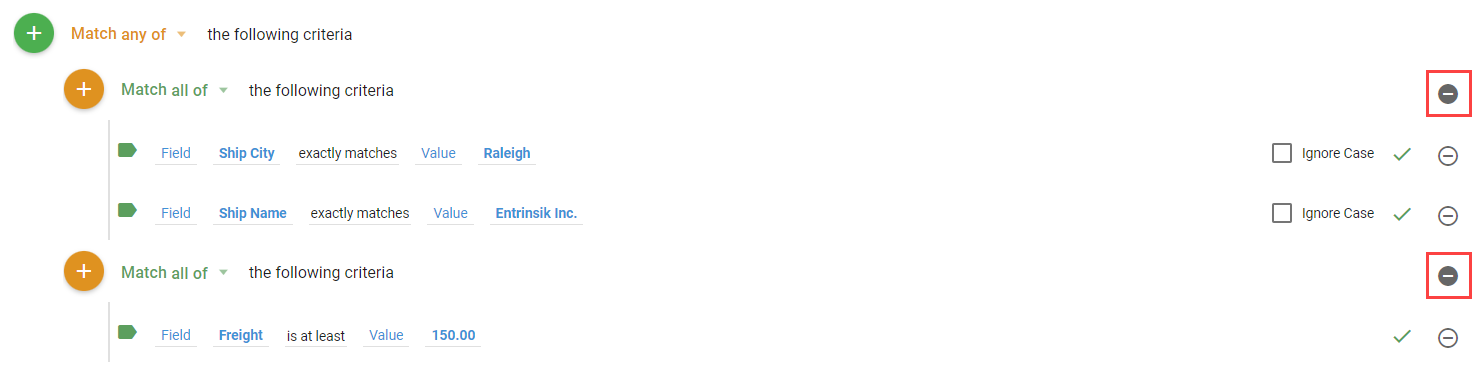
Click the + icon next to the new group to add Criteria or more Groups. Each group has an option that sets the Boolean logic applied to all the Criteria in it. For example, returning records where the Ship City is Raleigh and the Ship Name is Entrinsik Inc, or where the Freight is at least 150.
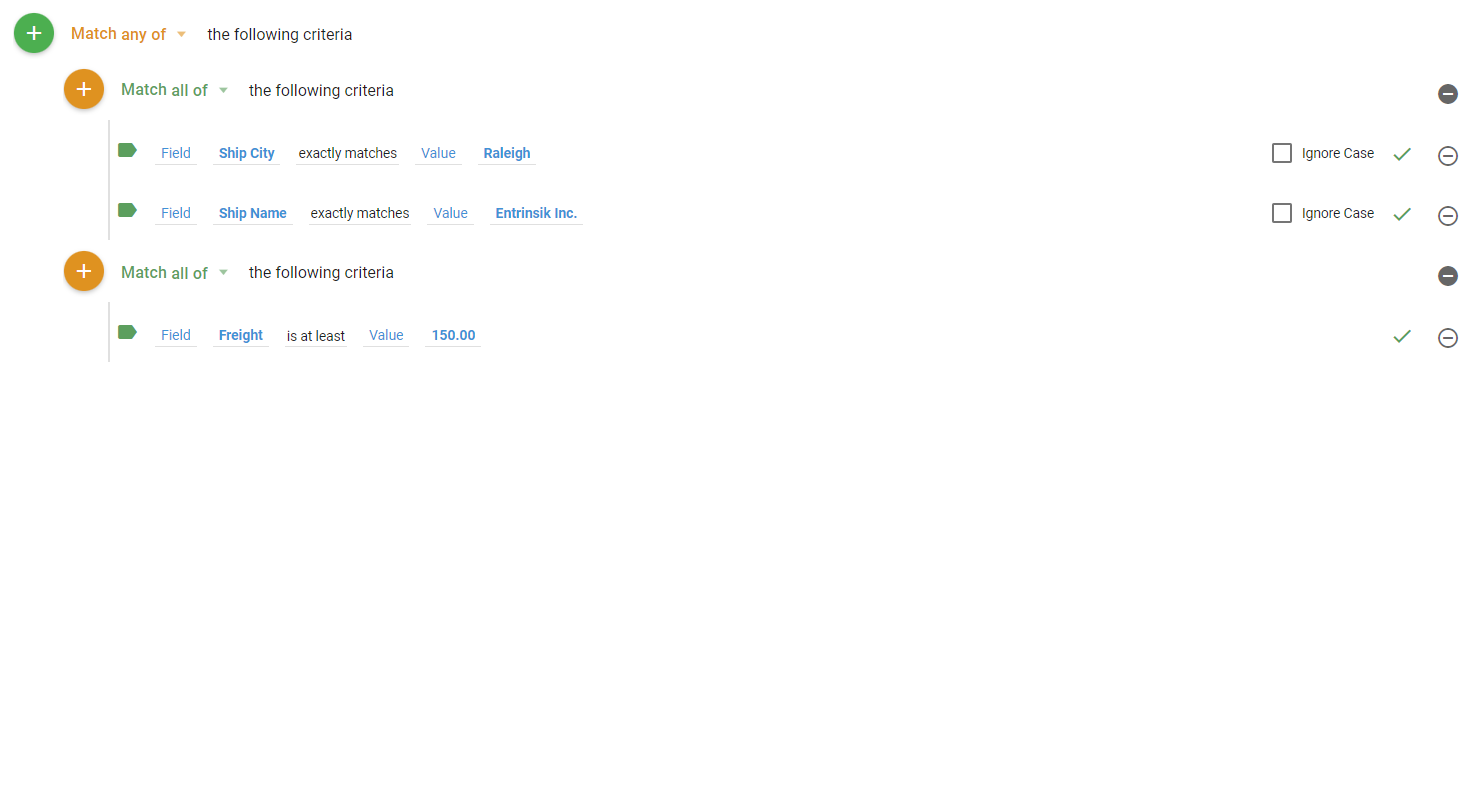
Rearrange groups by dragging the + icon next to the group heading. Click Done to view a sample with the Criteria applied, then Save to save your changes.
Removing Groups
Remove a Criteria Group by clicking the - icon to its right. This removes all the Criteria in that group.