Job history
The Job History page shows historical data about a Job, such as when it has fired, how long each run took, and whether it succeeded. Open it from the Job details page by clicking History on the left.
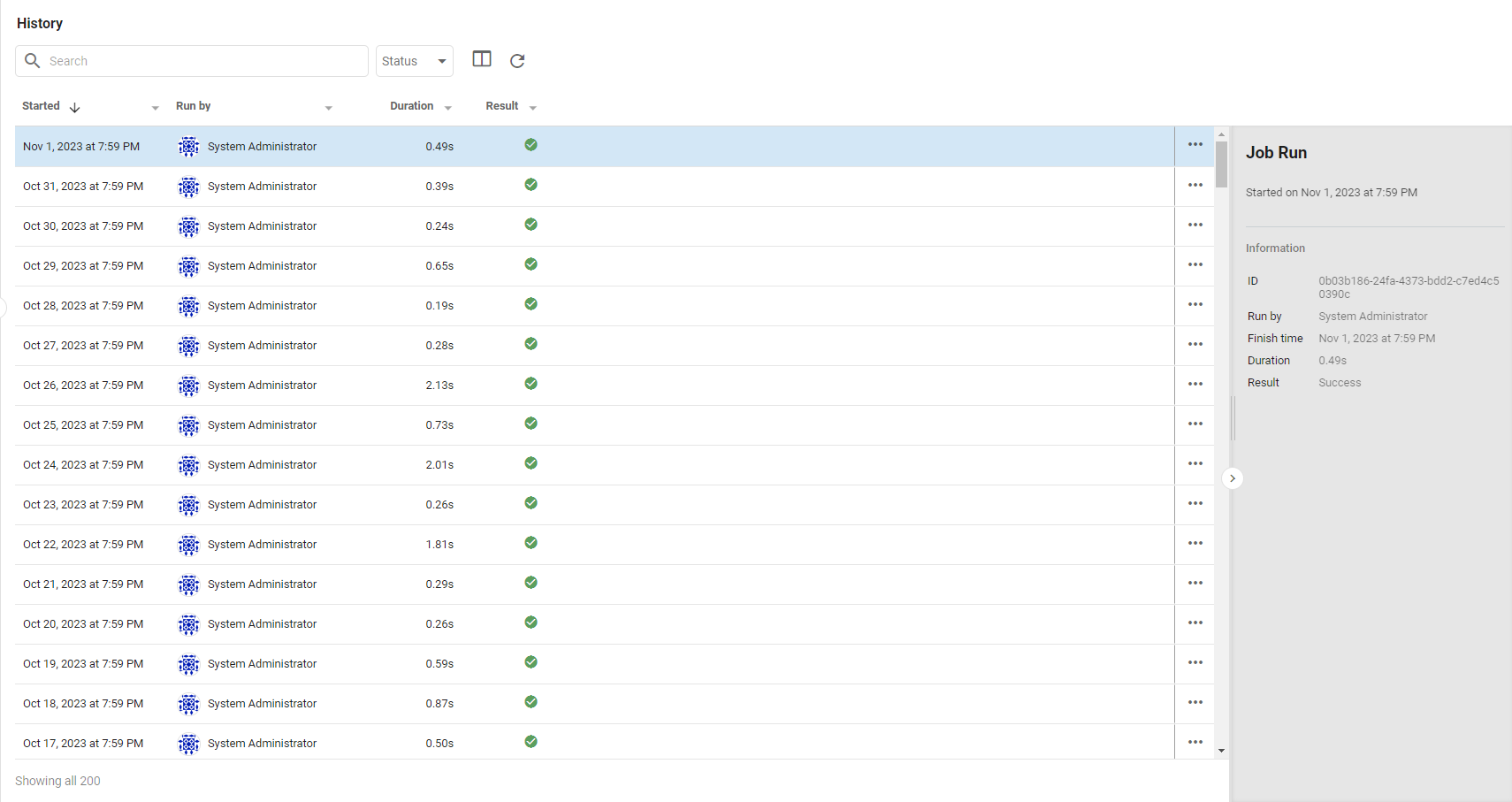
The Job History page
The page lists every run of the Job. Clicking a run opens a panel on the right with detailed information about it.
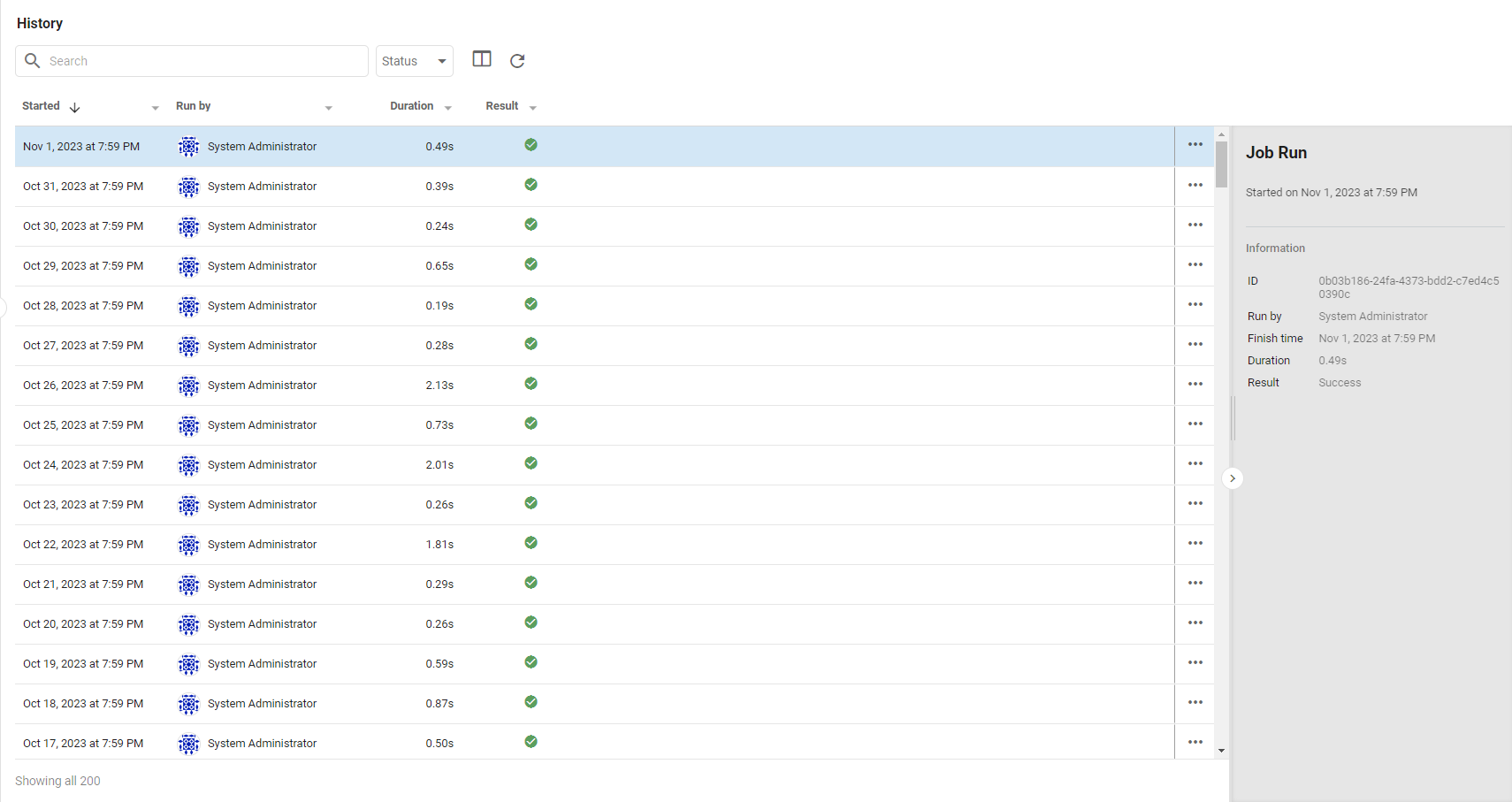
A Job's History page includes:
- Started: the initial fire time of the run.
- Run by: the User who ran the Job. If it ran automatically, this shows the User who created it; if a User ran it manually, it shows that User.
- Duration: how long the run took, in seconds. A longer-than-usual duration may indicate a problem.
- Result: whether the run succeeded. A green checkmark indicates success; a red exclamation mark indicates failure (see Job progress below).
- ...: opens a menu to delete the selected run from the history.
Job progress
Each run has an associated Job Progress with detailed information about its execution. Double-click a run on the Job History page to open the Job Progress window. A successful run shows each action in the Job with a green checkmark.
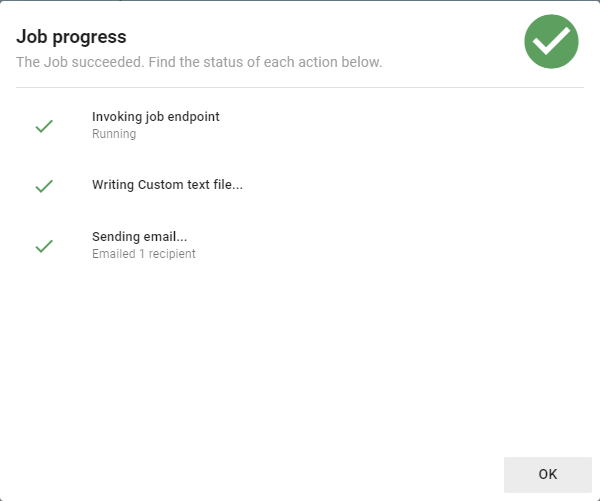
A failed run shows a similar window with the actions that executed successfully and the ones that failed. Failed actions include details that help explain why they failed, which is useful when determining how to fix the Job.