Scheduling a Job
One of the most useful features of Jobs is scheduling them to run without manual effort, automating the refreshing of content throughout Informer.
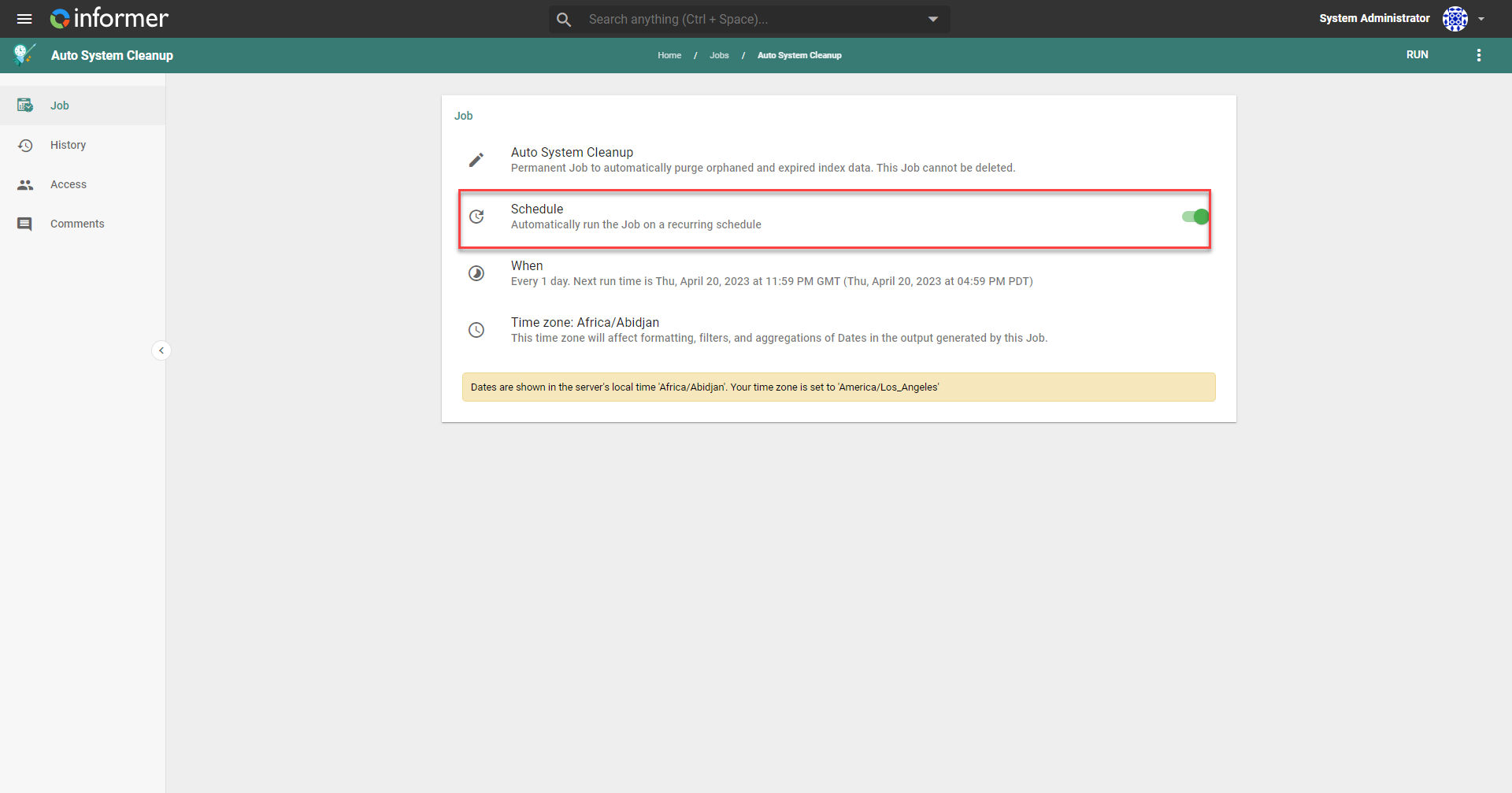
To set up a Job schedule, first enable the Schedule toggle on the Job's detail page to show the When section.
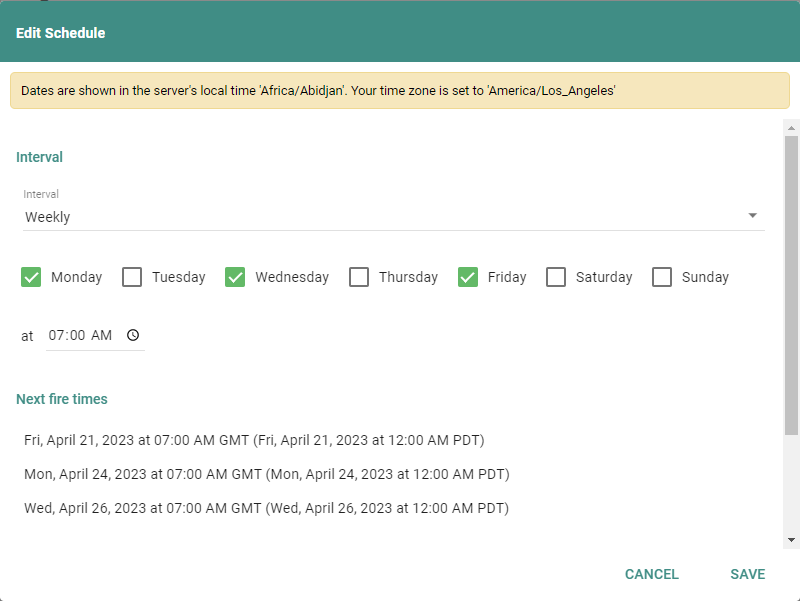
Next, click the When section and choose from the refresh interval options available. Intervals range from minutes, hourly, daily, weekly, monthly, and yearly, to other custom intervals determined by CRON syntax. The next three fire times display while you configure the refresh interval, to help you visualize when the Job will fire. Start and End Dates indicate a beginning and end date for the Job. Click Save to finalize the refresh interval.
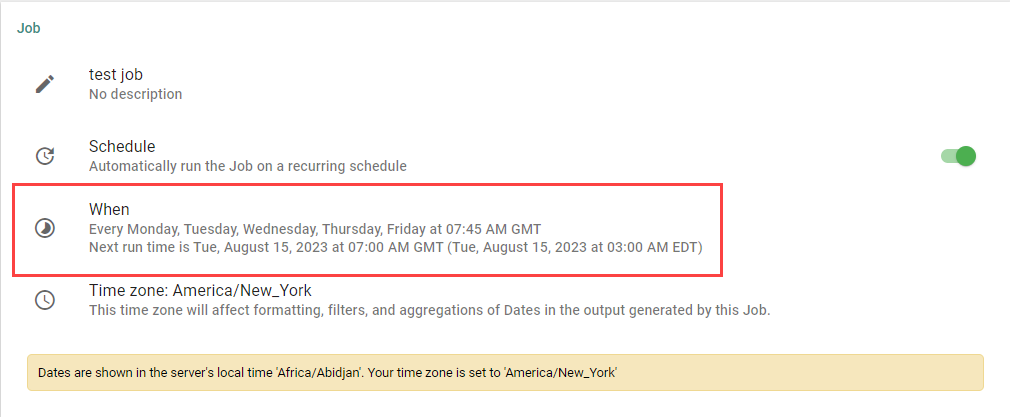
After saving the interval, the Job detail page reflects the configured refresh interval, giving a quick reference for the next time the Job runs. Click back into the When section to update the interval. To disable a schedule, unselect the Schedule toggle. Informer retains the last interval configured, providing a starting point for when the schedule is enabled again.