Creating a Job
There are two ways to create a Job: from the + New button, or from inside a Query (a Dataset or Ad hoc Query) that provides some or all of the data for the Job.
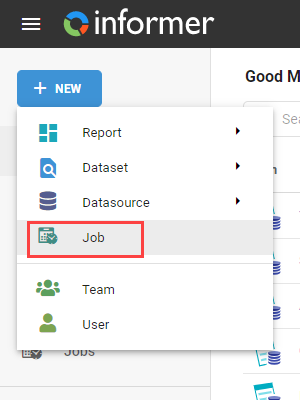
Click + New in the top left and select Job.
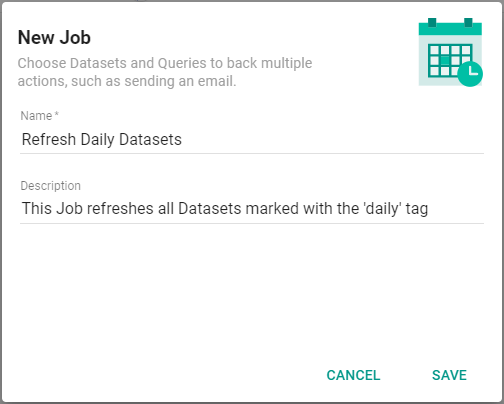
Give the Job a name and, optionally, a description, then click Save.
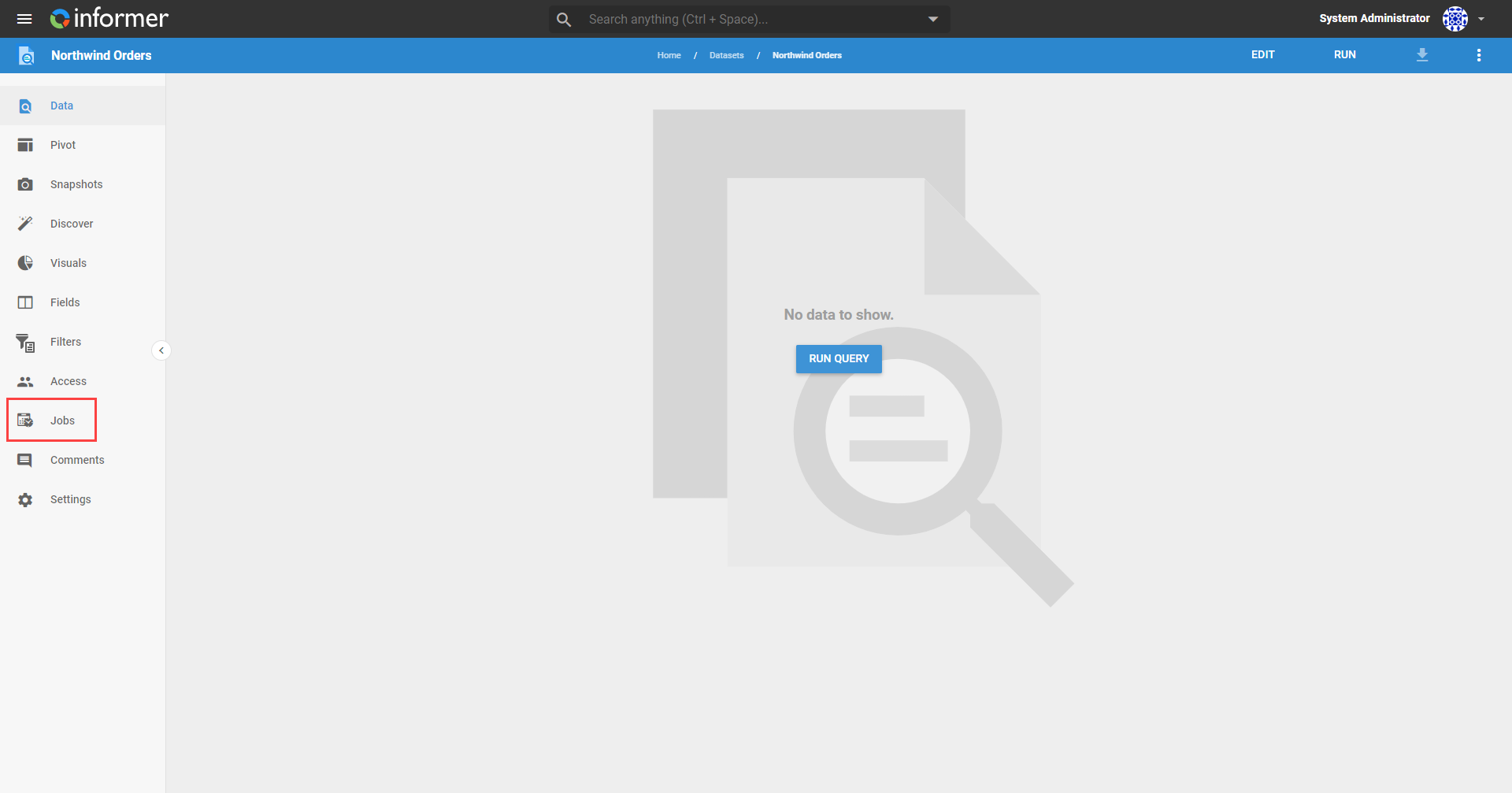
To create a Job from a Query (a Dataset or Ad hoc Query), click the Jobs icon (the calendar) in the left menu.
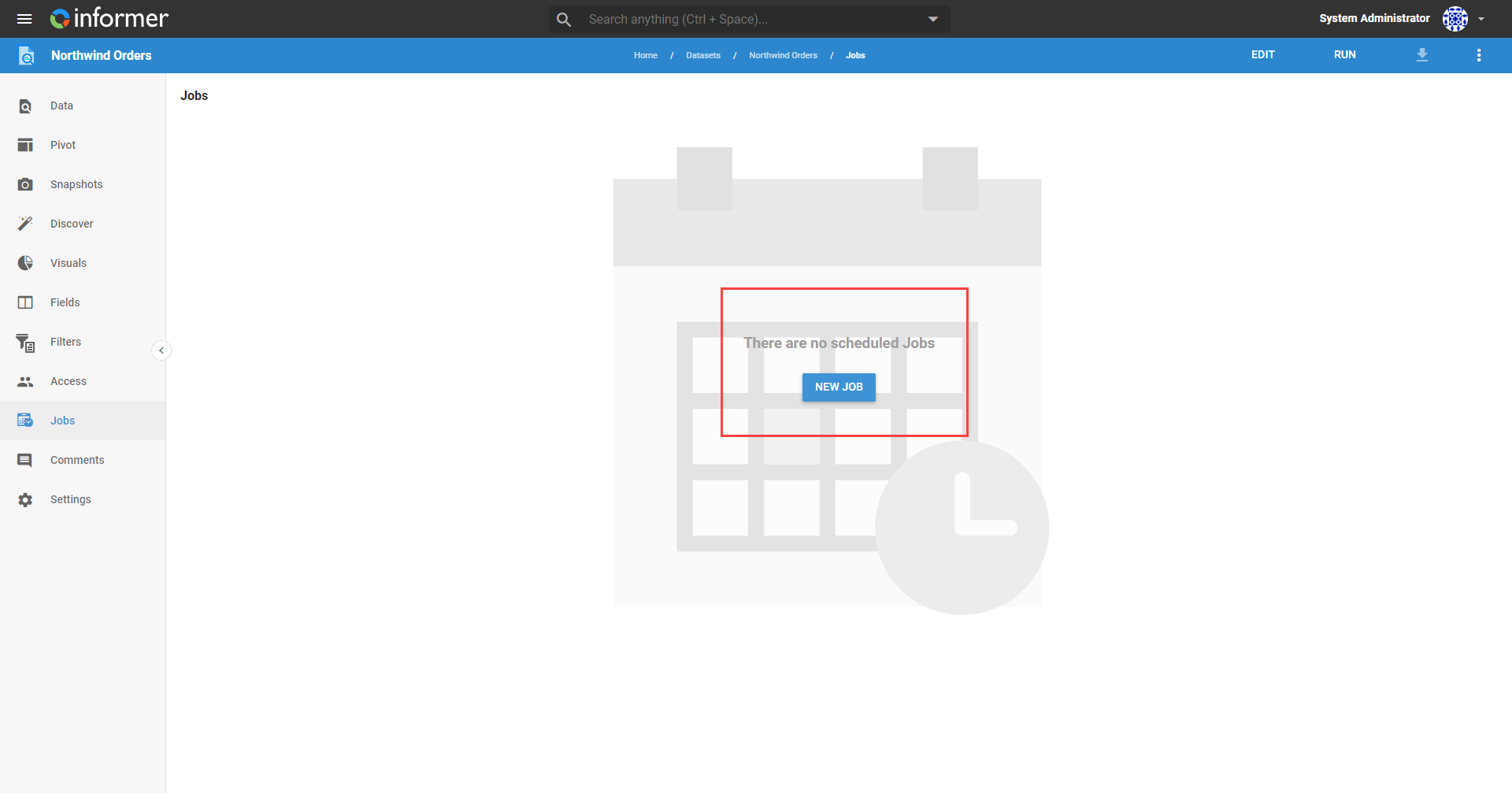
This is a Job listing page showing all the Jobs that use this Query, with the ability to create a new Job that includes this Query by default.
Creating a Job directly from a Query is convenient when you are already looking at the data, or just after building the Query.
Also available through the REST API
Everything on this page is built on Informer's public REST API, the same one the product uses, so your scripts and integrations can do it too. Developer reference: Jobs.