Assistant Takeover
Assistant Take Over lets you seamlessly take control of an Assistant draft that is currently being edited by another User. This ensures only one User edits a draft at a time, preventing conflicts and confusion.
How Assistant Take Over works
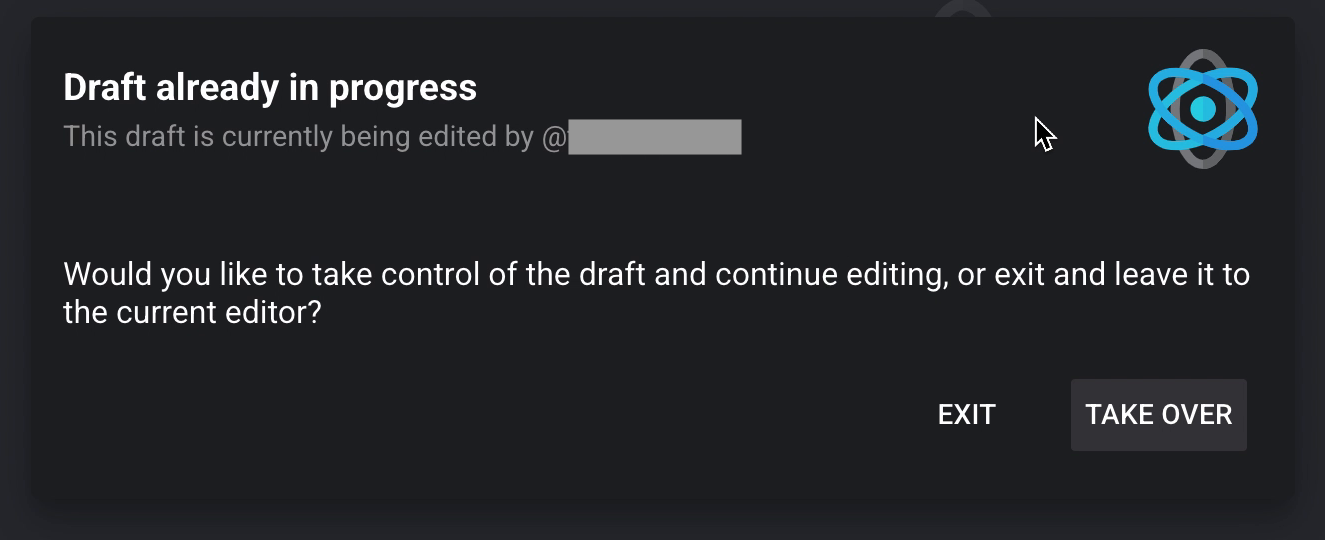
When you try to edit an Assistant draft that someone else is already editing, a message appears telling you who is currently editing it. You have two options:
- Exit: Leave the draft as is and return to the Assistant's View state.
- Take Over: Take control of the draft and continue editing. The previous editor loses their editing ability and sees the same message, giving them the option to take over again or exit.
Step by step
Consider two Users trying to edit the same Assistant at the same time.
User A clicks Edit on an Assistant that User B is already editing. A message appears: "Draft already in progress. This draft is currently being edited by @username." User A can Exit (leave the draft unchanged) or Take Over (become the new editor).
When User A takes over, User B loses editing control and sees: "Draft has been taken over. Only one person may edit a draft at a time, and the User @username has taken control of this draft." User B can Exit or Take Over again.
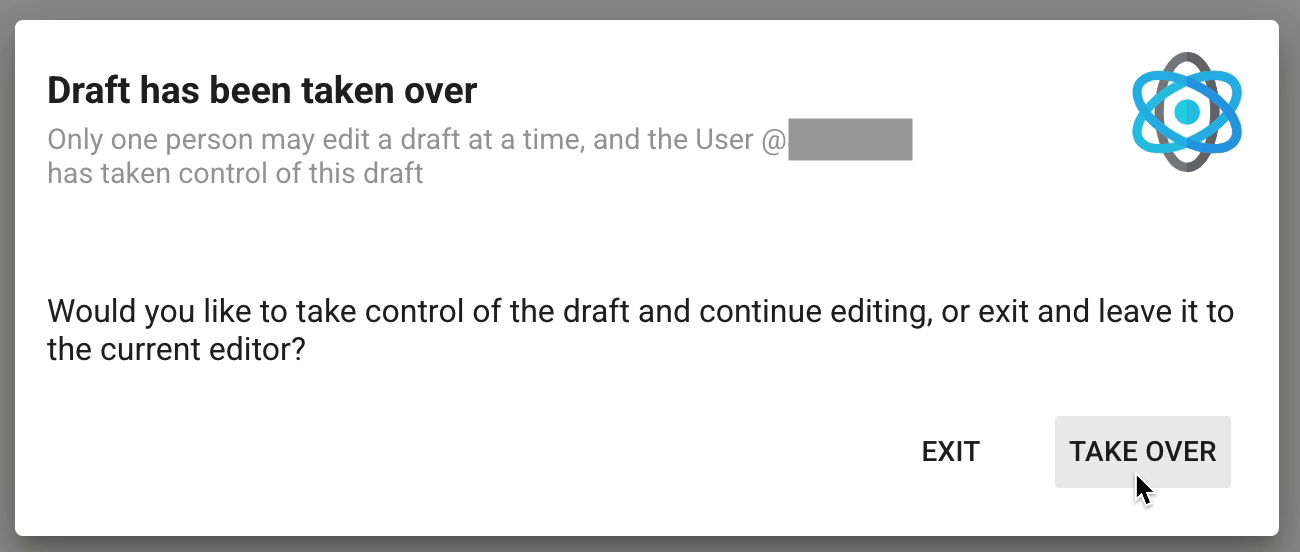
This can repeat as many times as needed. Only one User edits the draft at a time, and both are always told who currently has control.
After the draft is saved
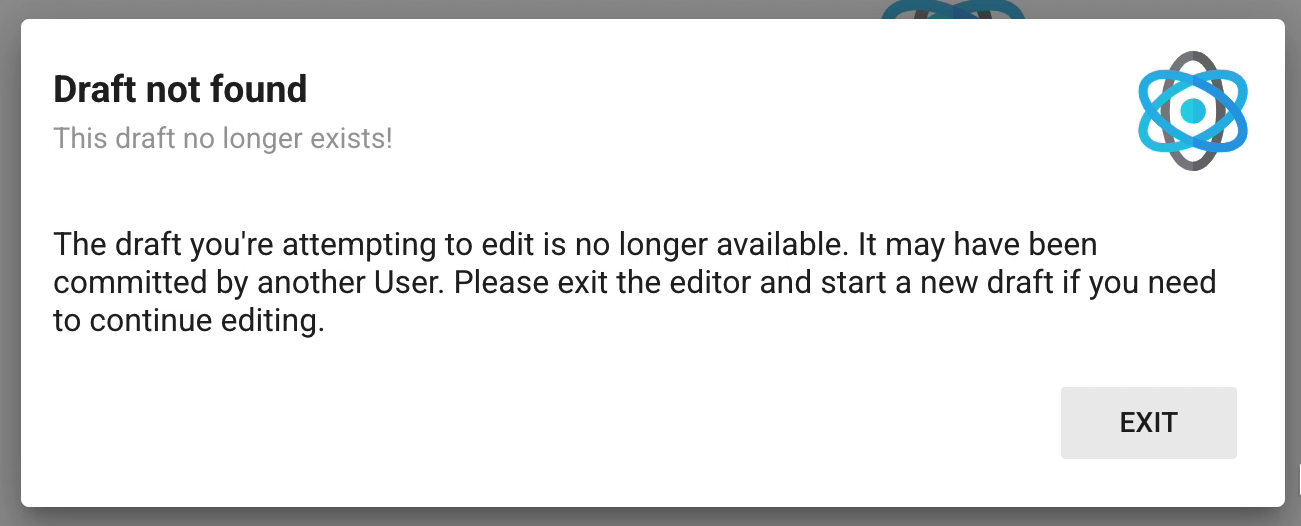
If someone attempts to take over a draft after it has been saved (committed) by another User, a Draft not found message explains that the draft may have been committed, and that they must exit the editor to continue.