Copying, deleting, and renaming
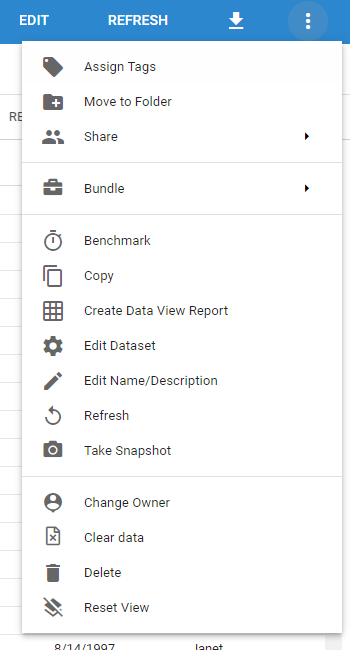
You can copy, delete, and rename Queries through the Actions menu. Open a Query or Dataset and click the three vertical dots in the top-right corner.
Copying
Copy a Query by selecting Copy in the Actions menu, entering a name for the new Query, and clicking Save.
note
Only Designers and above can copy Queries they have access to.
Deleting
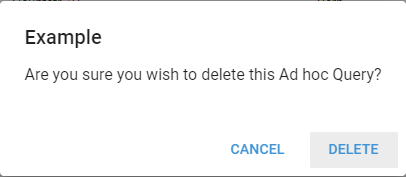
Delete a Query by selecting Delete in the Actions menu and clicking Delete in the confirmation window.
Renaming
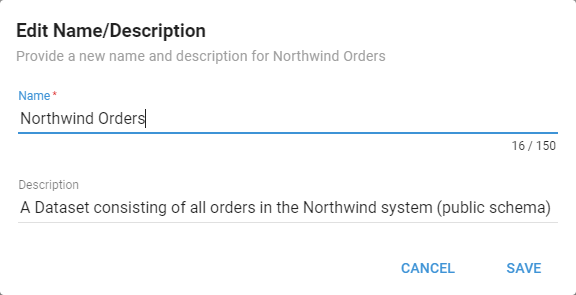
Rename a Query by selecting Edit Name/Description in the Actions menu, entering a new name and optional description, and clicking Save.
Also available through the REST API
Everything on this page is built on Informer's public REST API, the same one the product uses, so your scripts and integrations can do it too. Developer reference: Queries.