What is a Flow Step?
Flow Steps are actions that manipulate a Query's results after it runs. They create new Fields or change existing ones based on the Query's results or an Input.
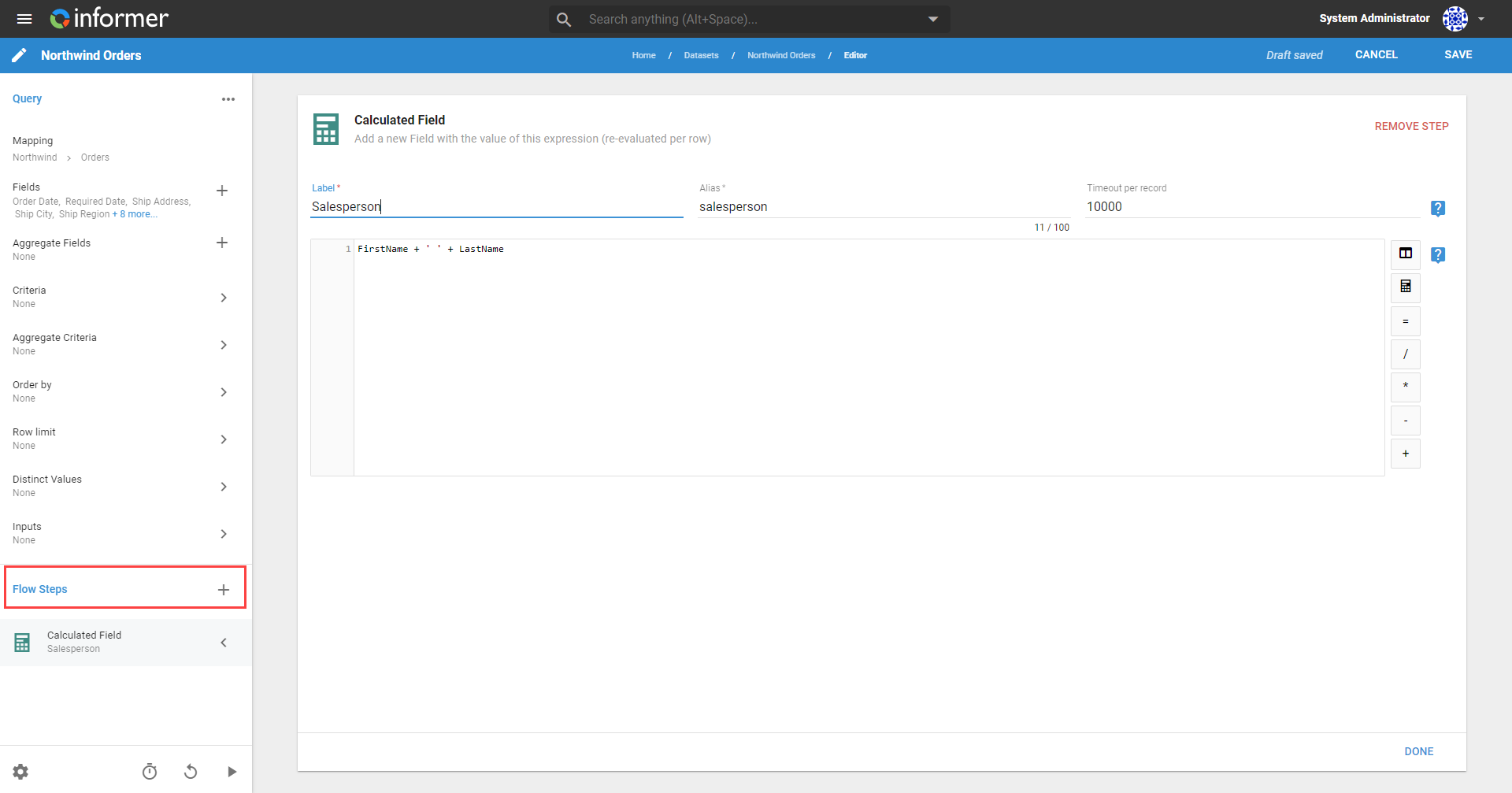
For example, a Flow Step could combine Fields containing first and last names into a single full-name Field. Another Flow Step could then remove the original Fields that are no longer needed.
Add a Flow Step by clicking the + icon next to Flow Steps on a Query's Edit page. Flow Steps execute from the top of the list down.
Also available through the REST API
Everything on this page is built on Informer's public REST API, the same one the product uses, so your scripts and integrations can do it too. Developer reference: Queries.