Advanced Flow Steps
Advanced Flow Steps provide additional functionality for more complex calculations. They are commonly used to obtain values that come from multiple records, such as a percentage of a total.
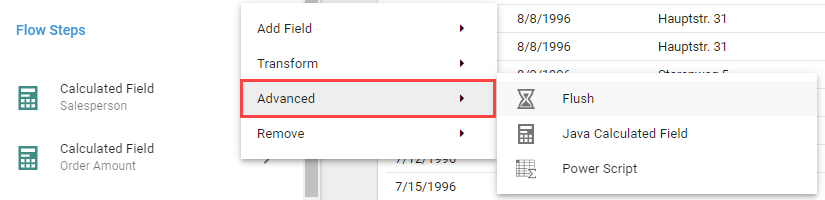
Flush
The Flush Flow Step instructs the system to finish processing all records from the preceding Flow Steps before running the next ones.
Java Calculated Field
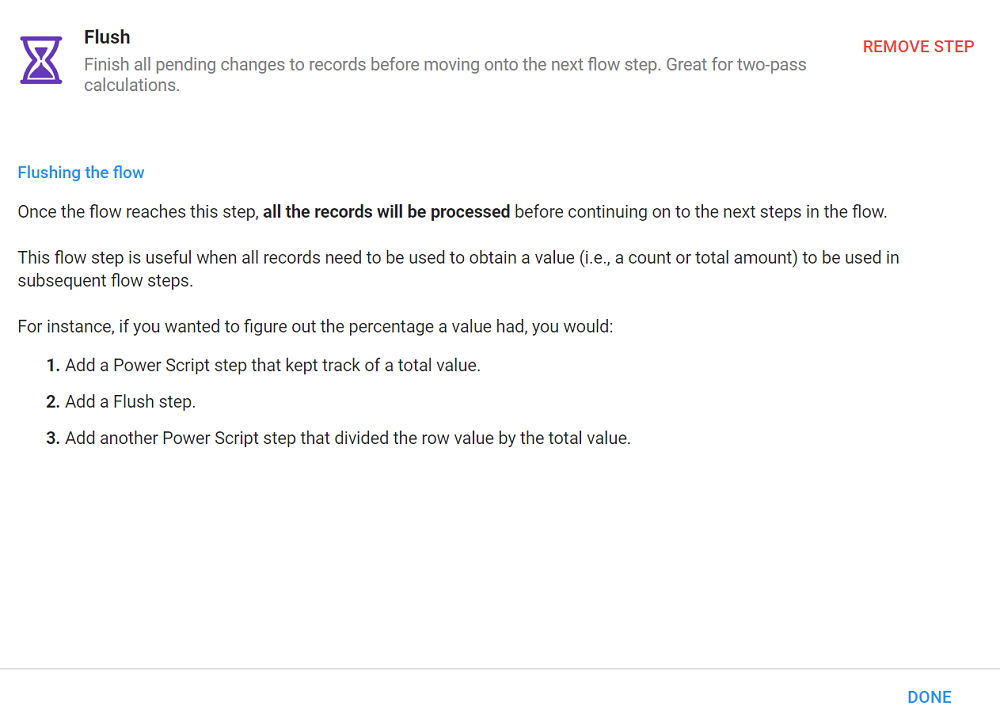
The Java Calculated Field Flow Step runs calculations on a single row via the Java scripting interface, such as those migrated from Informer 4. It uses the JavaScript interpreter within a Java environment instead of the JavaScript provided with Node.js. Use the Timeout per record setting to limit how long each record can take before throwing an error, which prevents the Query from locking on bad scripts. The default is 500 ms (0.5 seconds).
Java Calculated Fields are much less efficient than Calculated Fields and are only intended for content migrated from Informer 4. Consider using a Calculated Field Flow Step instead for better performance.
Power Script
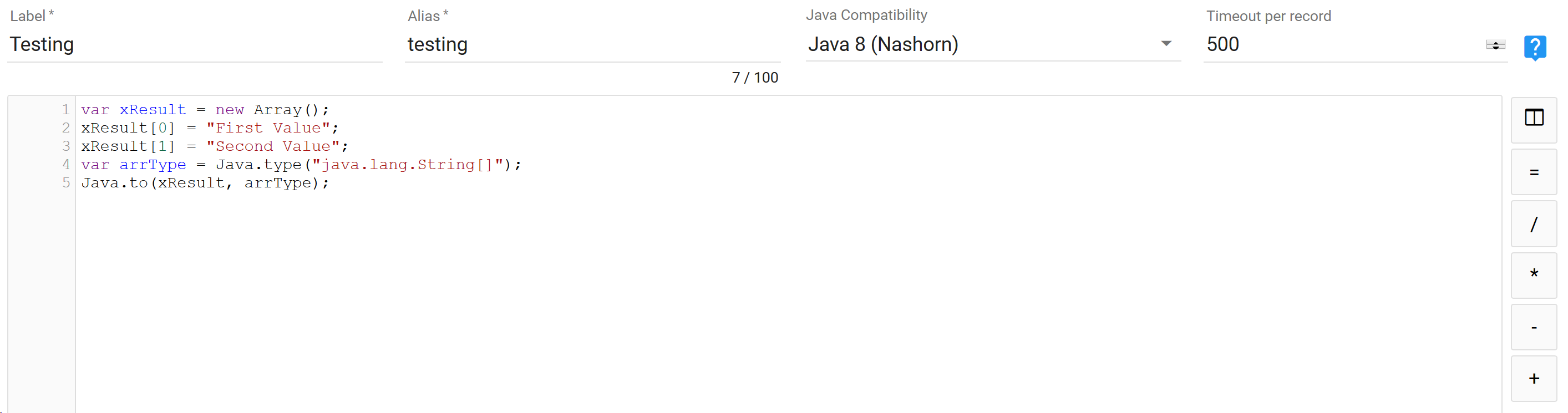
The Power Script Flow Step is an advanced script that provides complete control over the data in a result set, letting you manipulate every value returned from the Query. Power Scripts still use JavaScript but have access to more advanced functionality. The Timeout per record setting limits how long each record can take before throwing an error. The default is 10000 ms (10 seconds).
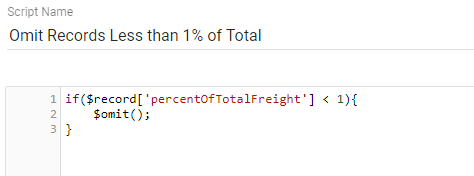
The buttons to the right insert common pieces of a Power Script expression:
- Insert Field: lists all Fields in the Query, including those created by earlier Flow Steps. Select a Field to add its reference to the expression.
- Insert Function: adds a Saved Function. Most Functions need Fields or values as parameters; this button opens a window to choose them.
- Inputs: adds an Input from the Query to the expression, letting you reference Input values in scripted Fields.
- Operators: inserts common JavaScript operators (equal, divide, multiply, subtract, and add).