Adding data to a Job
The first part of configuring a Job is defining the data to use from one or more Datasets or Ad hoc Queries. There is no hard limit on the amount of data that can be in a single Job, although if a Job is refreshing multiple large Queries, then the Job will take longer to run.
When creating a Job from scratch, click either the Add Data button in the middle of the Job edit page or click the + icon in the top-left of the edit page.
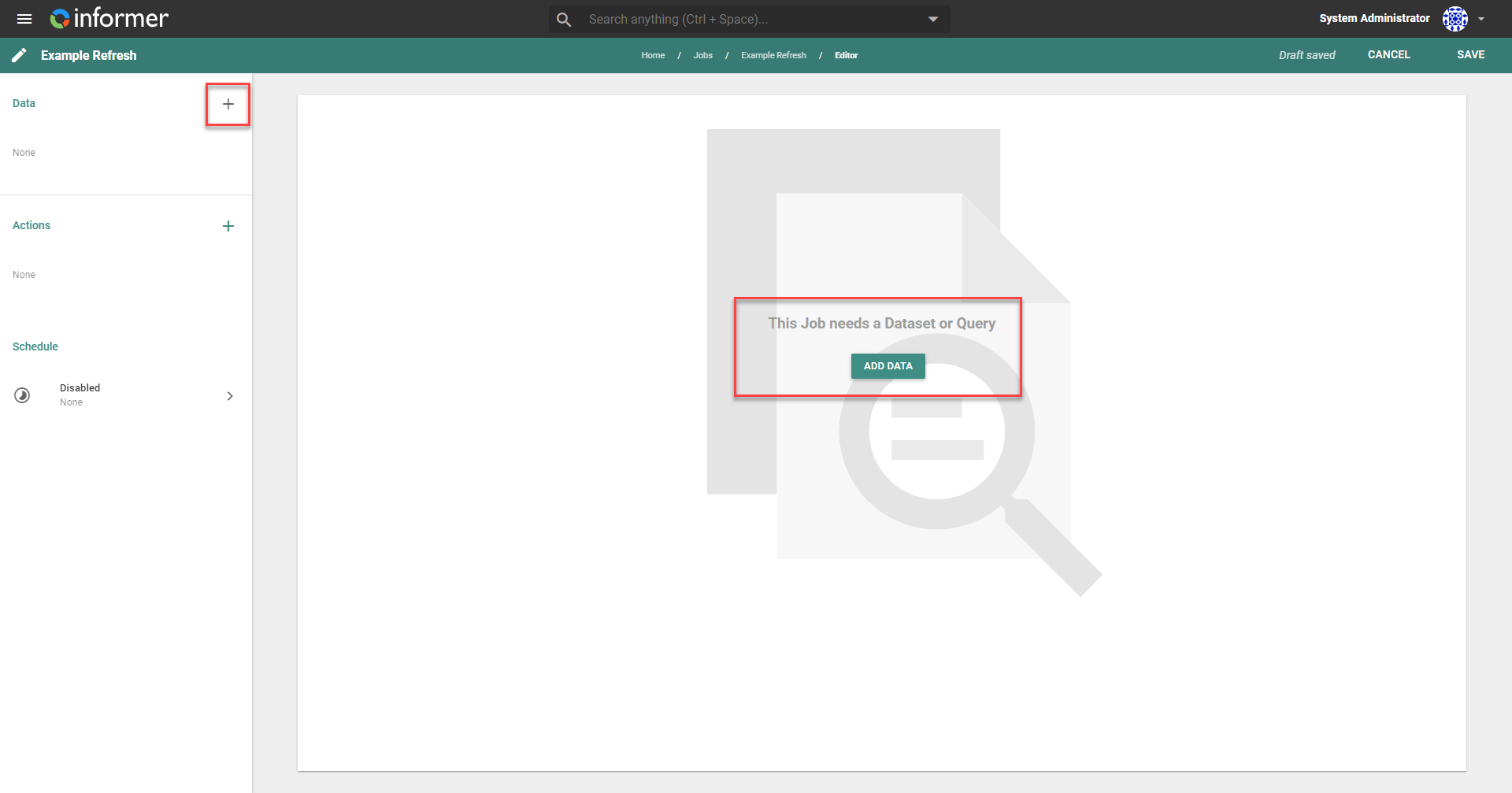
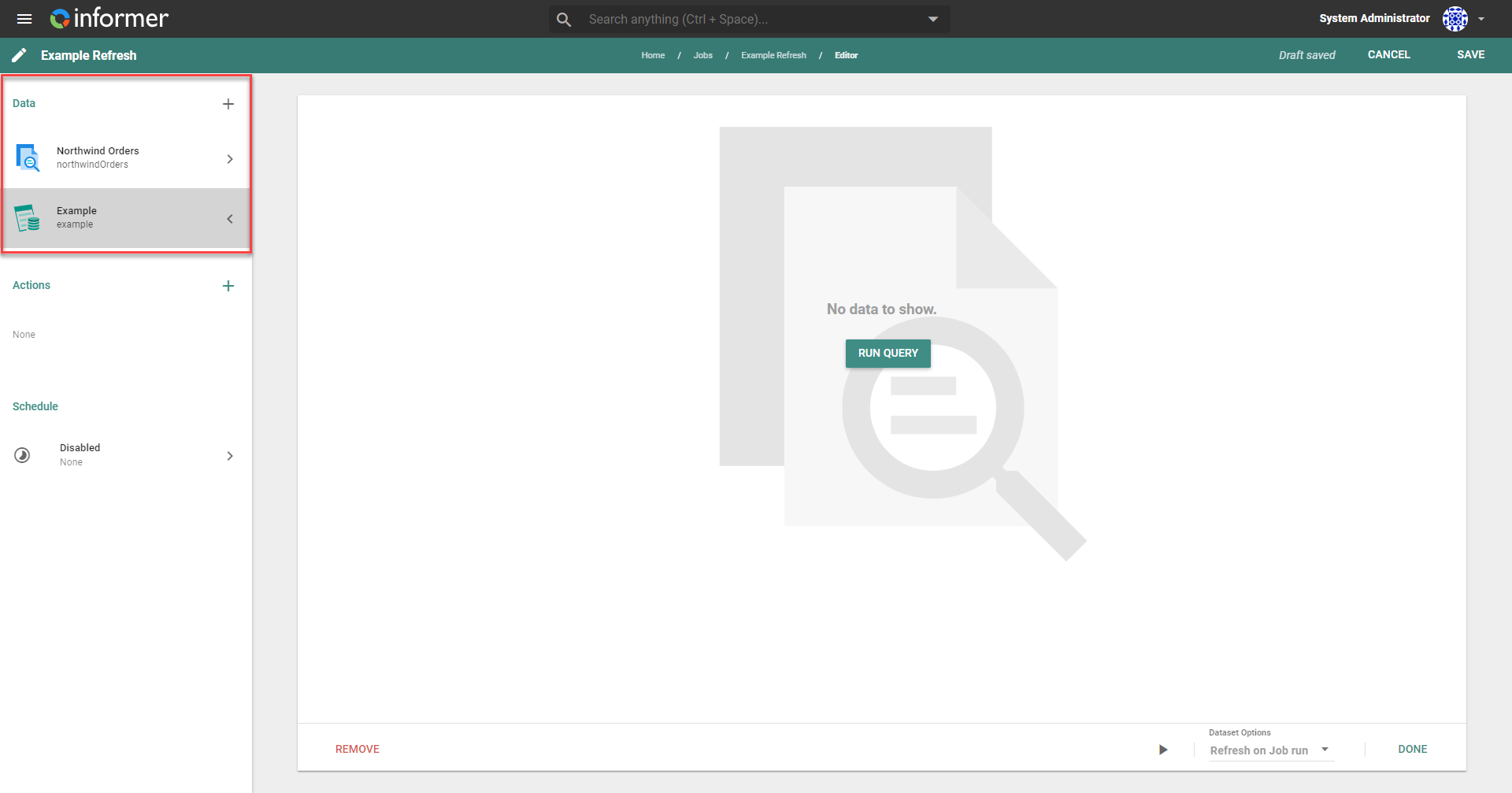
When a Job already contains data, clicking the + icon allows you to add more data to the Job. Any data added to the Job runs in sequence, from the top of the list to the bottom. There is no hard limit to the number of data components that can be added to a Job.
Jobs return an error if they are run and the connected data has not been refreshed.