Row Limit
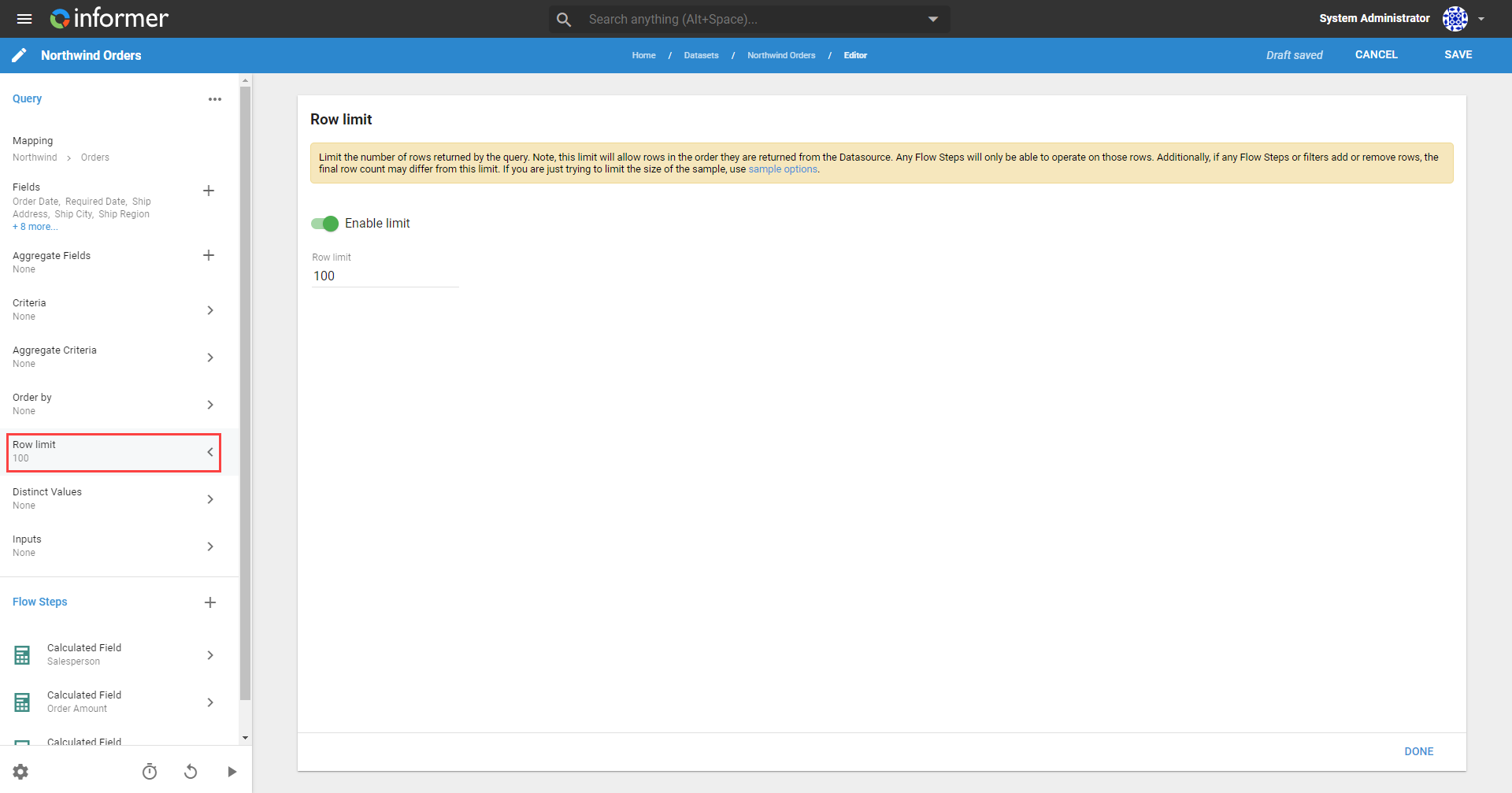
The Row Limit option sets the number of rows returned from the Query results. Row Limit constraints process rows in the order returned from the Datasource. Click the toggle next to Enable limit to turn on Row Limits for a Query.
Flow Steps associated with the Query apply to the rows returned. If Flow Steps or Filters change the number of rows, the final row count may differ from the Row Limit. If you are just trying to limit the size of a sample, use the sample options instead.
Also available through the REST API
Everything on this page is built on Informer's public REST API, the same one the product uses, so your scripts and integrations can do it too. Developer reference: Queries.