Order By
Order By specifies the default order at the Datasource Query level. You can sort ascending or descending on any Field in the Query; the default is Ascending. Apply as many Order By entries as you need.
note
Grid-level sorting overrides any query-level sorting configured with the Order by option on the Edit page.
Add sorting from the Query's Edit page. Select Order By in the left panel and choose the Fields to sort by.
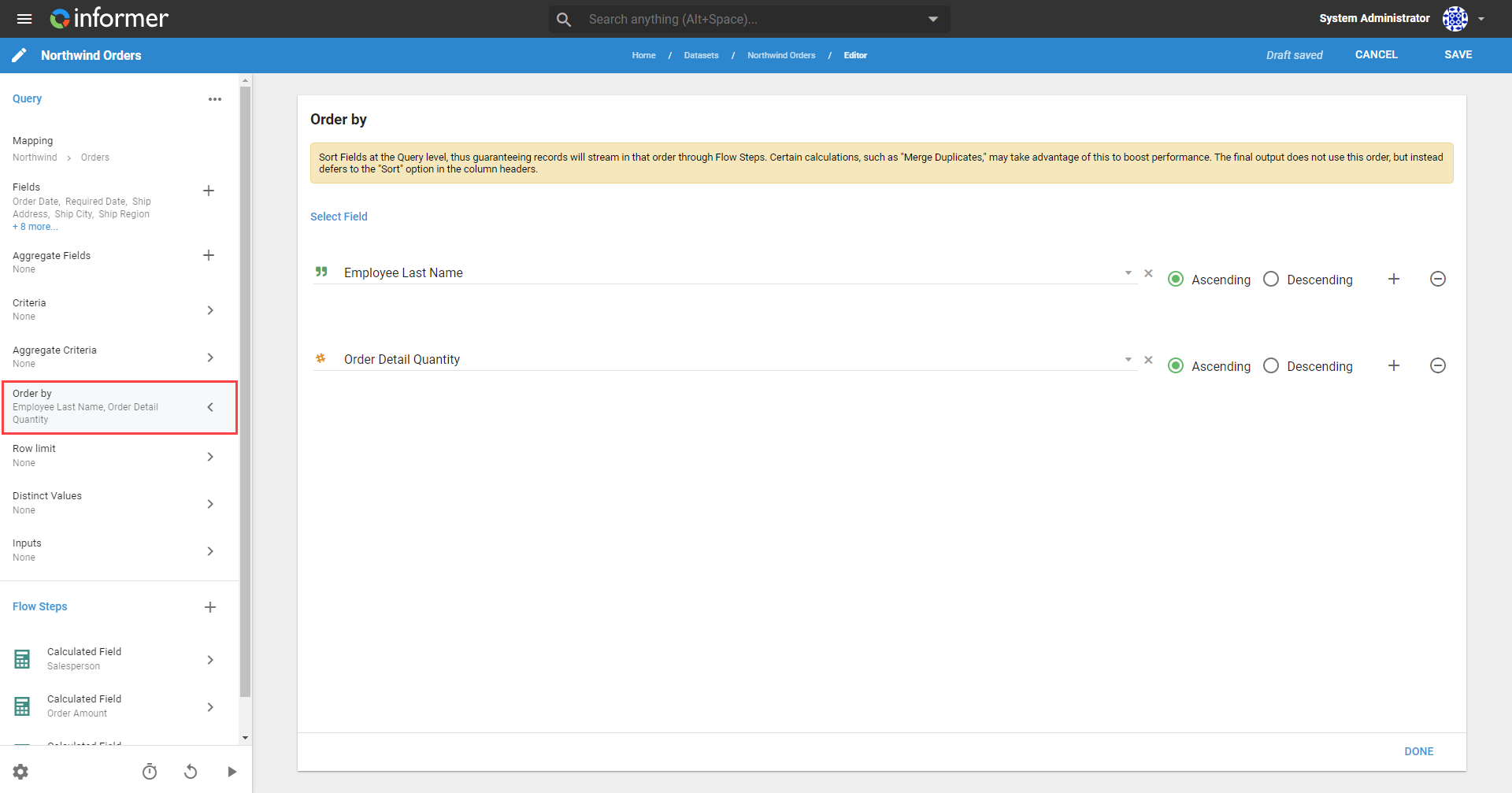
Click the radio button next to Ascending or Descending to set how the Field is ordered. Click the + button to add a sort, or the - button to remove one.
Also available through the REST API
Everything on this page is built on Informer's public REST API, the same one the product uses, so your scripts and integrations can do it too. Developer reference: Queries.