Adding an Input to Native SQL Queries
Because Native SQL Queries do not use the Query Designer, they need to reference an Input's alias directly inside the SQL statement to use its value as Criteria.
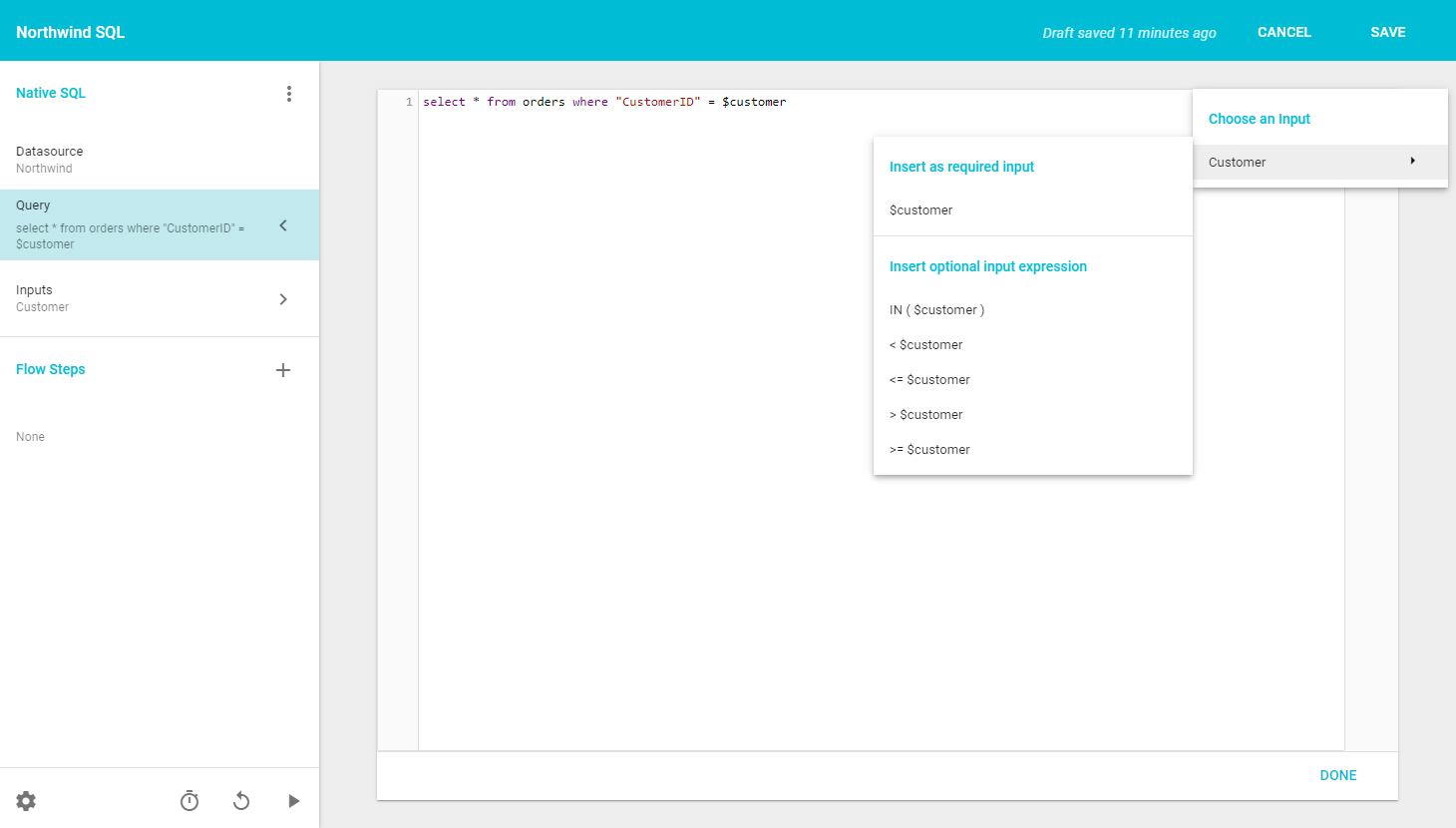
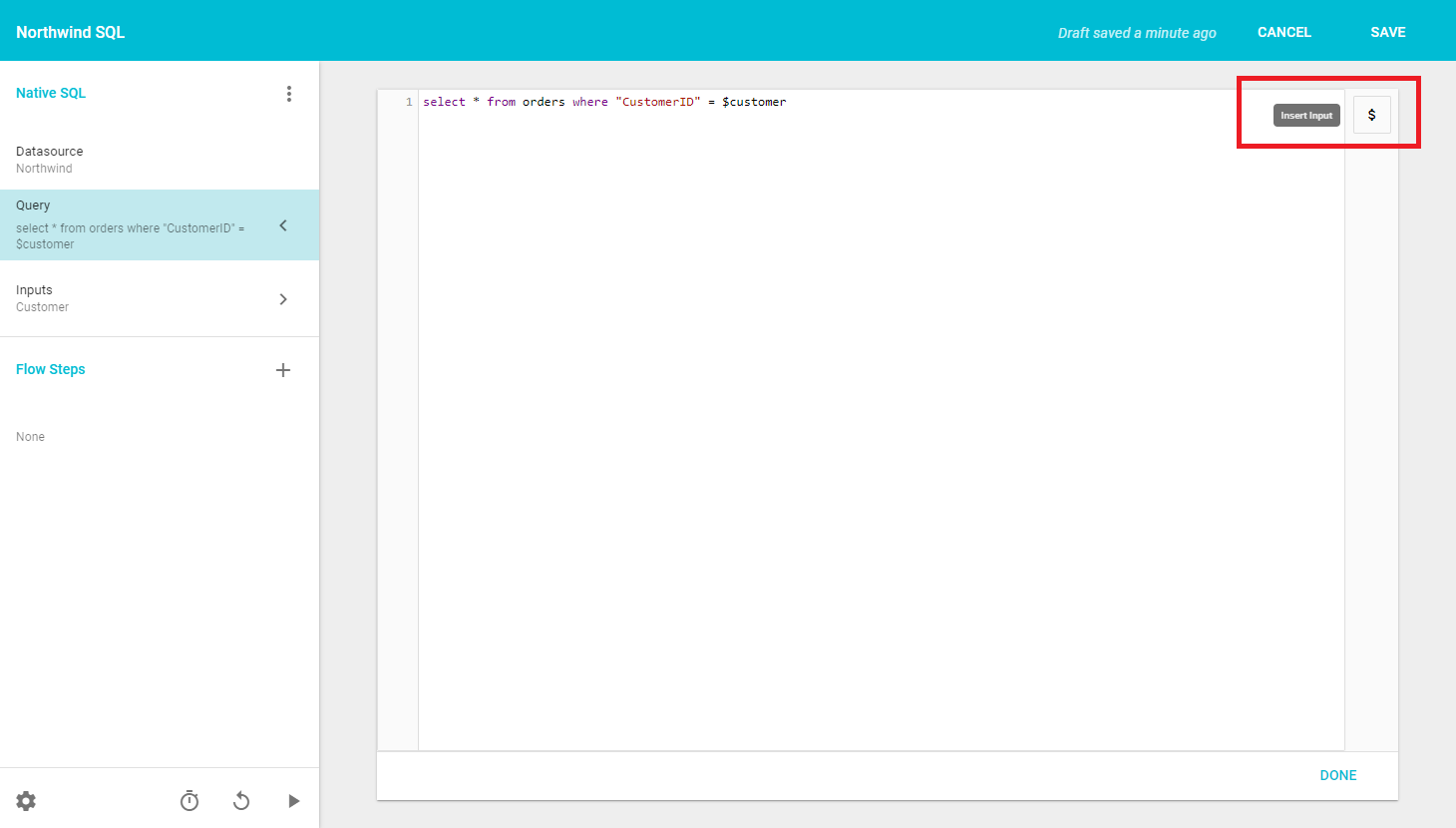
To find the alias for an Input, either open that Input's configuration page or click the Insert Input button on the right side of the code editor, which lists all the Inputs configured on the Query. Hovering over an Input name shows a secondary menu with logic syntax options. Clicking any of them pastes the correct code snippet, including the Input's alias, into the editor.
Informer does not parse Native SQL Queries to detect syntax elements such as comments. It takes the user-supplied Query string, looks for any $input strings, converts the $input references to a standard parameter reference (producing a prepared-statement-like Query string), then sends the converted Query and Input values to the database.
A Query breaks if Inputs are provided and a commented-out $input reference is in the Query string. If Informer passes a parameter to a Query that does not need one, the Query fails.
In addition to common logical operators like greater than, less than, or equal to, there are syntax options for when an Input has multiple, separate values, or is optional.
The IN( $input ) option inserts this snippet:
( $input.0 IS NULL OR IN ( $input ) )
Put the field name the criterion works on between the OR and the IN. For example, for a criterion matching records against a CustomerID Field where the Input allows multiple or optional values:
select * from orders where ( $input.0 IS NULL OR "CustomerID" IN ( $input ) )