Date keywords
Date keywords are reserved parameters evaluated at run time, letting you use dynamic date values relative to when the data is refreshed or viewed. You can use them in the selection criteria of any Query, Dataset or Ad hoc, as a literal term or in a prompt, and also with the date-keyword post-query filter.
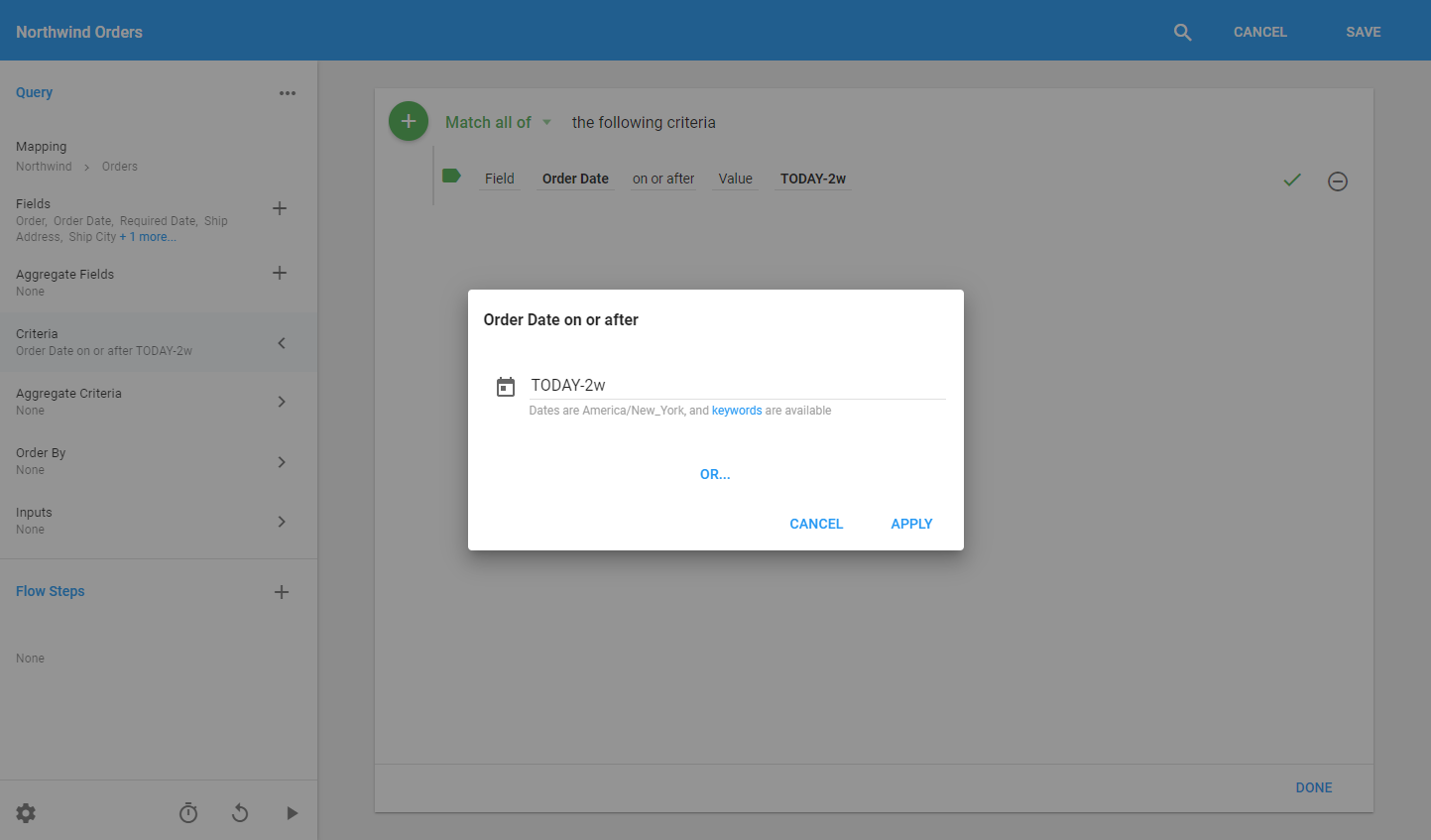
Because they are evaluated at run time, date keywords make fetching data from a constantly changing range much easier. For example, a Dataset refreshed once a day that should return the last two weeks of data could not use a fixed date like "on or after 01/01/2020," because you would have to edit the Query the next day. With a date keyword, "on or after TODAY-2w" always evaluates to two weeks before the refresh date.
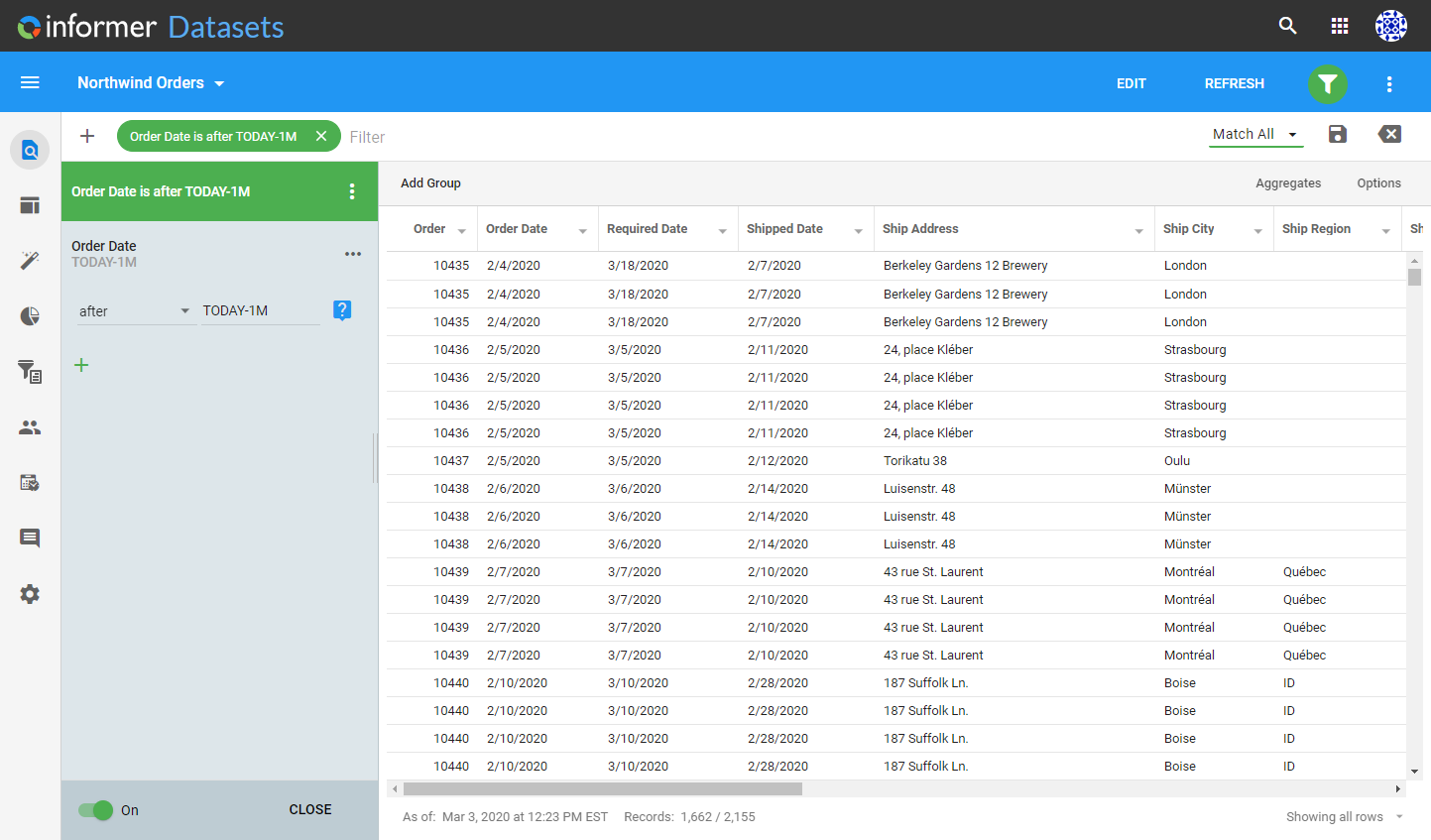
You can also use date keywords in post-query filters, so the result set is filtered dynamically relative to the day it is viewed. For example, a filter of "is after TODAY-1M" always shows the last month's data whenever a User views it, without refreshing the Dataset.
Valid keywords
NOW: the current date and time.TODAY: the current date.YESTERDAY: yesterday's date.WEEK_BEGIN: the beginning of the week.WEEK_END: the end of the week.MONTH_BEGIN: the beginning of the month.MONTH_END: the end of the month.MONTH_AGO: one month before the current date.MONTH_FROM_NOW: one month after the current date.QTR_BEGIN: the beginning of the current calendar quarter.QTR_END: the end of the current calendar quarter.YEAR_BEGIN: the beginning of the current year.YEAR_END: the end of the current year.YEAR_AGO: one year before the current date.YEAR_FROM_NOW: one year after the current date.LAST_QUERIED_AT: the date the Query was last run.
The value of LAST_QUERIED_AT is always a timestamp in the server's time zone. When used to compare against a date Field, there is a loss of precision: applied to a timestamp Field it resolves to an exact point in time, but applied to a date Field it defaults to midnight of the corresponding day.
Valid modifiers
y= yearsQ= quartersM= monthsw= weeksd= daysh= hoursm= minutess= secondsms= milliseconds
Examples
- Two months from today:
TODAY+2M - Two weeks ago from today:
TODAY-2w - Twelve hours ago from now:
NOW-12h - The last day of the previous month:
MONTH_BEGIN-1d