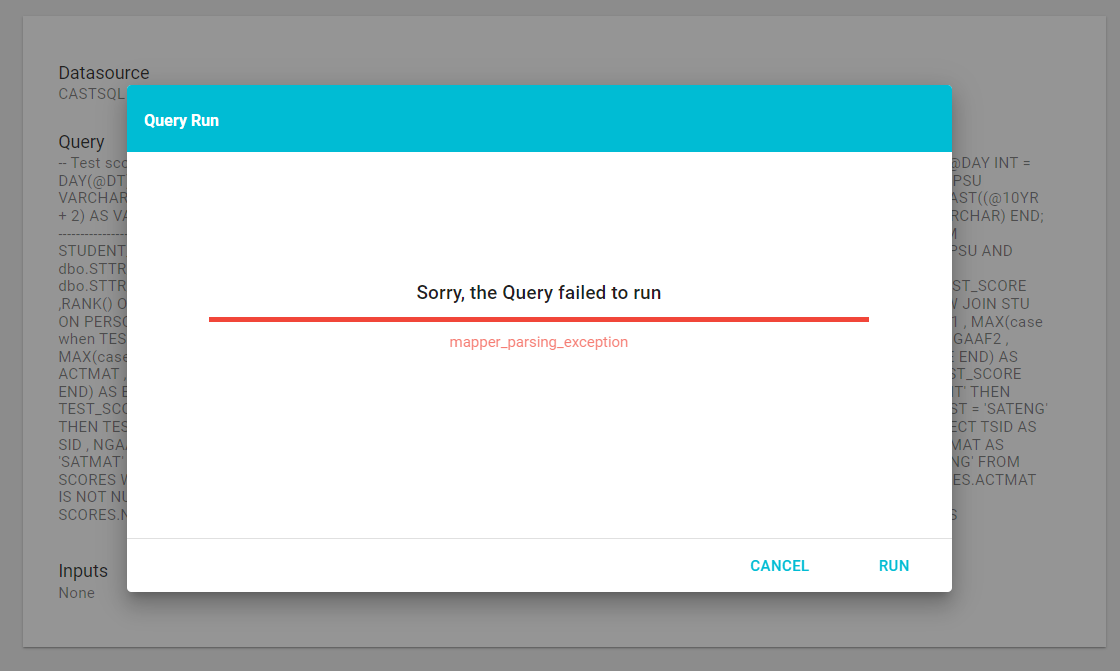
Handling a mapper_parsing_exception error
A mapper_parsing_exception error most commonly occurs with Native SQL Queries when Field aliases contain special characters such as hyphens, periods, or slashes (for example id.Name). ElasticSearch does not allow these characters in Field references.
Removing the special characters from the aliases corrects the error (for example, changing id.Name to idName). The Sanitize Aliases Flow Step does this for you:
- Open the Query editor.
- Click the + next to Flow Steps and select Sanitize Aliases under the Transform heading.
- Review the table showing how each Field alias becomes camel case, then click Done to add the Flow Step.
- Save the Query.
The Sanitize Aliases Flow Step transforms aliases into safe camel-case names compatible with ElasticSearch. See Transform Flow Steps.