Adding Knowledge to an Informer Assistant
Add data the Assistant can use and reference in its answers. Click the + next to the Knowledge heading to add a Dataset, an uploaded file, or files from a connected Library.
Add Dataset
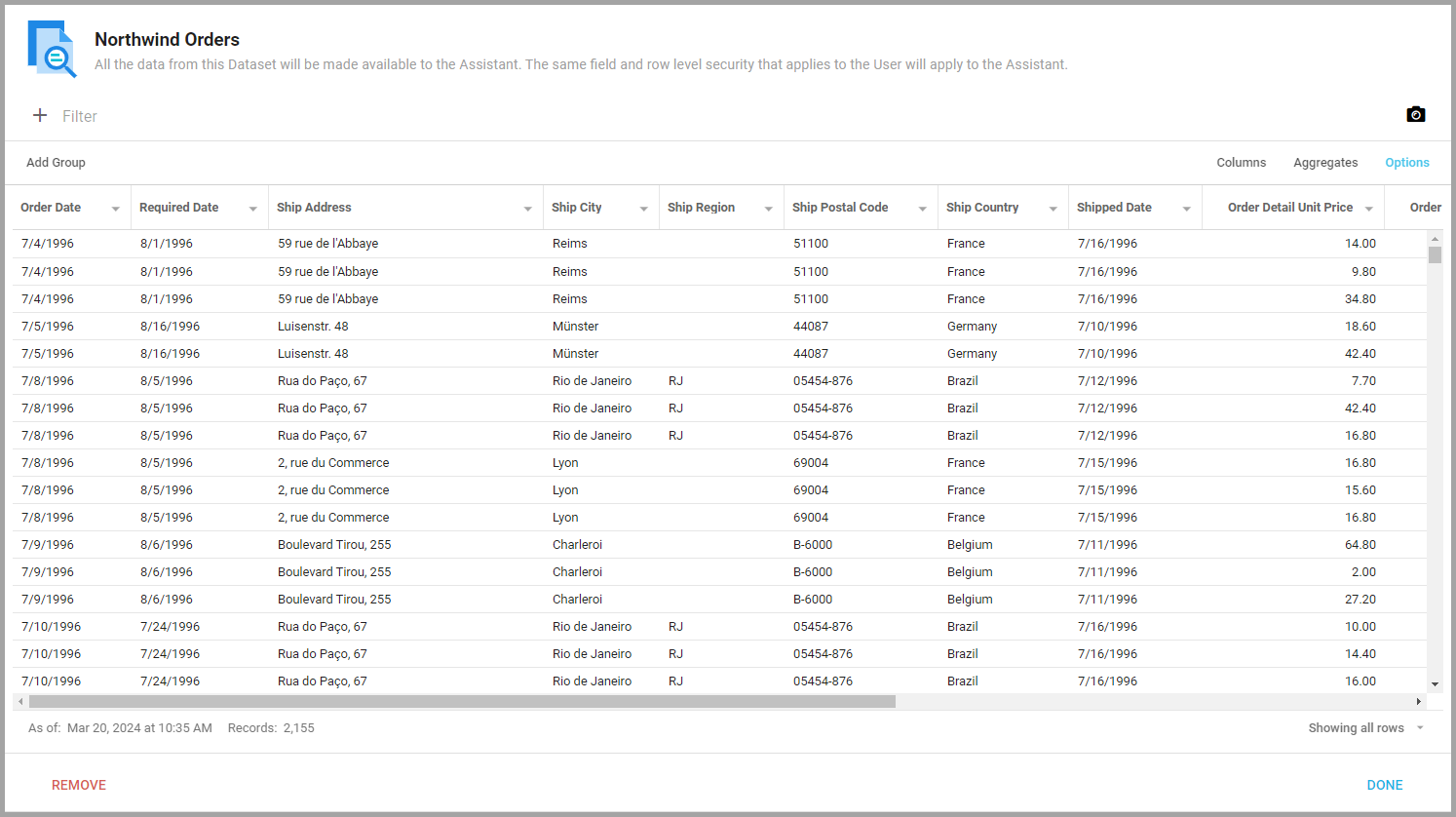
Use Add Dataset to connect a Dataset to an Assistant. You interact with an attached Dataset the same way you would when viewing it, and all of its data is available to the Assistant. The logged-in User's field- and row-level security applies to the Assistant, so it can never reveal data the User could not see.
Upload File
Use Upload File to attach files the Assistant can analyze. Assistants support these file types as Knowledge:
.docx.txt.pdf.htm.html.json
Use the Description to add instructions for how the Assistant should use the data, and the File Viewer tab to examine the file.
When the Assistant processes a file, Informer sends its contents to the AI service in pieces and requests embedding vectors, then stores one vector per piece in PostgreSQL. After the file is fully processed, the AI model is no longer needed to search it. Assistants can search .pdf files with distinct pages by page (for example with a readFiles tool) and answer questions about specific pages, while files without pages, such as .csv or .docx, are searched through their embeddings (for example with a searchFiles tool).
Add Library Files
Use Add Library Files to attach a connected Microsoft OneDrive, Box, Google Drive, or GitHub Library so the Assistant can use it to answer questions. When adding a Library as Knowledge, choose which files and directories the Assistant should access. See Creating and Connecting to Libraries and Using Libraries with Assistants.