Assistant Secrets
The Secrets section is where you add keys the Assistant uses to authenticate with external services. A secret securely saves credentials without hard-coding them into a request; secrets are encrypted and only the Assistant can use them. Reference a secret in a Skill with $secrets.mySecret, which is especially useful with the API Request Skill.
Adding a secret
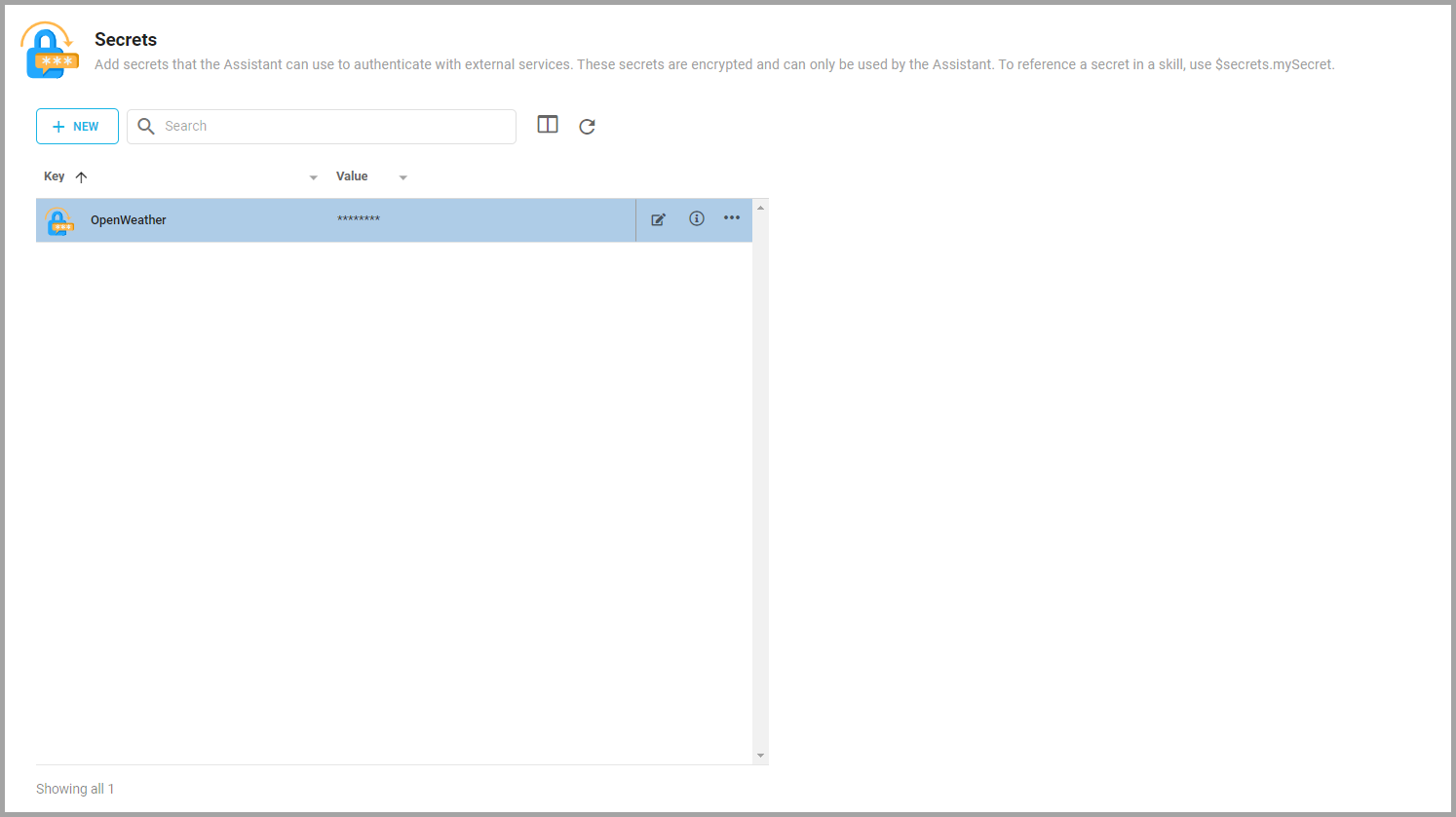
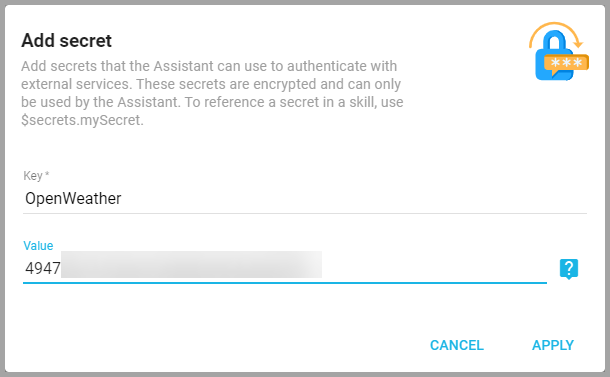
Click Add Secret (if there are none) or + New to open the Add secret window, enter the information, and click Apply.
- Key: A name for the secret that the Assistant uses to identify it, and the name you reference in Skills. For example, use
$secrets.OpenWeatherto reference a secret named OpenWeather. - Value: The credential (such as an API key). Informer encrypts it; you cannot view it again, only replace it. How you obtain an API key differs by service, so refer to that service's documentation.
Secrets list
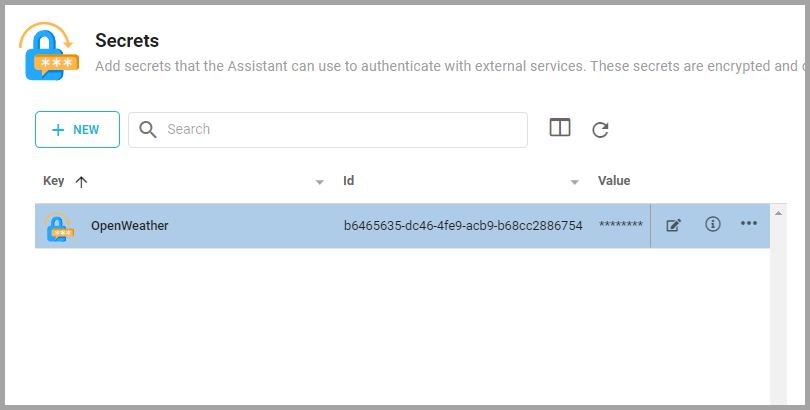
The Secrets page lists the Assistant's active secrets. Use it to search for secrets, view a secret's internal id, or edit one.
Also available through the REST API
Everything on this page is built on Informer's public REST API, the same one the product uses, so your scripts and integrations can do it too. Developer reference: Assistant API.