Ad hoc Query vs. Dataset Query
There are two types of Query in the system: Dataset and Ad hoc. Datasets are the preferred method for working with data. Dataset Queries are a more flexible way to manage and share larger results.
Dataset Queries promote data governance by creating one source of truth. Using a Dataset as the source for several Reports lends to the consistency of data across an organization.
There are times when it is necessary to use Ad hoc Queries to give fast, temporary results based on run-time parameters. For example, the data needs to be live at run-time when processing a payroll run for specific dates and making sure everything is in balance.
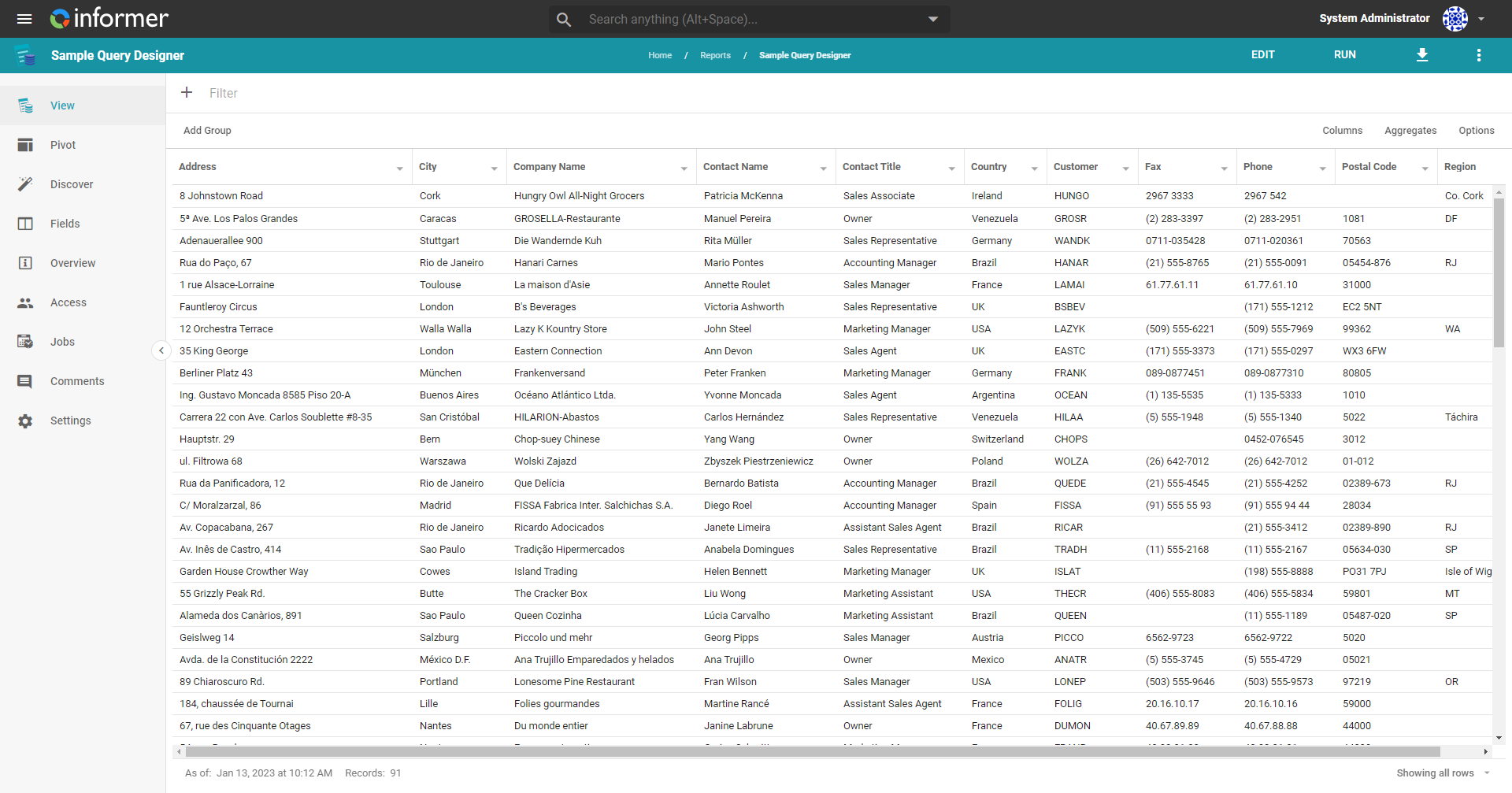
Refreshing a Dataset Query is analogous to running an Ad hoc Query, but may not always be the best option. For instance, if content depends on a Dataset and users expect the Dataset to refresh at specific times, an Ad hoc Query is preferable.
Ad hoc and Dataset Queries have similar structures. They both:
- Run against a Datasource.
- Have Field and Criteria definitions.
- Can have defined Flow Steps.
They differ in that:
- You can convert Ad hoc Queries into Dataset Queries.
- Ad hoc Query results have a short lifespan.
- Ad hoc Query results are only available to the User who ran the Query.
- Ad hoc Query results cannot have any Visuals saved from them.
- Ad hoc Queries are a type of Report, while Datasets are their own category of content.
Creating and editing both types of Query use the same process. Use the Query Designer to add Fields, Criteria, Flow Steps, and other customization, or write a Query using Native SQL against a SQL Datasource.
You can share both Query types with other Users and Teams. Sharing a Dataset grants Users or Teams read-only access to the Dataset Query's results, but not the ability to refresh the Query. Because an Ad hoc Query's results are user-specific, sharing an Ad hoc Query grants Users or Teams the ability to run it.
For more on access permissions, see Teams and Users.