Print Template
The Print Template Skill lets an Assistant render an Informer Template to PDF.
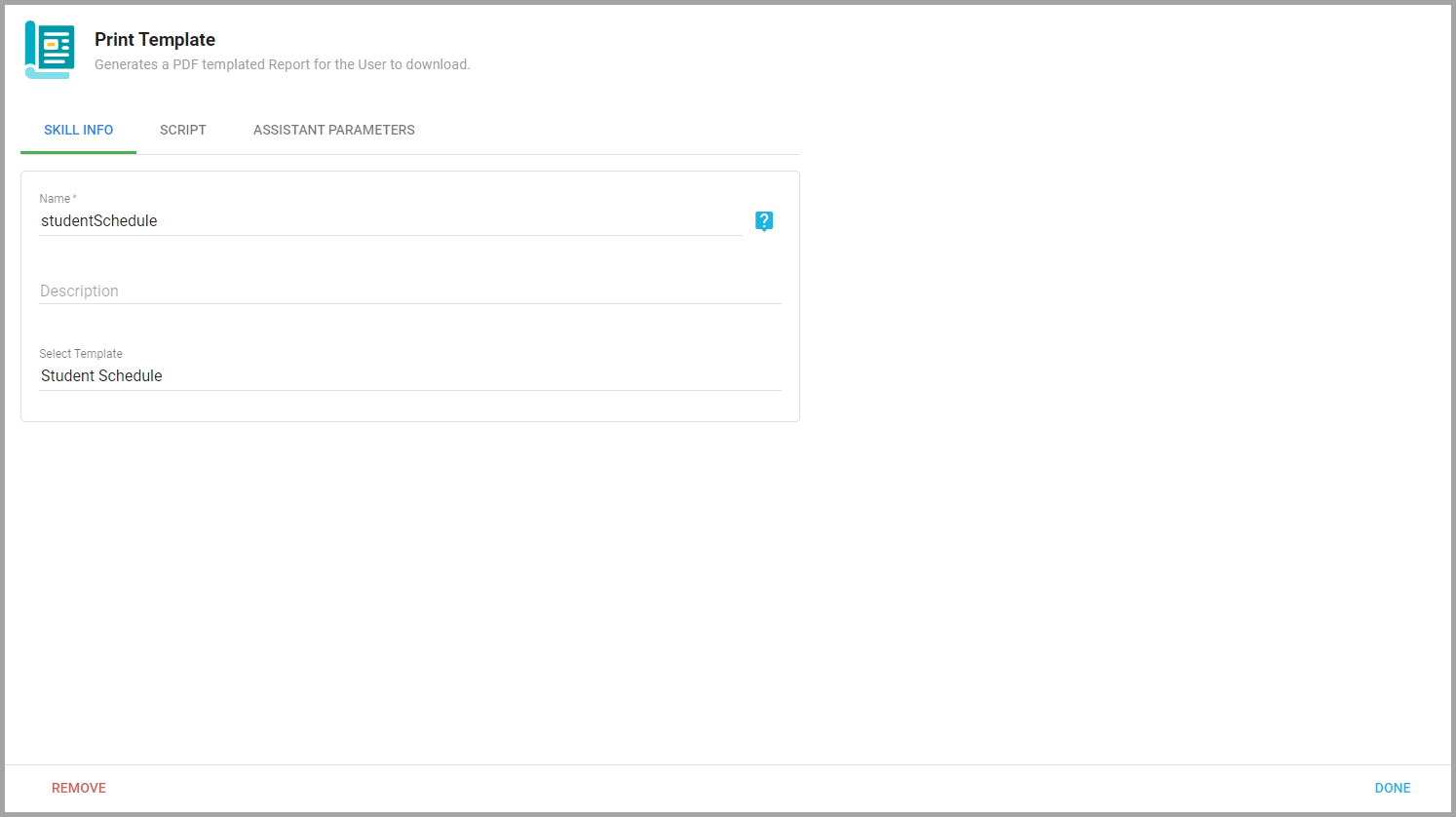
- Skill Info: Select the Template, name the Skill, and give it an optional description.
- Script: JavaScript that manipulates or formats data before it is shown in the Template (formatting dates, numbers, or strings). The script runs on the server before the Template renders to PDF.
- Assistant Parameters: A parameter configuration for any Template parameters the Assistant needs to understand. Click Generate Parameters to create them automatically.
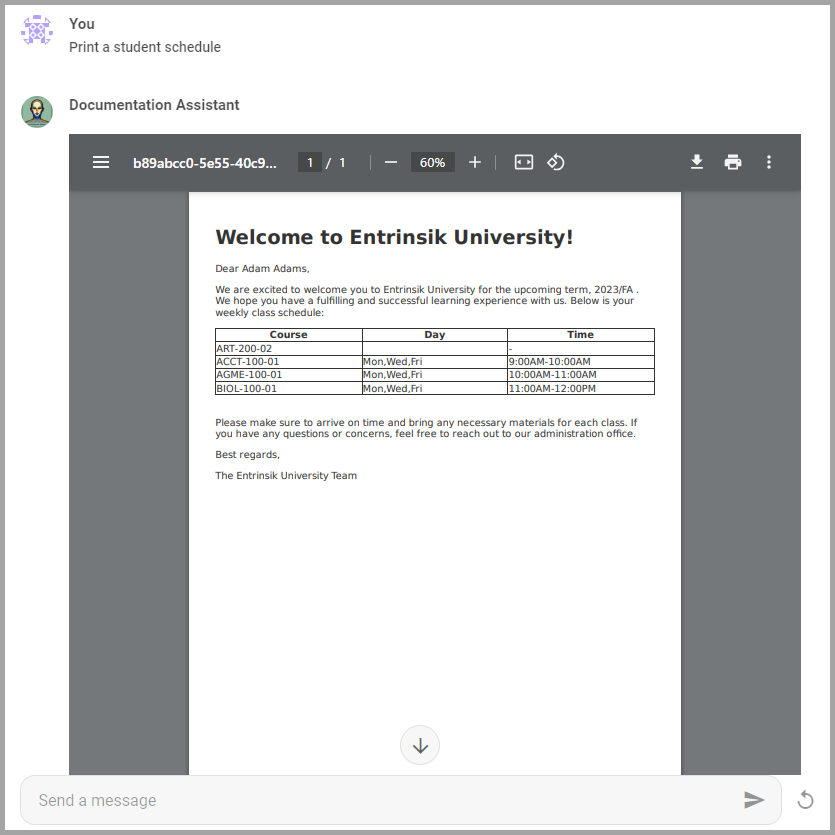
The Assistant generates a PDF of the Template using any needed parameters, which Users can view and download directly from the viewer in the chat.
Also available through the REST API
Everything on this page is built on Informer's public REST API, the same one the product uses, so your scripts and integrations can do it too. Developer reference: Assistant API.