Fully reset the Job queue
If Jobs are not running, show as running far longer than they should, go straight to a queued status, or only a few run while others seem stuck, it is time to reset the Job queue. This clears stale Job locks directly in the database, so you connect to the internal Informer PostgreSQL database (see Connecting to PostgreSQL).
Disable Jobs
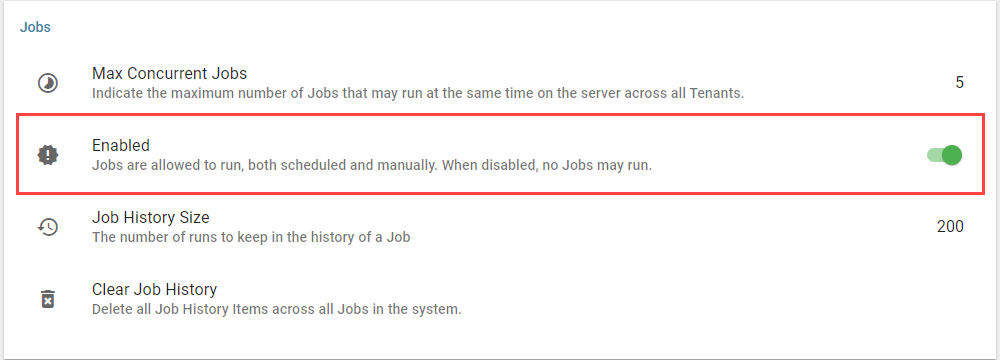
In Informer, go to Administration, click Settings, and toggle off Enabled under the Jobs section.
Clear the locks (Windows)
- Stop the Informer 5 service.
- Confirm all Informer processes have stopped (in Task Manager, end any remaining Node.js processes).
- Log into PostgreSQL.
- Check which Jobs are locked:
select name from job where "lockedAt" is not null;
- Clear the Job locks. A lock is set whenever a Job runs, and when the queue fails these can persist after a restart:
update job set "lockedAt" = null;
- Restart Informer.
- Re-enable Jobs with the Enabled toggle in Administration → Settings → Jobs.
Clear the locks (Docker)
Stop Informer, start only the PostgreSQL container, then follow steps 3 to 7 above.
Verify
Open the Job listing page. There should be no Jobs queued or running, and the queue restarts from this point. Any Jobs missed during the downtime must be run manually or will wait until their next scheduled time.