Buying credits
Credits reach your Credit poolYour organization’s shared balance of unexpired credits. Everything billable draws from the one pool, and spending always burns the oldest-expiring grant first. four ways: an annual subscription, a one-off purchase, an automatic refill, or a purchase arranged through Entrinsik sales. This page covers all four, plus the licensed option of bringing your own AI provider keys. The Subscriptions article tours the page itself; this one is about choosing between the paths.
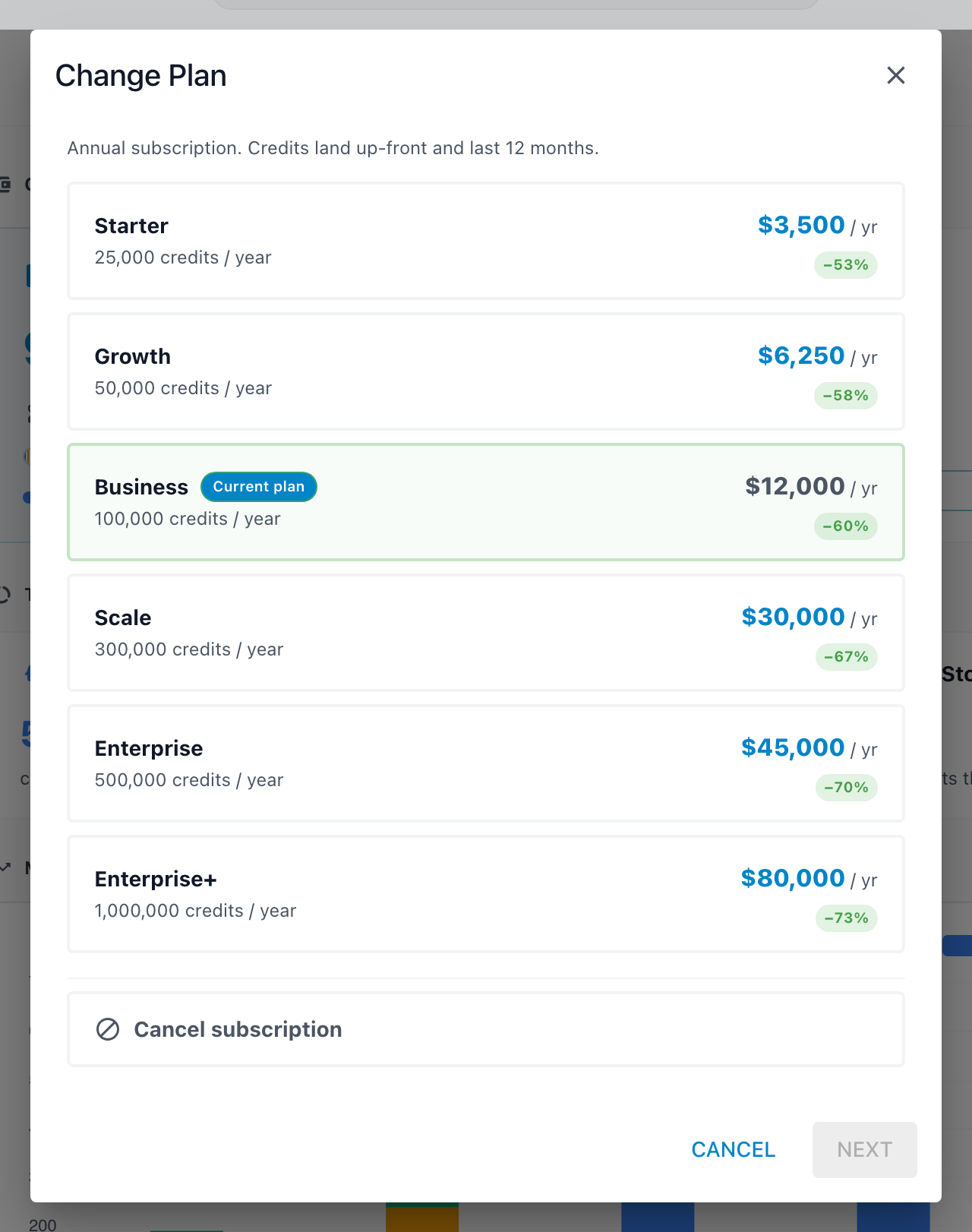
An annual subscription
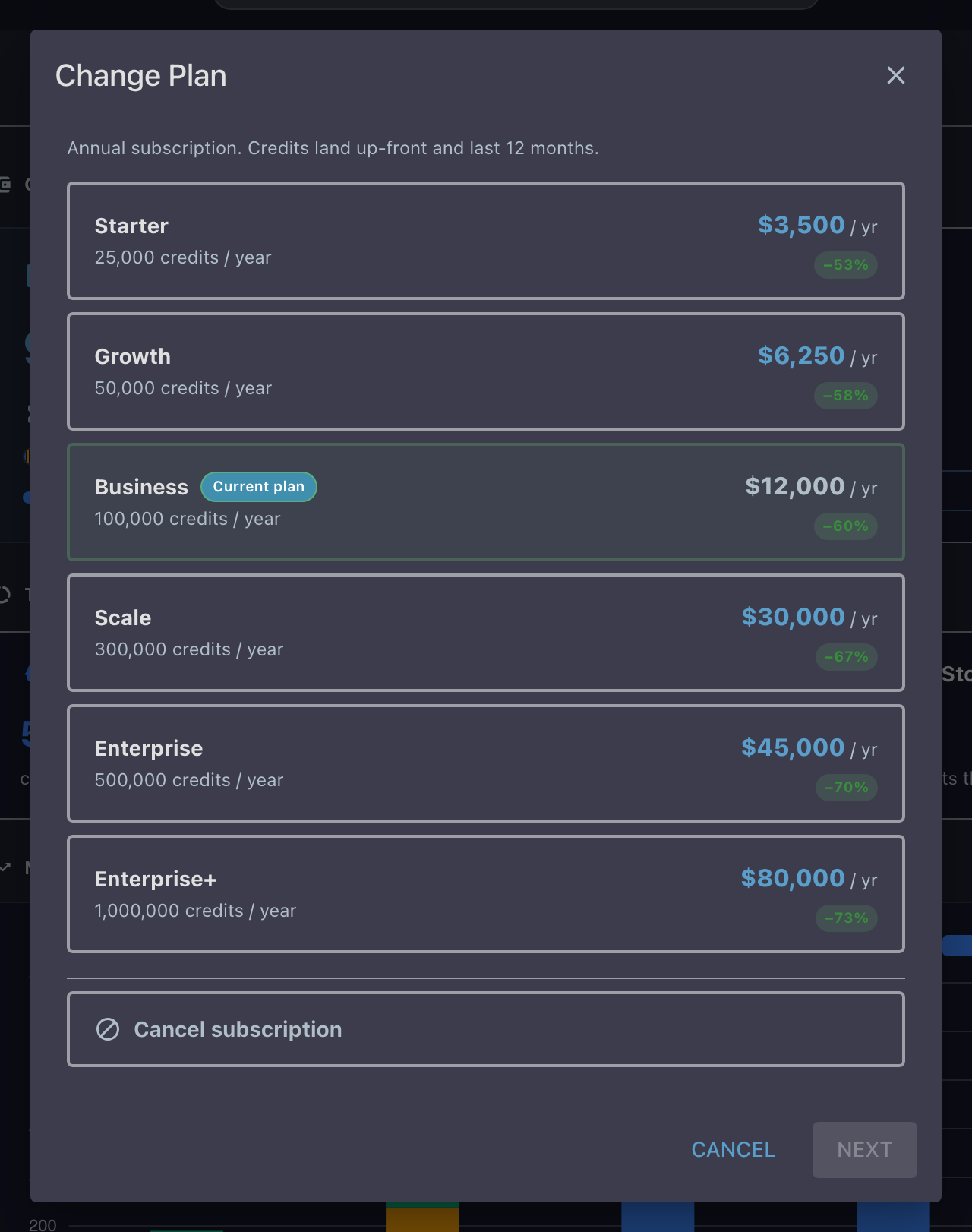
The main path, and the best per-credit rate. A plan's credits land up front and last twelve months, then refresh at renewal. The Active Subscription card on the Subscriptions page shows the plan, its annual credits and cost, and the renewal date.
Changing plans is deliberately asymmetric:
- Upgrades take effect immediately. You pay a prorated charge for the days remaining until renewal, the confirmation shows the math before you pay, and existing credits keep their original expiry.
- Downgrades wait for renewal. Nothing is charged now; the new rate starts at your next annual renewal, and the card notes the pending change until then.
- Cancelling schedules an end date. Your plan runs until the date it would have renewed, you keep your credits until they expire, and you can undo the cancellation any time before that date.
A plan change is charged to a saved card. If none is on file, the confirmation step shows Payment method required with an Add a payment method button that opens the card form right there; cancelling a plan needs no card.
One-off purchases
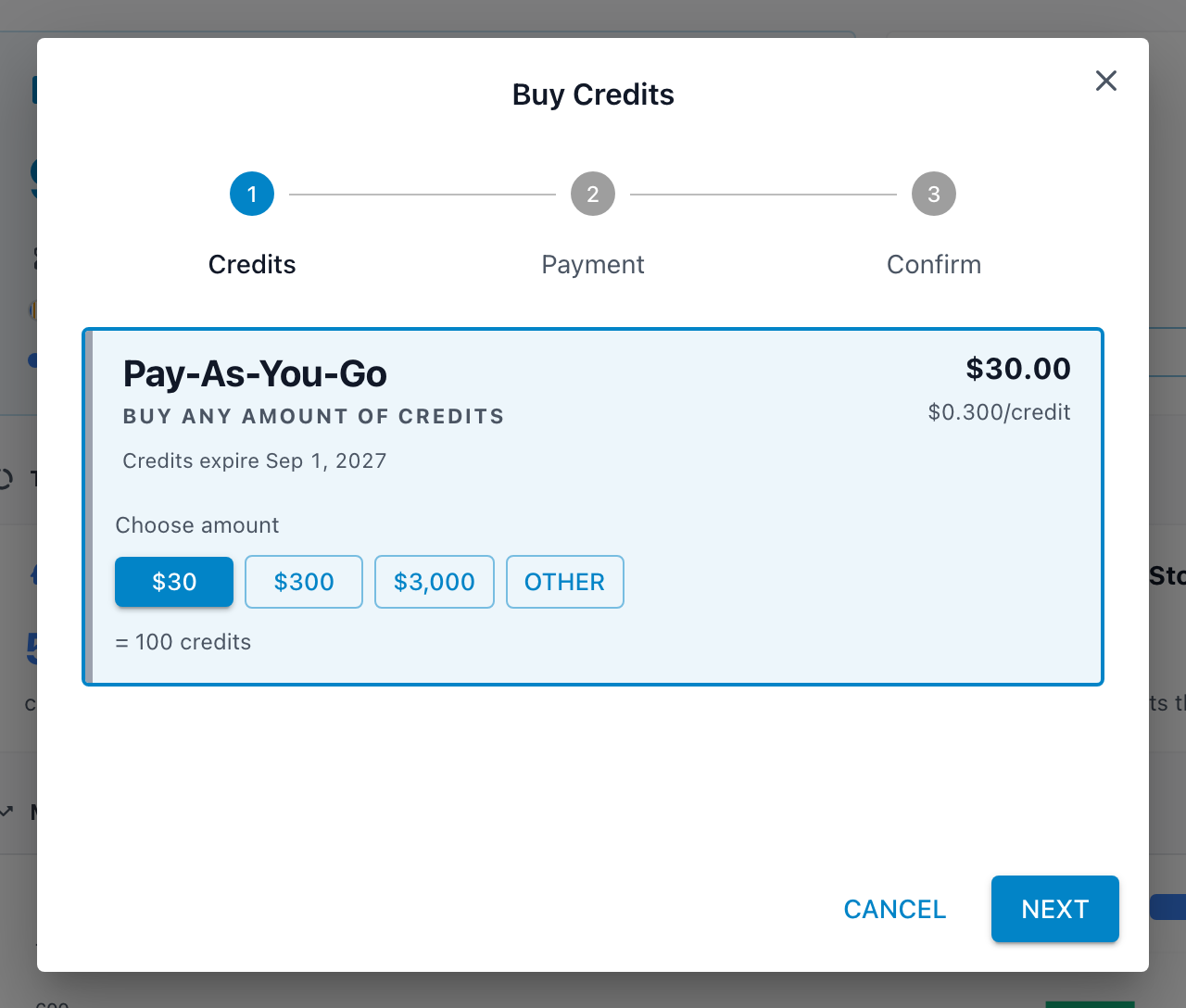
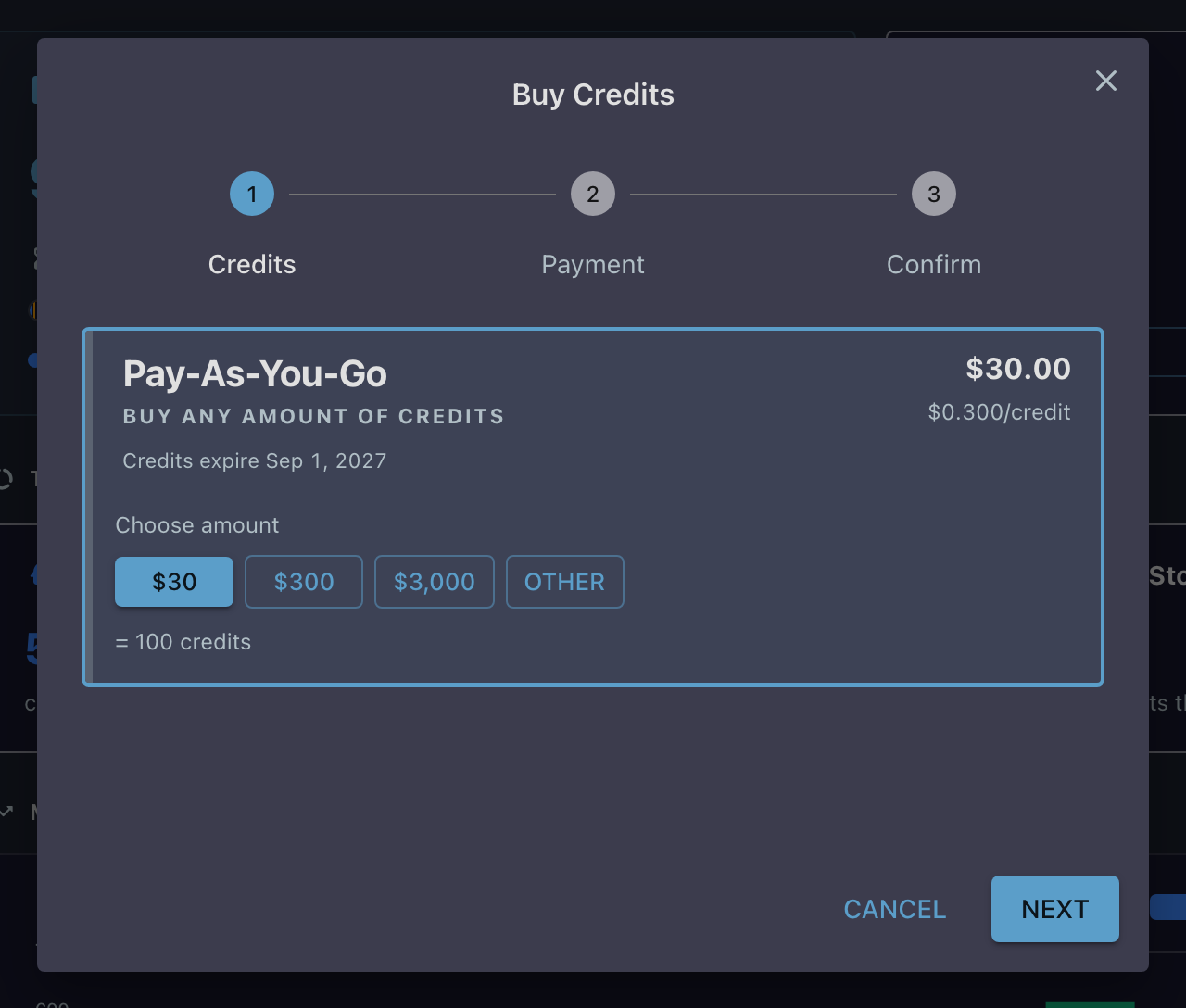
Buy Credits adds credits on top of a plan, or without one. Choose a fixed pack, or pay-as-you-go: any dollar amount you like (minimum $20), with a live preview of the credits it becomes. One-off credits expire twelve months from purchase, and the dialog shows the exact date before you pay.
Sales tax is calculated during checkout and itemized on the confirmation step. Cards can be saved for future purchases, or used once: untick "Save card for future purchases" and the card is discarded after the transaction.
Auto-replenish
An optional safety net for the moment the pool hits zero. It is a just-in-time refill, not a low-balance warning, so pair it with Usage Alerts rather than treating it as one.
You configure three things on the Subscriptions page:
- Refill amount: the dollar amount to purchase each time, with a preview of the credits it becomes.
- Payment card: which saved card to charge.
- Monthly purchase limit: how many automatic refills may fire per billing cycle (1 to 10). As the page puts it, this "Protects against runaway top-ups if usage spikes unexpectedly."
Refills trigger at exactly zero credits remaining; a small built-in buffer covers the short window between hitting zero and the new credits landing, so work in flight is not interrupted.
Through sales
If your organization purchases by invoice or purchase order, contact Entrinsik sales. Once the purchase is processed, the balance appears on the Usage page as a "Pending balance (not yet converted)" line on the pool card, with a banner reading "You have a balance ready to convert to credits". Click Convert to credits and the balance joins your pool as a normal grant.
The same conversion handles upgrades from older versions of Informer that billed AI as a dollar balance: whatever was left converts to credits from the same banner.
Bring your own keys
Organizations that want AI billed to their own provider accounts can license BYOK (Bring Your Own Key). It is a license option rather than a setting, so it starts with a conversation with Entrinsik sales.
Once licensed, you connect your provider accounts on the Models page. Informer supports the major AI providers as well as custom, self-hosted endpoints. With a key set, AI calls bill your provider directly and do not draw from the pool; compute and storage in Informer Cloud still draw credits. A provider with no key set simply falls back to Informer credits.
Receipts and payment methods
Every purchase lands in Billing History on the Subscriptions page with a downloadable receipt. Manage Payment Methods adds and removes cards, applying your changes together when you click Save changes; card details go straight to the payment processor, so full card numbers never touch Informer.
Troubleshooting
- "Payment failed" on the subscription card: a renewal could not be charged, and credits will not renew until payment is resolved. Check the card on file under Manage Payment Methods, then retry from the card.
- "Billing history unavailable": your account is not yet connected to the payment processor. Receipts appear once billing is set up; if you purchased through sales, this is normal until a card purchase happens.
- Removing your only card: the dialog warns "This is the only payment method on file. Removing it may cause your subscription renewal to fail." Add the replacement card first, then remove the old one; saving applies additions before removals for exactly this reason.
- The convert banner shows a different credit total than expected: the preview uses the rate from the last sync. The final figure is computed at conversion time, so a plan change between the two can move it slightly.