Marketplace
The Marketplace is where Apps come from when you didn't build them yourself. Publishers list Apps there, you install them into your instance in a few clicks, and they keep receiving updates from the publisher afterwards.
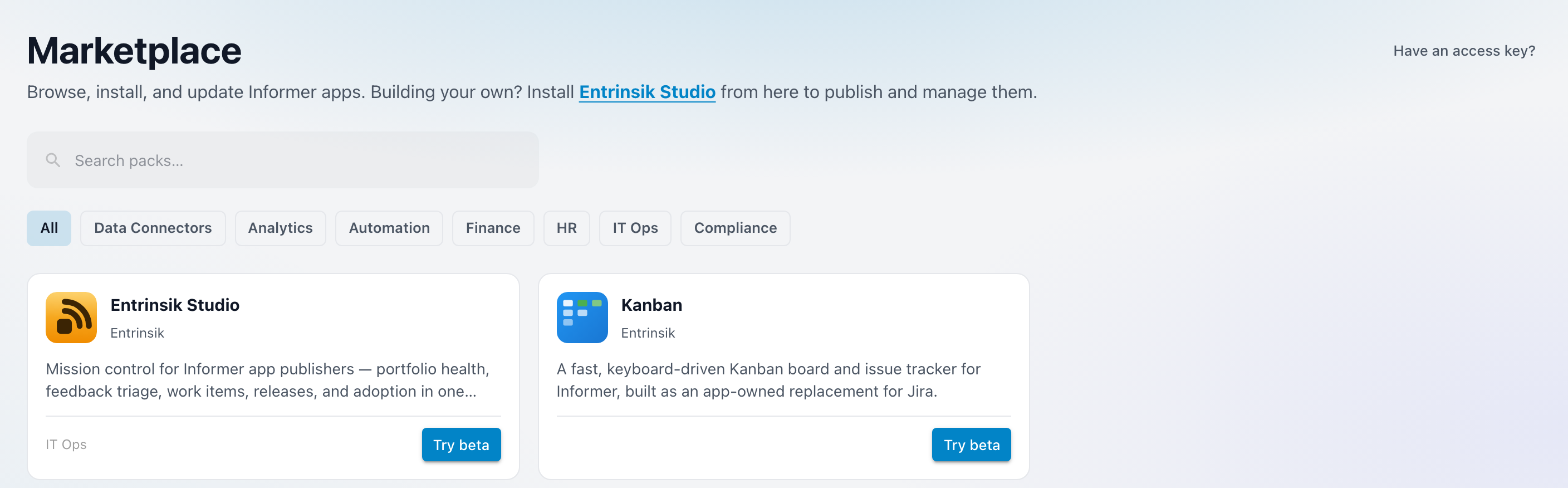
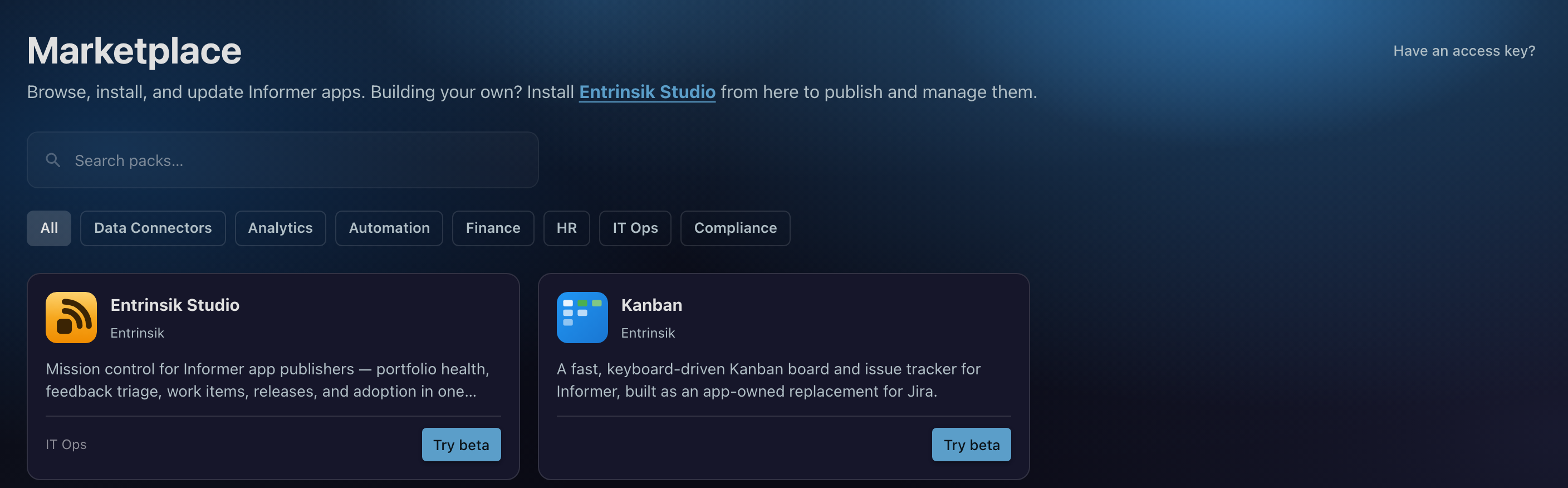
Open it from the Marketplace tab in Informer GO, alongside Home, Apps, and Chats. The tab only appears when your instance has the Marketplace enabled, so if it isn't there, see Troubleshooting below.
A listing is called a pack. Installing one adds an App to your gallery like any other. The difference is the link back to the publisher: an installed pack knows its version, tells you when a newer one is out, and can be updated in place without losing the data it has collected.
In this section
| Article | What it covers |
|---|---|
| Finding Apps | Browsing and searching the Marketplace, categories, and private Apps unlocked with an access key. |
| Installing an App | The listing page, choosing a version, stable and beta channels, requirements, and what installing actually does. |
| Updates and uninstalling | Keeping an App current, subscriptions and licensing, and what happens when you remove one. |
| Feedback and support | Reporting a bug or requesting a feature, and the conversation that follows with the publisher. |
Where do I look when...
| Symptom | Look here |
|---|---|
| There is no Marketplace tab | Troubleshooting |
| A publisher gave me a key for a private App | Finding Apps |
| I can't tell which version I have installed | Installing an App |
| The listing says the App needs a newer Informer | Installing an App |
| I want to try a pre-release without risking my live App | Installing an App |
| An App says its license has lapsed | Updates and uninstalling |
| I uninstalled an App and want it back | Updates and uninstalling |
| Something in an installed App is broken | Feedback and support |
| I have a question about an App I have not installed | Feedback and support |
Troubleshooting
- There is no Marketplace tab in Informer GO. The Marketplace is enabled per instance. If the tab is missing, your instance either has it turned off or cannot currently reach the License Manager that serves the listings. An administrator can confirm which.
- The Marketplace tab is there but nothing is listed. An empty Marketplace says "Nothing in the marketplace yet" with "Packs published to the marketplace will show up here." That is the genuine empty state, not an error. If you expected a private App here, it needs an access key rather than a listing: see Finding Apps.
Related: Apps for what an App is once it is installed, and Recently Deleted for where an uninstalled App waits before it is gone for good.