Recently Deleted
Deleting an App doesn't destroy it. The App moves to Recently Deleted, where it keeps its data and stays recoverable for 30 days before Informer removes it for good.
Why it exists
Deleting an App is the one action in the gallery with no obvious way back: an App carries its own database, uploaded files, sharing rules, and (for a full App) the routes other things call. Someone clearing out a stale dashboard shouldn't be one misclick away from losing a quarter's worth of collected data.
So the delete is a hold, not a demolition. If the Order Desk App turns out to have been feeding a job nobody remembered, you have a month to put it back exactly as it was.
Finding it
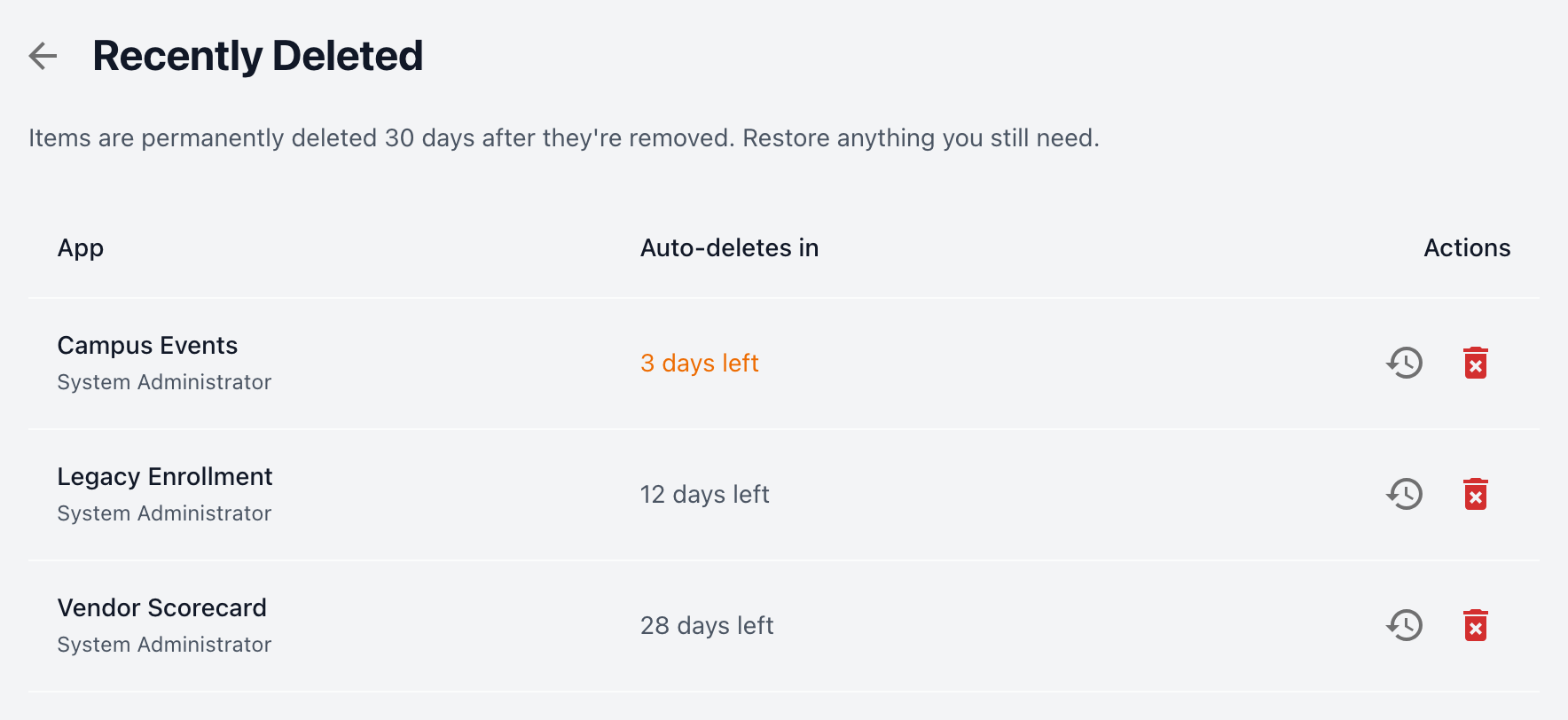
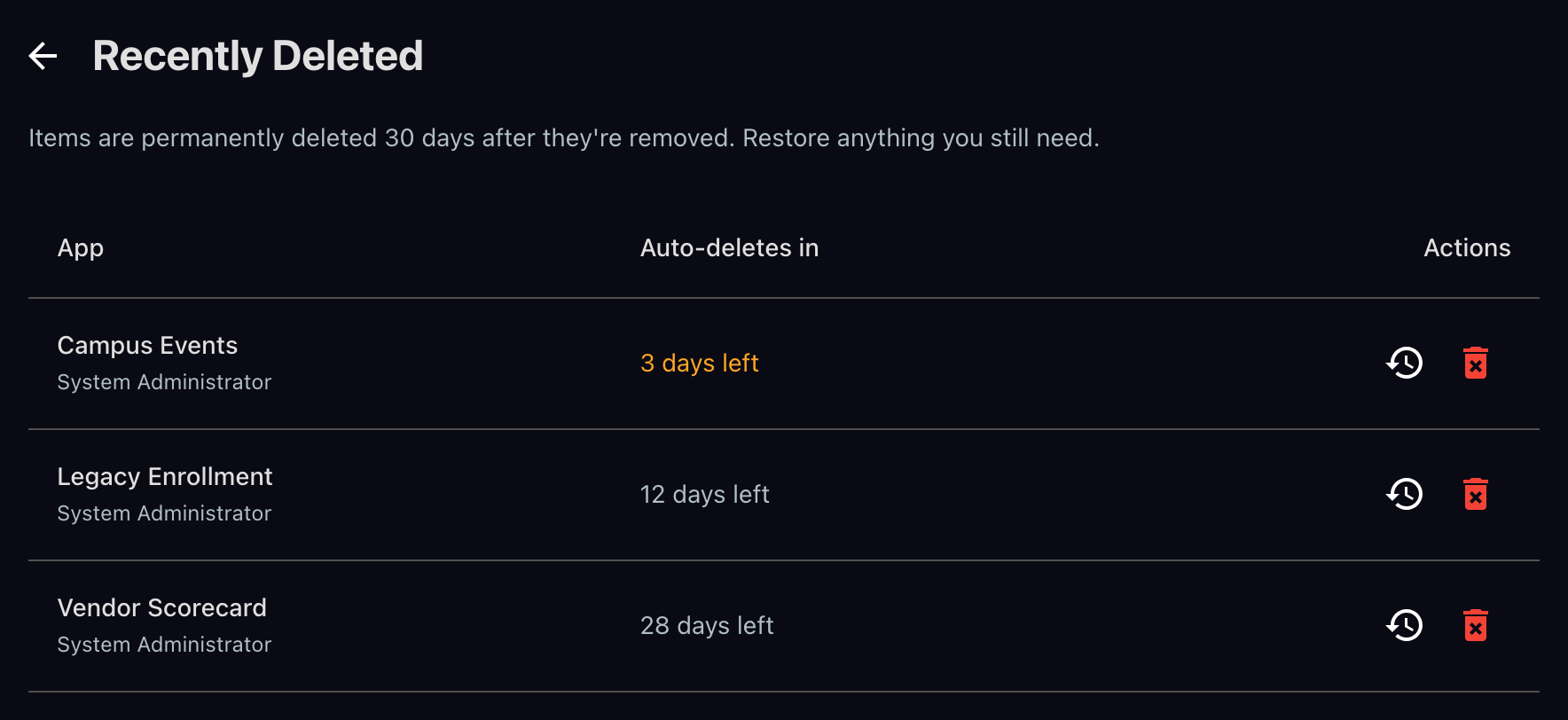
Open the Apps tab in Informer GO and use the Recently Deleted control; the page also lives at /apps/deleted. The page states the deadline up front: "Items are permanently deleted 30 days after they're removed. Restore anything you still need." Each row shows how much time that App has left.
When there's nothing waiting, the page says so: "Nothing here. Deleted apps stay for 30 days, then they're gone for good."
Restoring an App
Restore brings the App back to the gallery with its data intact, and asks you to confirm first: "Restore this app?" The App returns where it lived before, so the confirmation is about being sure you meant this App, not about risk.
For an App that came from the Marketplace, restoring does one extra thing, and the dialog says so: "It reconnects to its marketplace listing, so it starts receiving updates again and counts toward your subscription." A restored Marketplace App is a fully linked install again, not a detached copy: it shows its version, tracks updates, and links back to where it came from.
Deleting for good
Delete permanently empties an App out of Recently Deleted ahead of the deadline. This one is final, and there's no undo.
For a Marketplace App the dialog adds what that forfeits: "This app came from the marketplace. Installing it again after this starts a fresh copy — nothing from this one carries over." That is the real difference between waiting and purging. While the App sits in Recently Deleted, installing it again reclaims this App and its data. Once it's purged, a reinstall builds a new one from scratch.
Uninstalling a Marketplace App
Uninstalling from the Marketplace lands in the same place, and the confirmation spells out all three consequences:
- "Name and its data move to Recently Deleted, where they stay for 30 days. Your subscription is updated right away."
- "Restore it from there and it comes back exactly as it was, still linked to the marketplace."
- "Install it again instead and it picks up where it left off — same app, same data."
Note the split: your subscription updates immediately, while the App itself waits out the retention window. Uninstalling stops the billing without burning the data.
Troubleshooting
- A restored App is missing its version badge or stopped offering updates. It came back without reconnecting to its Marketplace listing, and Restore said so: "Name" is back, but it couldn't reconnect to its marketplace listing. It won't receive updates until you install it again. Check that the instance can reach the License Manager, then uninstall and install it again to relink it.
- Reinstalling made a second copy instead of reusing the old one. The original was purged from Recently Deleted, or its 30 days ran out. A reinstall only reclaims an App that is still being held.
- An App you deleted isn't in Recently Deleted. Only Apps go there. Check that you're looking at the right tenant, and that more than 30 days haven't passed since it was removed.
- Restore is refused. Restoring needs the same permission as restoring any App. Someone who can install Apps but not restore this particular one will get a fresh App on reinstall rather than the parked one.
Related: Using Apps for the actions menu the delete lives in, and Managing an App for what an App carries with it.