Credits
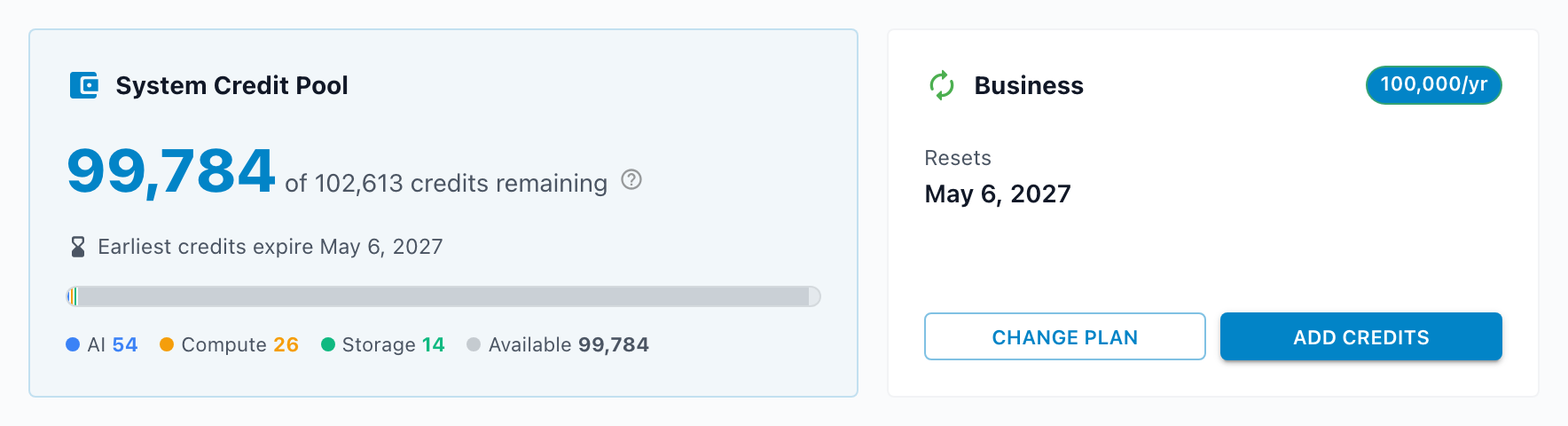
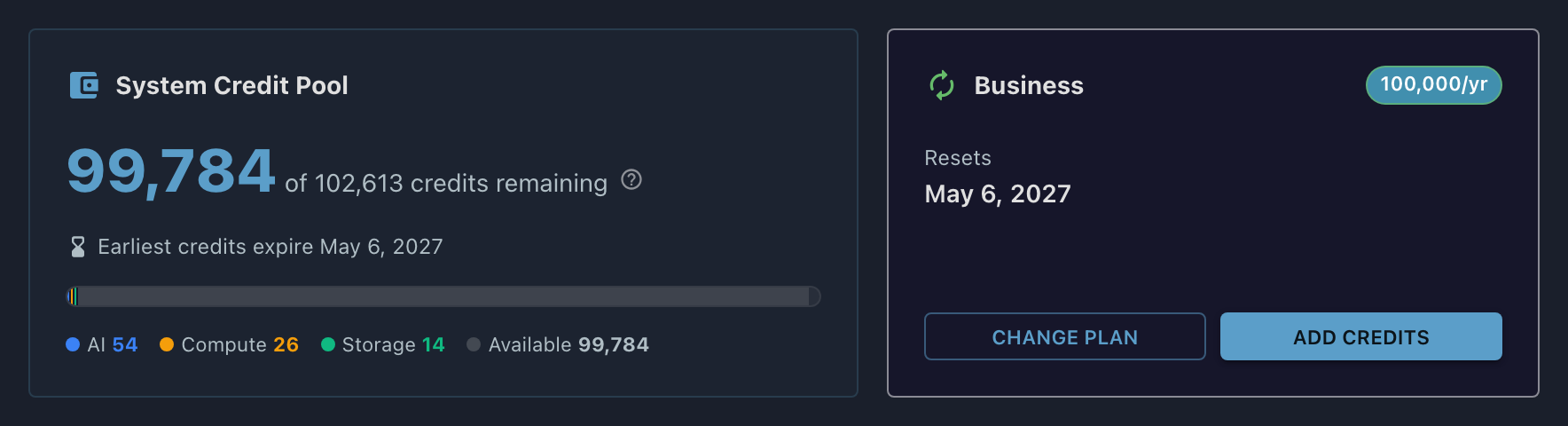
A CreditThe unit Informer meters platform activity in. AI calls, agent runs, app compute, and app storage all draw credits from your organization’s shared pool. is the unit Informer meters your organization's platform activity in. Your organization has one shared Credit poolYour organization’s shared balance of unexpired credits. Everything billable draws from the one pool, and spending always burns the oldest-expiring grant first., and everything billable draws from it: AI chats and Copilot, agent runs, and the compute and storage behind the Apps you build.
The short version
- One pool, not many meters. A quiet month for AI leaves more room for a team building Apps; a heavy month of analysis draws from the same balance. You buy capacity, then spend it wherever the work happens.
- Four resource types draw credits: AI, Agent Runs, App Compute, and App Storage. Informer meters more activity than that, but only these four consume credits.
- Hosting matters. AI always draws credits, because AI calls go through Informer's providers wherever you run. Compute, storage, and agent runs draw credits only in Informer Cloud; on your own hardware they are metered for visibility but never billed.
- Credits arrive in grants that expire. Spending burns the oldest-expiring grant first, and unused credits forfeit when their grant lapses.
Setting up
- Turn AI on
On the Features page, switch on AI Features and accept the AI terms.
- Decide who can spend
On the Access page, assign Access profileA named set of AI limits: a monthly credit cap plus the model tiers it allows. Profiles are assigned to Teams, with one system-wide default for everyone else. caps and model tiers to your Teams, and pick a default.
- Add credits
On the Subscriptions page, choose a plan or buy credits outright. Add Usage Alert recipients while you are there.
Where credits come from
The main source. An annual plan's credits land up front and last twelve months, at the best per-credit rate. See Buying credits.
Buy Credits adds a fixed pack or a pay-as-you-go amount you choose, on top of a plan or without one.
An optional safety net that purchases a refill amount you set the moment the pool reaches zero, capped per month.
Prefer an invoice or a purchase order? Contact Entrinsik sales. The purchased balance appears on the Usage page ready to convert to credits in one click.
In this section
| Article | What it covers |
|---|---|
| How credits are spent | The resource types that draw credits, what is metered but not billed, and how grants expire. |
| Buying credits | Plans, one-off and pay-as-you-go purchases, auto-replenish, invoices through sales, and bringing your own AI keys. |
| Limits and running out | The checks that can stop a request, per-User caps, App budgets, and what an empty pool looks like. |
Where do I look when...
| You want to... | Where |
|---|---|
| See how many credits are left | Usage |
| Understand what a charge on the Usage page means | How credits are spent |
| Buy credits, or set up invoicing | Buying credits |
| Work out why a request was blocked | Limits and running out |
| Know when credits expire | How credits are spent |
| Cap a Team's monthly spend | Access |