About the Assistant
The About section of the Assistant editor lets you name the Assistant, provide a short description of what it does, choose its role, and choose or generate an icon. Click Done after making changes to return to the chat and preview them.
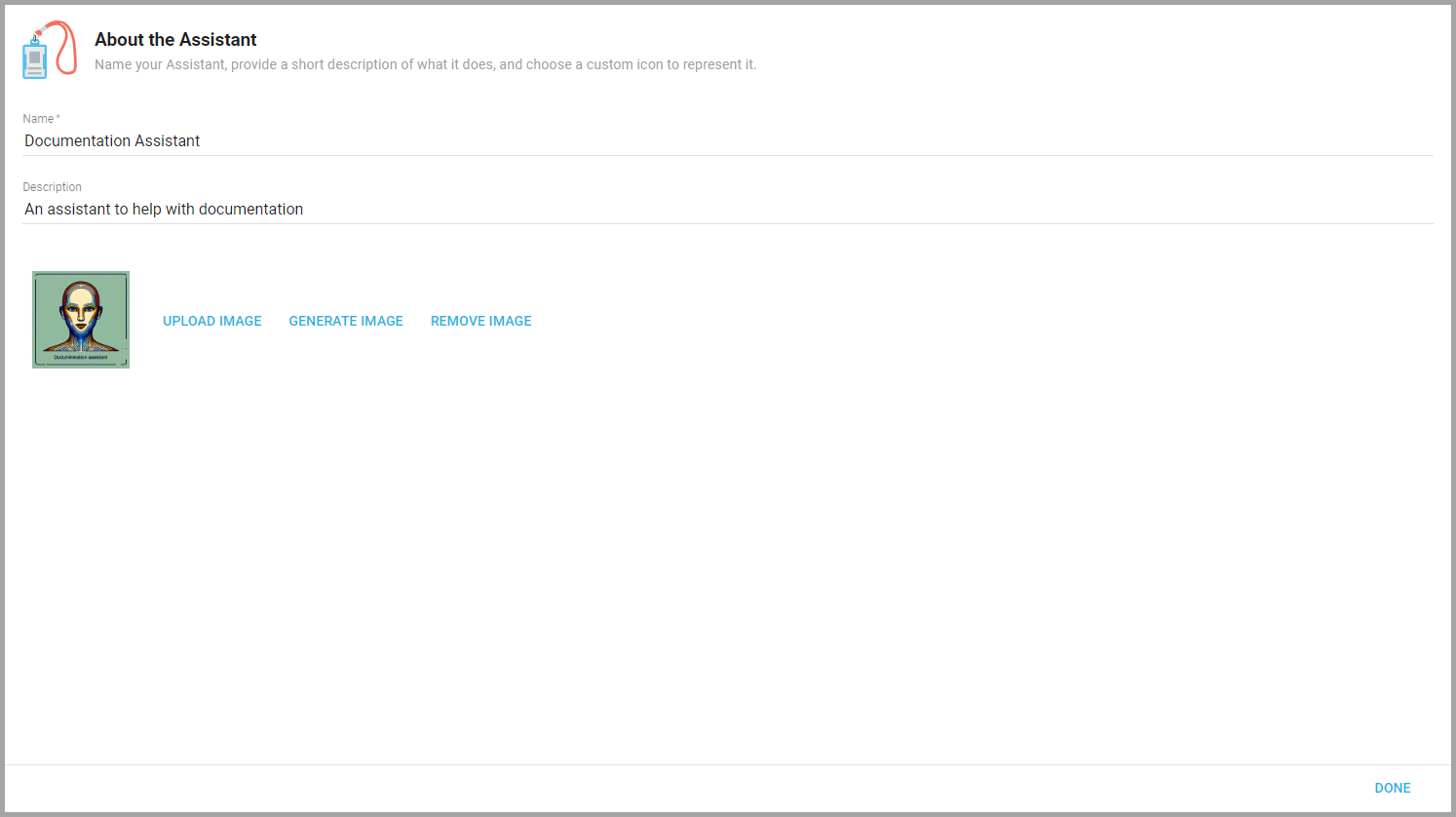
Choosing the role
Choose the Role of this Assistant is the same choice you made when creating it: Answer User questions directly for a typical Assistant, or Dispatch questions to other Assistants for one that routes questions to the specialists you attach to it. Switching the role changes the editor's left panel to match (see Creating and Editing Assistants).
Changing the icon
The Assistant's icon appears at the top of its Chat page and on the Assistant list page. Under Select an avatar for this Assistant, upload an image or have Informer generate one.
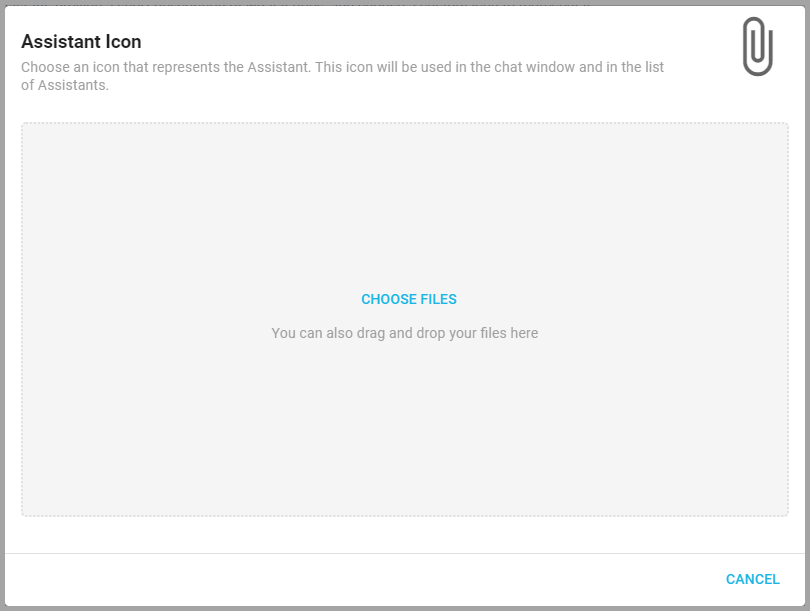
- Upload Image: Click Upload Image and drag and drop a file into the window, or click Choose Files to select one.
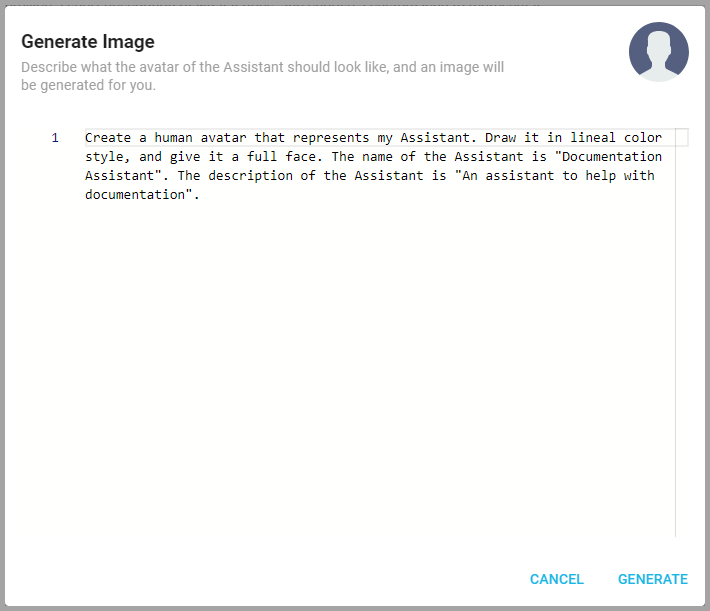
- Generate Image: Click Generate Image, enter a prompt describing the desired icon, and click Generate. This may take a moment. The Assistant automatically sets the generated icon.
- Remove Image: Remove Image removes a custom icon and reverts to the default.